What Is an STL File? (and What's a 3MF?)
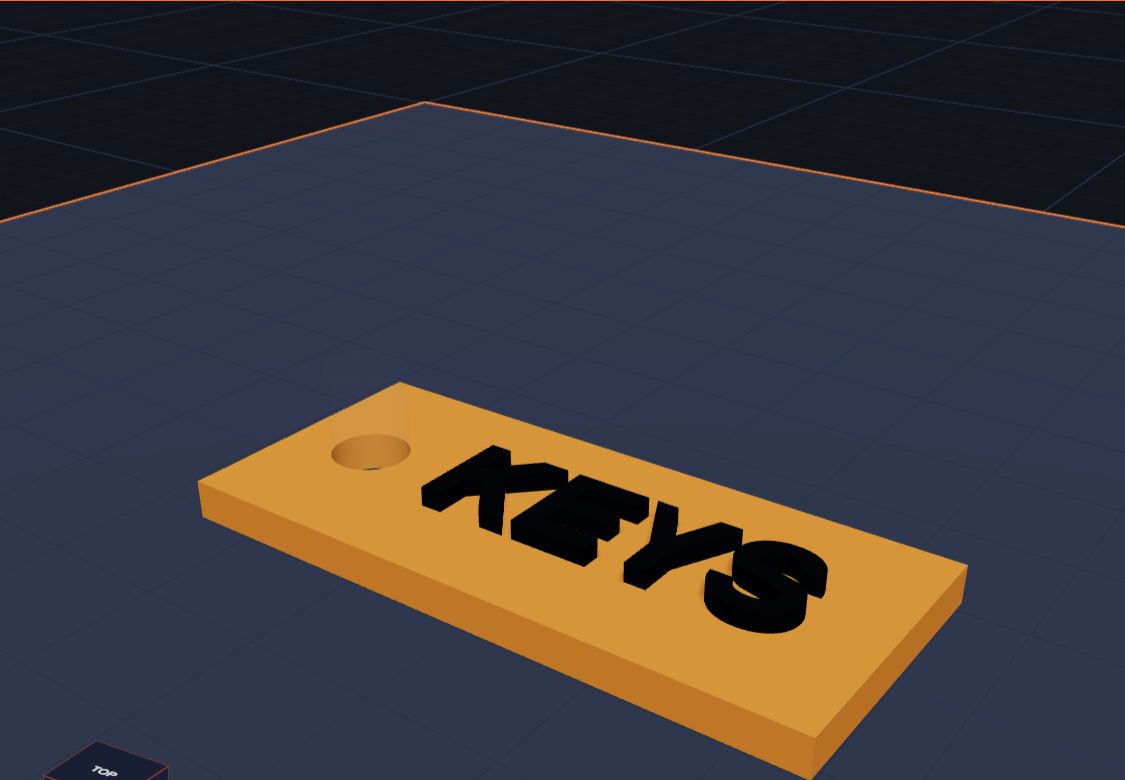
An STL file is a file that holds the shape of a 3D model, so a 3D printer can make it. It describes the outside of the model as lots and lots of tiny flat triangles. It doesn't remember colours, and it doesn't remember how you built the model. It's just the shape.
When you finish a model in Kids 3D Lab and click Export, you can download an STL file or a 3MF file. This lesson explains what those files are, how they are different, and which one to pick.
Your model is made of triangles
Look at a ball in Kids 3D Lab. It looks smooth and round. But to a computer, it is really made of many tiny flat triangles, fitted together like a mosaic. When there are enough of them, they look smooth.
An STL file is simply a long list of those triangles. For each one, it writes down where its three corners are. That's it! A simple cube needs just 12 triangles: two for each of its six faces. A smooth ball might need thousands.
Where does the name come from?
STL comes from stereolithography, one of the very first kinds of 3D printing, from the 1980s. It uses light to harden liquid plastic. The file type was made for those early printers. It was so simple and useful that almost every 3D printer still understands it today.
What is a 3MF file?
A 3MF file is a newer kind of 3D file. Like STL, it holds the shape of your model. But it can hold much more:
- Colours. Each part can keep its own colour.
- Separate parts. A model with many pieces stays as many pieces.
- Sizes. It always knows the model is in millimetres.
3MF stands for 3D Manufacturing Format. A group of companies made it together, because STL couldn't do all the things new printers can do.
STL or 3MF: which one should I pick?
| You want to… | Pick |
|---|---|
| Print in one colour on any printer | STL |
| Print in many colours on a printer that can do it | 3MF |
| Send a file to a library or a print shop | STL (everyone can open it) |
| Keep changing your model later | Neither: click Save for a .kids3d file |
Both files work with the printer's slicer app, like Cura, PrusaSlicer or Bambu Studio.
Three kinds of file, three jobs
It helps to think of three different files:
- Your build file (.kids3d). Click Save to make this. It remembers every shape, every hole, every colour and every number. Open it again later and you can keep changing your model. This is your work, so keep it safe!
- Your print file (STL or 3MF). Click Export to make this. It's the finished shape, ready for the printer. You can't easily change a ball or a hole inside it any more, because it's all just triangles now.
- The printer's instructions (G-code). The slicer app makes this from your STL or 3MF. It tells the printer exactly where to move, layer by layer. You don't need to make this yourself.
What happens in the slicer
The slicer app opens your STL or 3MF and cuts the model into hundreds of thin layers, like slicing a loaf of bread. Then it works out the path the printer's nozzle will follow for each layer. A grown-up picks the plastic, the speed and a few settings, and the slicer makes the G-code. Then the printer starts!
To learn more about how the printer builds those layers, read What Is 3D Printing?
Questions kids ask
Can I open an STL file in Kids 3D Lab?
Yes. Click Import and pick the file. It comes in as one shape, so you can move it, turn it, resize it and even cut holes in it. But you can't take it apart into the shapes it was made from, because an STL only remembers triangles.
Why is my STL file so big?
Smooth, round shapes need lots of triangles, and each triangle takes up space in the file. A model with many balls, cylinders and text letters can make a big file. That's normal, and printers don't mind.
Is an STL file a picture?
No. A picture is flat. An STL file is a 3D shape you can turn around and look at from any side. Some computers can show a small preview picture of it, though.
Does an STL file know how big my model is?
It holds numbers, but not the unit. Almost every printer treats those numbers as millimetres. Kids 3D Lab always works in millimetres, so your model prints at the right size. To be extra sure, check the size in the slicer before printing.
Can I share my STL file?
Yes, if you made it! Your design is yours. Ask a grown-up before you share any file online.
For grown-ups
Understanding file types helps children see the whole journey from idea to object: the editable design, the exported mesh, and the machine instructions. In Kids 3D Lab, the editable .kids3d file stays on your computer, and nothing is uploaded. Exported STL and 3MF files open in all the common slicers. 3MF is the better choice for printers with multi-material systems, as it keeps each colour as a separate part. If a print shop or library asks for a file, STL is the safest choice. For a step-by-step check before exporting, see Getting Your Model Ready to Print.
Keep reading
 3D printing
What Is 3D Printing?
A 3D printer makes real things you can hold, one thin layer at a time. Here is how it works, in simple words.
5 min read
3D printing
What Is 3D Printing?
A 3D printer makes real things you can hold, one thin layer at a time. Here is how it works, in simple words.
5 min read
 3D printing
Getting Your Model Ready to Print
Six simple checks before you 3D print — flat bottoms, no floating parts, the right size — plus how to save the file for your printer.
6 min read
3D printing
Getting Your Model Ready to Print
Six simple checks before you 3D print — flat bottoms, no floating parts, the right size — plus how to save the file for your printer.
6 min read
 3D printing
Choosing a First 3D Printer for Your Family
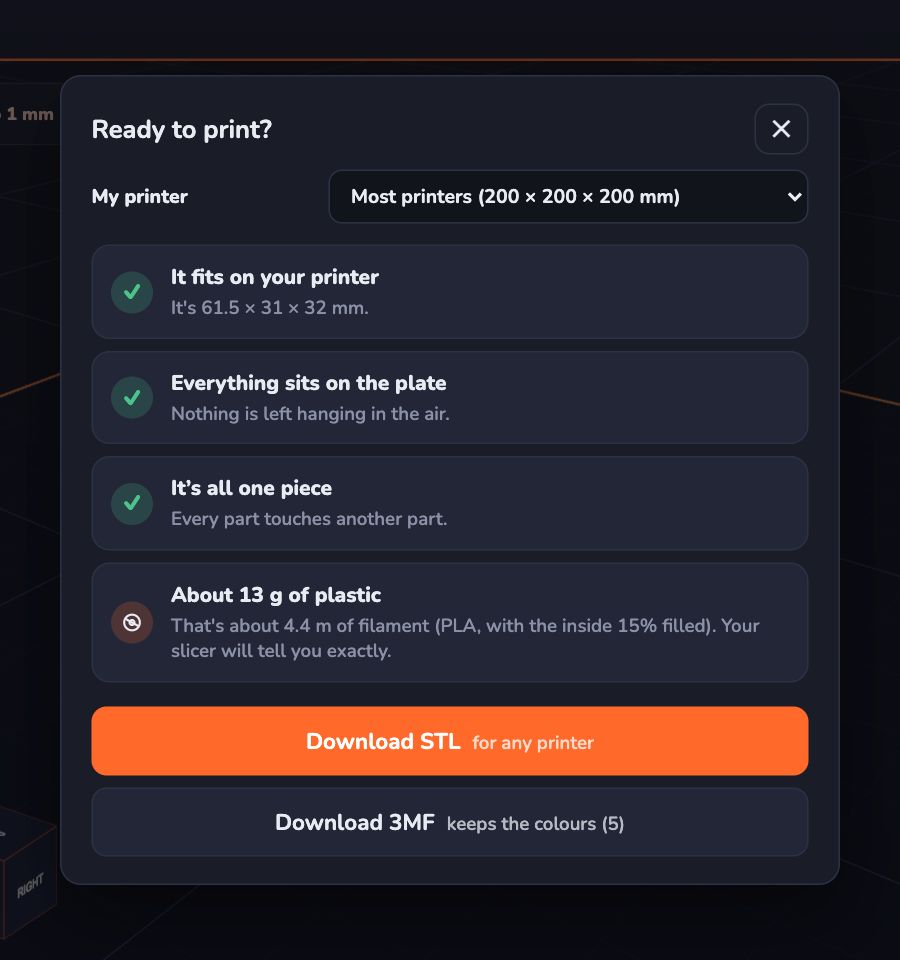
What to look for in a first 3D printer for a family with kids — size, safety, ease of use and plastic — explained in plain words, with questions to ask before you buy.
6 min read
3D printing
Choosing a First 3D Printer for Your Family
What to look for in a first 3D printer for a family with kids — size, safety, ease of use and plastic — explained in plain words, with questions to ask before you buy.
6 min read