Blog ›
Is 3D Printing Safe for Kids?
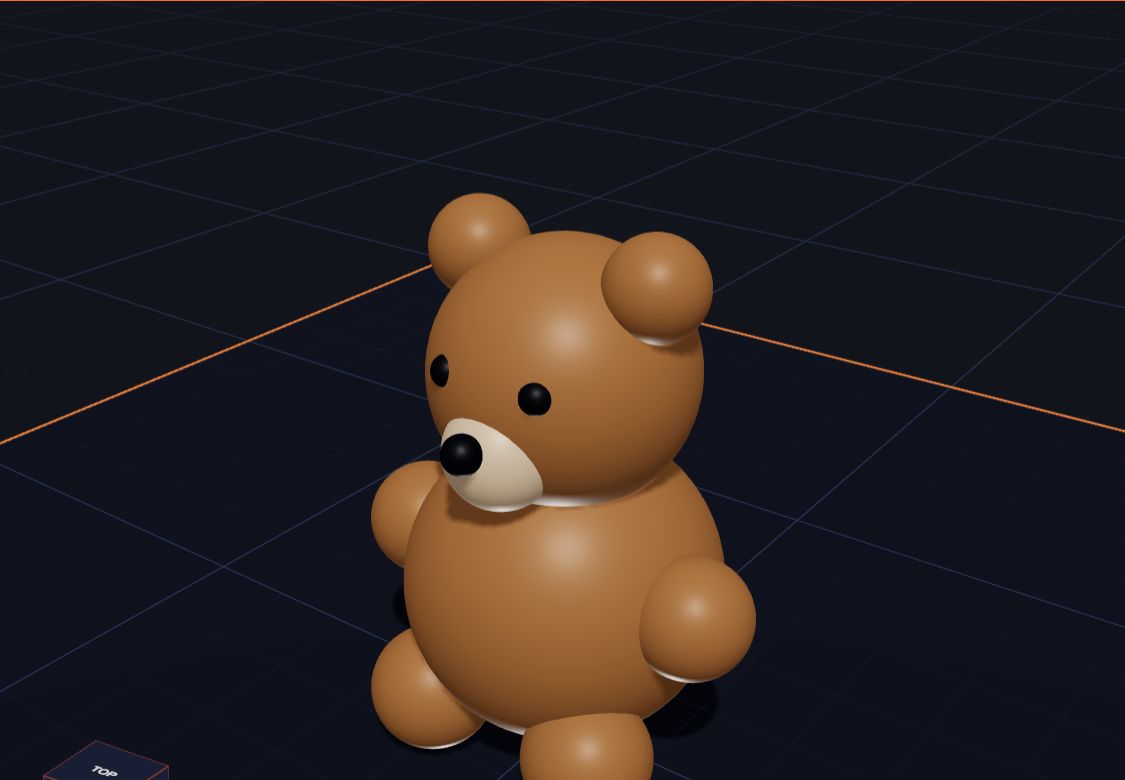
3D printing is a wonderful way for children to turn ideas into real things. It is also a machine with hot parts and moving parts. So is it safe for kids?
The short answer: designing is completely safe, and printing is safe when a grown-up is in charge and a few simple rules are followed. This guide explains those rules in plain words.
Designing is always safe
Designing a model on a computer or tablet has no special risks. There's no heat, no plastic and no moving parts. In Kids 3D Lab, there are also no accounts, no chat and no adverts, and nothing a child makes is uploaded.
The rest of this guide is about the printer.
1. Hot parts
A filament printer melts plastic in a small metal tip called the nozzle. For PLA plastic, the nozzle is usually around 200 °C. That's far hotter than boiling water. Many printers also have a heated bed, the plate the model sits on, which can be around 60 °C.
Safety rules:
- Never touch the nozzle, even after a print. It stays hot for a while.
- Let the bed cool down before taking the print off.
- Choose a printer with an enclosure, or put it where small hands can't reach.
2. Moving parts
The printer moves its nozzle and bed quickly. Fingers, hair and loose sleeves should stay away while it's running.
Safety rules:
- Don't reach inside while a print is running.
- Tie back long hair when working near the printer.
- Know where the stop or pause button is.
3. Fumes and air
When plastic melts, it gives off a smell and tiny particles into the air. PLA, the most common plastic for beginners, usually has a mild smell. Other plastics, like ABS, smell stronger.
Safety rules:
- Use PLA for children's projects.
- Put the printer in a room with good air flow. Open a window if you can.
- Don't put the printer right next to where a child sleeps.
- An enclosed printer helps keep particles inside.
4. Resin printers
Resin printers use a liquid that can irritate skin and eyes. It needs gloves, careful cleaning and good air flow. Resin printing is not recommended for young children. A filament printer with PLA is a much better choice for families.
5. Small pieces
Printed parts can be small. Tiny prints, like dice or beads, can be a choking risk for babies and toddlers. Keep small prints away from children under 3.
Also check prints for sharp edges and little strings of plastic. A grown-up can trim them. In Kids 3D Lab, Soft edges make corners smooth and nice to hold.
6. Food and printed things
It's fun to print cups, bowls and cookie cutters. But 3D prints have tiny grooves between the layers, where bits of food can stay. They are hard to clean well.
Safety rules:
- Don't use printed cups or plates for food or drink every day.
- A printed cookie cutter can be used with a grown-up's care for a short time. See Make Your Own Cookie Cutter.
- Don't put prints in the dishwasher. The heat can bend PLA.
7. Leaving it running
Prints can take hours. A printer should not be left running when nobody is home, or overnight while everybody sleeps.
Safety rules:
- Plan long prints for the daytime.
- Check on the printer now and then.
- Keep the area around it clear of paper and other things that could catch fire.
A simple family safety plan
Print this list and put it next to the printer:
- A grown-up starts and stops every print.
- No hands inside while it's running.
- Wait for it to cool before touching the print.
- Use PLA plastic.
- Keep the room airy.
- Keep small prints away from babies.
- Don't leave it running when nobody is around.
In the classroom
Schools can keep printing safe and still let children feel in charge:
- Children design; a teacher prints.
- Put the printer where the class can see it, behind a clear cover if possible. Watching a print grow layer by layer is exciting.
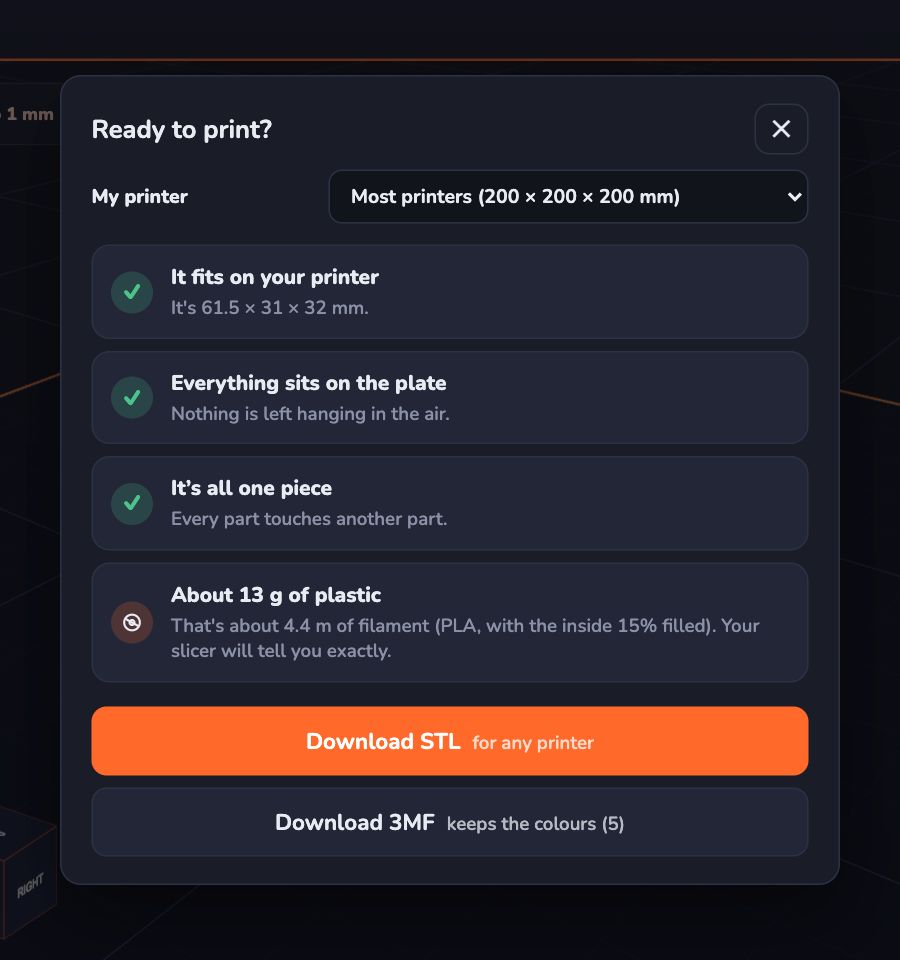
- Use Kids 3D Lab's Ready to print? check before sending files to the teacher. It finds floating parts and models that are too big, so fewer prints fail.
Questions parents ask
At what age can my child use a 3D printer?
Any age can design. For young children, a grown-up should run the printer. Older children can learn to start and stop prints with supervision. You know your child best.
Is the smell harmful?
PLA usually has a mild smell. Still, it's wise to use the printer in a room with good air flow and not in a small closed space.
Are printed toys safe for babies?
Small printed parts can be a choking hazard. Keep small prints away from children under 3.
What should I do if a print goes wrong?
Pause or stop the printer, let it cool, and then clear it away. Failed prints are normal and safe to throw away.
For grown-ups
Safety and learning go well together. When children understand why the nozzle is hot and why air flow matters, they treat the printer with respect. Let them help plan a print: choosing the plastic, checking the file, and deciding when to print. Being part of the plan builds good habits. For choosing a printer with good safety features, see Choosing a First 3D Printer for Your Family.
Keep reading
 3D Design Lesson Plans for Grades 3 to 5
Five ready-to-use 3D design lessons for grades 3 to 5 with Kids 3D Lab — shapes, measuring, holes, symmetry and a design challenge — with goals, steps and ideas for checking learning.
7 min read
3D Design Lesson Plans for Grades 3 to 5
Five ready-to-use 3D design lessons for grades 3 to 5 with Kids 3D Lab — shapes, measuring, holes, symmetry and a design challenge — with goals, steps and ideas for checking learning.
7 min read
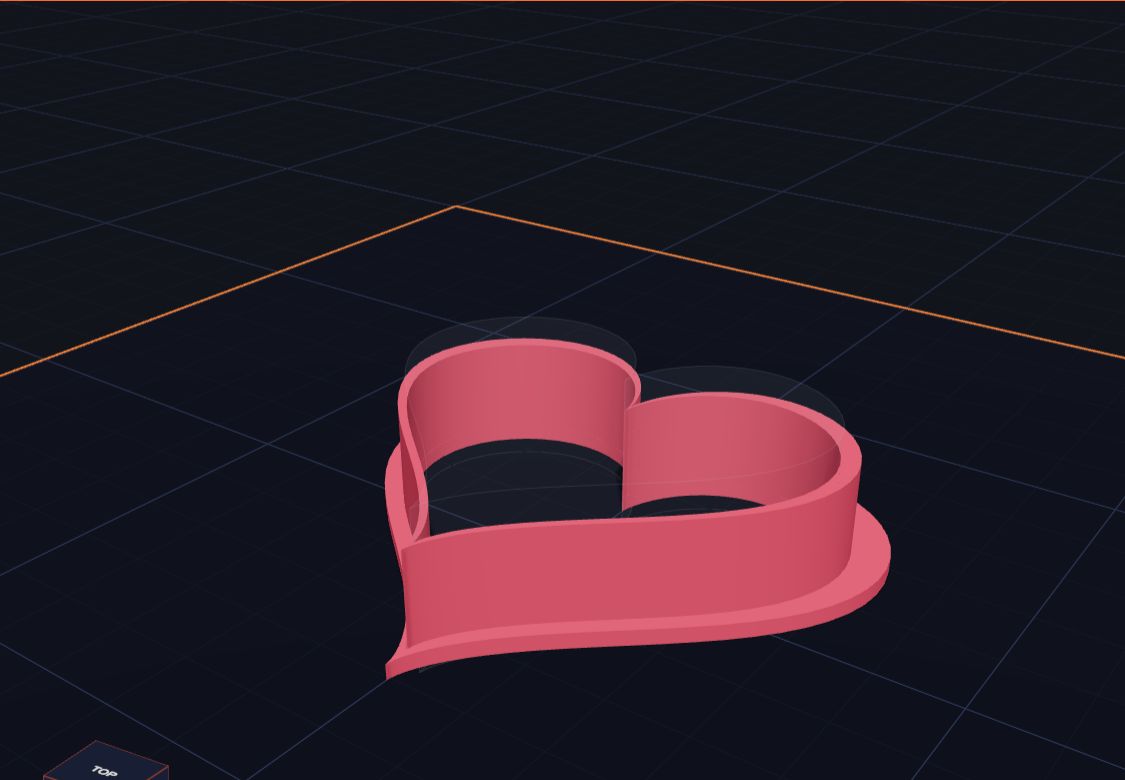 Make Your Own Cookie Cutter
Design a heart-shaped cookie cutter in Kids 3D Lab with two hearts and a heart-shaped hole, then learn how to make stars, animals and your own shapes.
6 min read
Make Your Own Cookie Cutter
Design a heart-shaped cookie cutter in Kids 3D Lab with two hearts and a heart-shaped hole, then learn how to make stars, animals and your own shapes.
6 min read
 What Is CAD? Explained for Kids
CAD means computer-aided design. Learn what CAD is, who uses it, how it helps make cars, phones and toys, and how you can start doing CAD today.
5 min read
What Is CAD? Explained for Kids
CAD means computer-aided design. Learn what CAD is, who uses it, how it helps make cars, phones and toys, and how you can start doing CAD today.
5 min read