How to 3D Print Without Owning a 3D Printer
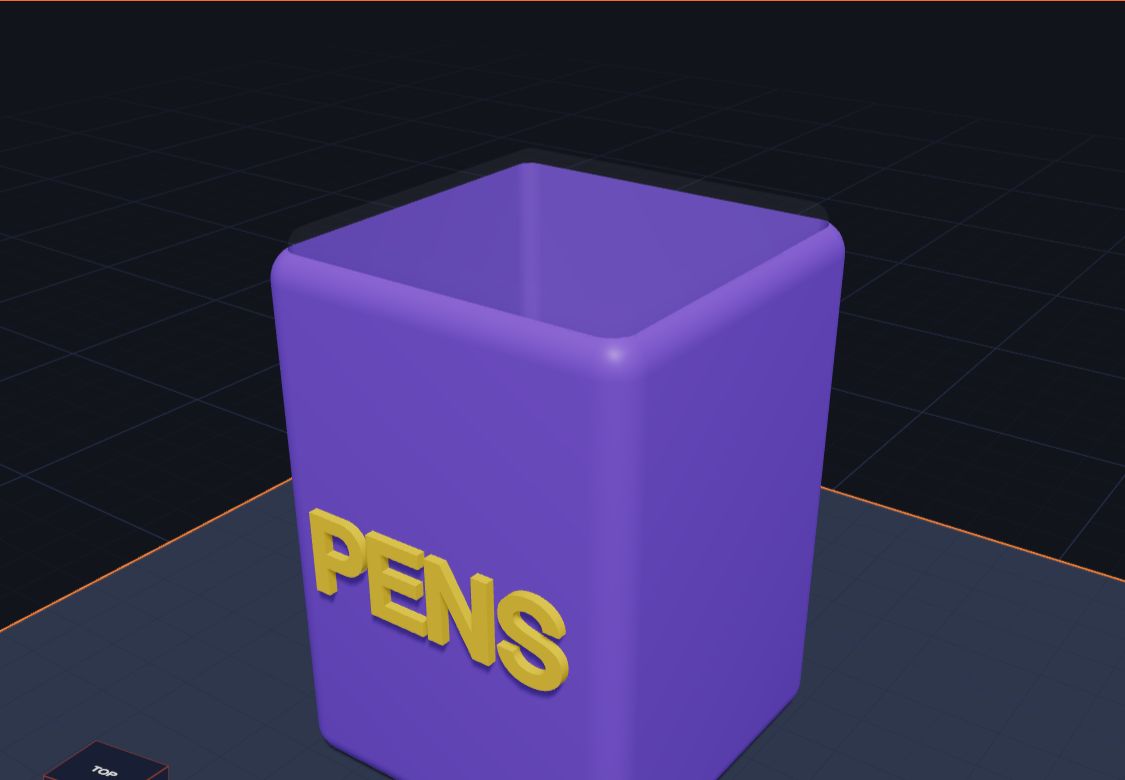
You don't need your own 3D printer to hold your design in your hand. Lots of places will print it for you: libraries, schools, makerspaces and online print services. All you need is the file from Kids 3D Lab and a grown-up to help.
This guide explains each choice, what to send, what it might cost and how long it usually takes. It's written for parents, but kids can read along too.
First, make the right file
Whichever place you choose, they will ask for a file. In Kids 3D Lab:
- Finish your model and click Save, so you can change it later.
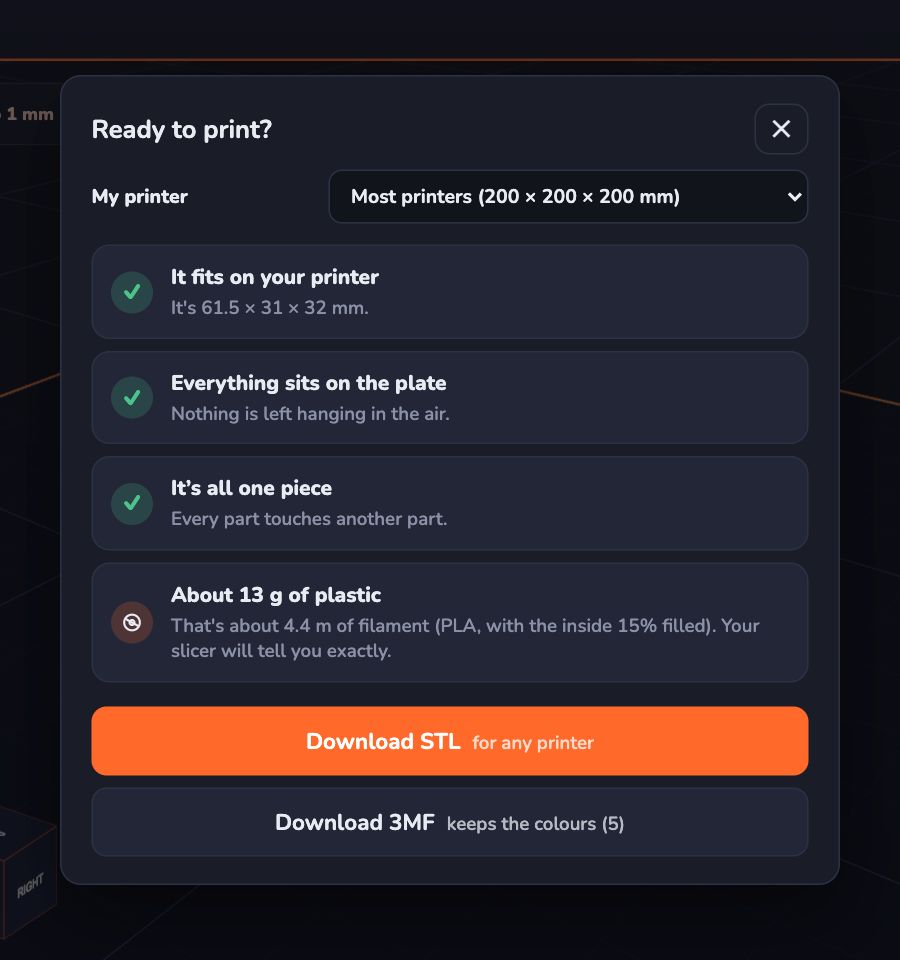
- Click Export. The Ready to print? box checks your model.
- Fix anything it shows, like floating parts or holes that cut nothing.
- Click Download STL. Almost every printer and print service can open an STL file.
Not sure what an STL file is? Read What Is an STL File?
Choice 1: Your local library
Many public libraries now have a makerspace: a room with 3D printers, craft tools and sometimes laser cutters. Some print small items for free. Others charge a small amount, often based on how much plastic the print uses.
How it usually works:
- You email or bring the STL file on a USB stick, or fill in a form on the library's website.
- Staff check it and add it to the queue.
- You collect it when it's ready, often after a few days or a week or two.
Good to know: libraries often have a size limit and a time limit for each print. A keychain or name tag is perfect. A big model may need to be made smaller. Ask at the desk or look on the library's website for "makerspace" or "3D printing".
Choice 2: School
Many schools have a 3D printer in the science, design or computer room. Even primary schools sometimes have one. Ask your child's teacher. A small design like a name tag is a lovely thing to bring in, and teachers are often happy to print pupils' work. It's also a great way to show the teacher what your child has been learning.
Choice 3: A makerspace or hackerspace
A makerspace is a community workshop where people share tools. Some are run by charities, colleges or groups of volunteers. Many have open days, family sessions or kids' clubs, where your child can watch their design print, which is the best part!
You may need to become a member, or pay a small fee to use a printer. Some will print for you. Others teach you how to do it yourself.
Choice 4: An online print service
There are many companies online that print 3D files and post them to you.
How it usually works:
- A grown-up makes an account and uploads the STL file.
- You choose the plastic and the colour. For kids' designs, the most common plastic, called PLA, is fine.
- The website shows a price. It depends on the size and the plastic.
- You pay, and the print arrives by post.
Good to know: online services can make very big or very detailed prints, in more colours and materials than a library. But they cost more, and you pay for postage. Prices and delivery times vary a lot, so compare a few before you choose. A grown-up should always handle the account and the payment.
Choice 5: Someone you know
3D printing is a popular hobby. A friend, a neighbour, a family member or a parent at school might have a printer and be happy to help. Many people love printing things kids have designed. Send them the STL file, and maybe offer to pay for the plastic.
Which choice is best?
| Choice | Cost | Speed | Best for |
|---|---|---|---|
| Library | Free or low | Days to weeks | Small first prints |
| School | Often free | Depends on the teacher | Class projects |
| Makerspace | Small fee or membership | Same day if you print it yourself | Watching it print |
| Online service | Higher, plus postage | Usually a week or more | Big or special prints |
| Someone you know | Often just the plastic | Varies | Anything! |
Tips to keep the cost down
- Make it smaller. A model half the size uses about an eighth of the plastic.
- Make it thinner. A name tag doesn't need to be 10 mm thick. 3 mm is plenty.
- Don't make it solid if you don't need to. The printer usually fills the inside with a light pattern, but very chunky models still use lots of plastic.
- Print a few things at once. Some places charge per print, so put two or three small designs together in one go.
Questions kids ask
Is it expensive?
A small model, like a keychain, uses very little plastic, so it usually doesn't cost much. Big models cost more. Libraries and schools are often the cheapest choice.
How long does it take?
The printing itself might take an hour or two for a small model. Waiting for your turn can take longer. Online services also need time to post it.
Can they print it in my colours?
Most places print in one colour. Pick the colour you like best. Some online services can print in many colours: send the 3MF file for that.
What if they say my model has a problem?
Open your saved .kids3d file in Kids 3D Lab, fix the problem, and export a new STL. The Ready to print? box can help you find it.
Is there a free 3D printer for kids?
Designing is free: Kids 3D Lab costs nothing. A printer itself costs money, but your school or library may let you use theirs for free. If your family is thinking about buying one, read Choosing a First 3D Printer for Your Family.
For grown-ups
For a first print, a library or school is usually the simplest route and the most exciting for a child, especially if they can watch the printer working. Keep the first model small and flat-bottomed; the Getting Your Model Ready to Print checklist helps. If you're thinking about buying a printer later, using a library or makerspace first is a good way to find out how often your family would really use one. See Choosing a First 3D Printer for Your Family and Is 3D Printing Safe for Kids? when you're ready.
Keep reading
 3D printing
What Is 3D Printing? Explained for Kids
What is a 3D printer, and what does it do? A 3D printer makes real things you can hold, one thin layer at a time. 3D printing explained for kids, with fun facts.
6 min read
3D printing
What Is 3D Printing? Explained for Kids
What is a 3D printer, and what does it do? A 3D printer makes real things you can hold, one thin layer at a time. 3D printing explained for kids, with fun facts.
6 min read
 3D printing
Getting Your Model Ready to Print
Six simple checks before you 3D print — flat bottoms, no floating parts, the right size — plus how to save the file for your printer.
6 min read
3D printing
Getting Your Model Ready to Print
Six simple checks before you 3D print — flat bottoms, no floating parts, the right size — plus how to save the file for your printer.
6 min read
 3D printing
Choosing a First 3D Printer for Your Family
What to look for in a first 3D printer for a family with kids — size, safety, ease of use and plastic — explained in plain words, with questions to ask before you buy.
7 min read
3D printing
Choosing a First 3D Printer for Your Family
What to look for in a first 3D printer for a family with kids — size, safety, ease of use and plastic — explained in plain words, with questions to ask before you buy.
7 min read