Blog ›
Choosing a First 3D Printer for Your Family
Your child has been designing in 3D, and now they want to hold what they made. Should you buy a 3D printer? And which one?
This post doesn't tell you to buy one special model. Printers change every year, and prices go up and down. Instead, it explains what to look for, so you can choose well whenever you shop. It's written for grown-ups, in plain words, so kids can read it too.
Do you need a printer at all?
Not always. Before you buy, think about these options:
- Libraries and schools. Many have a 3D printer and will print small items for free or for a small fee.
- Makerspaces. Community workshops often have printers and friendly people to help.
- Print services. You upload a file, and they post the print to you.
These are great for trying 3D printing before you spend money. If your child is printing something every week, then a home printer starts to make sense.
Two kinds of printers
There are two main kinds of home 3D printers.
Filament printers (also called FDM). These melt a plastic thread, called filament, and build the model layer by layer. They are the most common home printers.
Resin printers. These use a liquid resin and light to make very detailed models. The resin can irritate skin and needs gloves, careful cleaning and good air flow.
For families with children, a filament printer is the usual choice. It's simpler, cleaner and safer to use at home.
What to look for
1. Easy set-up
Some printers arrive almost ready. Others come as a kit of parts. For a family, choose one that is mostly built and easy to set up. Look for automatic bed levelling. The "bed" is the plate the model is printed on. If it isn't perfectly level, prints fail. Automatic levelling does this job for you.
2. The right size
A printer's build size is the biggest thing it can print, like 180 × 180 × 180 mm. Most kids' projects are much smaller than that. A name tag is 56 mm long. A pen pot is 85 mm tall. So you don't need a giant printer. A small or medium printer is fine, and it takes up less space.
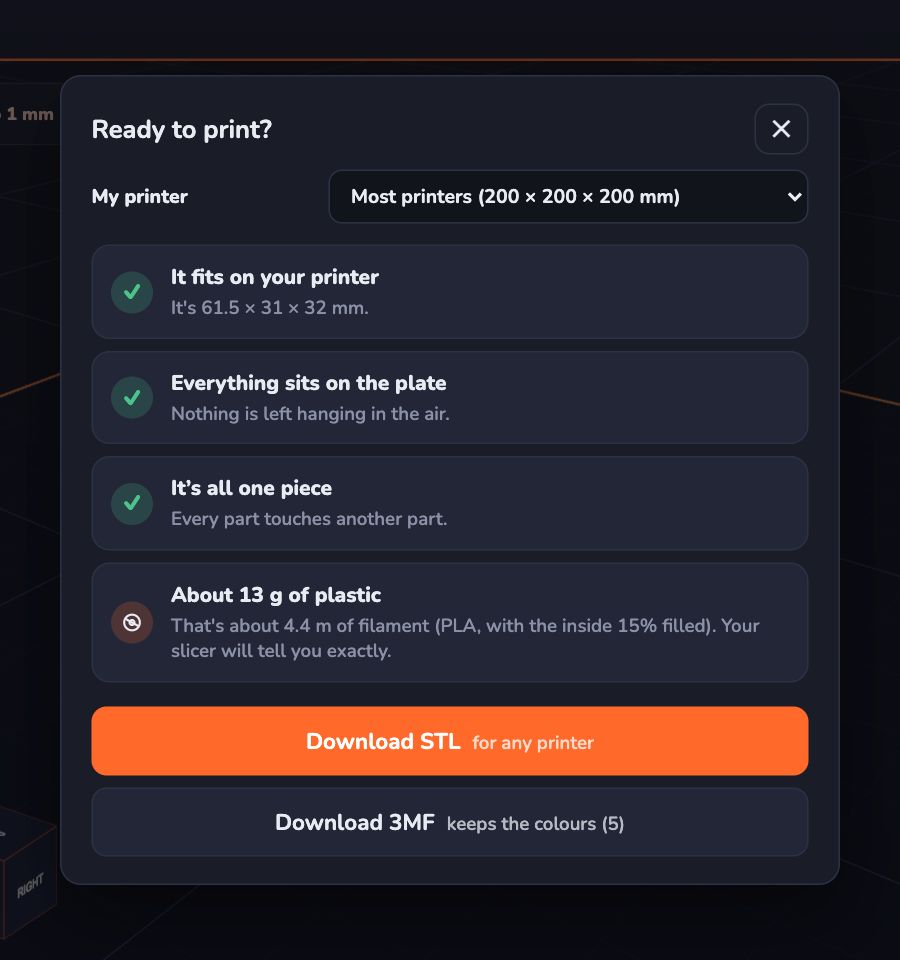
In Kids 3D Lab, open Ready to print? and pick a printer from the list, like the Bambu Lab A1 mini, the Prusa MINI or the Creality Ender-3. The plate on screen changes to that size, so you can see how big you can go.
3. Safety features
A 3D printer has a very hot nozzle and moving parts. Look for:
- A closed box (enclosure), or a design that keeps fingers away from hot parts.
- A way to stop a print quickly.
- Good reviews for reliability, so it isn't left running for hours with problems.
Read more in Is 3D Printing Safe for Kids?.
4. PLA plastic
PLA is the easiest plastic to print. It melts at a lower temperature than many other plastics and has less smell. Make sure your printer prints PLA well. Almost all do.
5. Easy software
Every printer needs a slicer. That's an app that turns a model file into instructions for the printer. Popular slicers include Cura, PrusaSlicer and Bambu Studio. Choose a printer with a slicer that's easy to use, with good ready-made settings.
6. Quiet enough for home
Prints can take hours. Some printers are quiet; others are loud. If the printer will live in a bedroom or a living room, check reviews for noise.
7. More than one colour?
Some printers can change between several colours by themselves. They're fun, but they cost more and waste some plastic when switching colours. A one-colour printer is a great start. You can still make two-colour prints by pausing and changing the plastic halfway.
Questions to ask before you buy
- Is it mostly built, or a kit?
- Does it have automatic bed levelling?
- Is it enclosed, or are the hot parts easy to touch?
- How big is the build size?
- Does it print PLA well with the standard settings?
- Is the slicer app easy to use?
- Is there a helpful community, with videos and answers?
- How much does the filament cost, and is it easy to buy where you live?
- How loud is it?
- Are spare parts easy to find?
The real running costs
The printer is only the start. You'll also buy filament, which comes on a spool, usually 1 kg. Each print uses some of it. The good news: kids' projects are small. In Kids 3D Lab, the Ready to print? box shows about how many grams each model needs. A keychain might use only a few grams, so a spool lasts a long time.
Getting the first print right
- Start with the printer's own test print. It checks that everything works.
- Then print something small your child designed, like a name tag.
- Use PLA and the slicer's standard settings.
- Watch the first layer. Most failed prints go wrong at the start.
Questions parents ask
How old should my child be to use a printer?
Children of any age can design. Using the printer should be a grown-up's job for young children. Older children can learn to start prints with supervision.
Can the printer stay on overnight?
It's best not to leave a printer running when nobody is home or awake. Plan long prints for the daytime.
Which printer is best?
It depends on your space, budget and how much your child prints. Use the checklist above and read recent reviews, because models change every year.
Do I need Wi-Fi?
No. Most printers can print from a memory card or a cable. Wi-Fi is handy but not needed.
For grown-ups
A printer is a tool for learning, not only a toy. The most valuable moments often come from failed prints: the tag that snapped because it was too thin, the lid that didn't fit. Encourage your child to look at what went wrong, change the design and try again. Keep a small box of "first tries" to show how far they've come. For more on printing, read Getting Your Model Ready to Print.
Keep reading
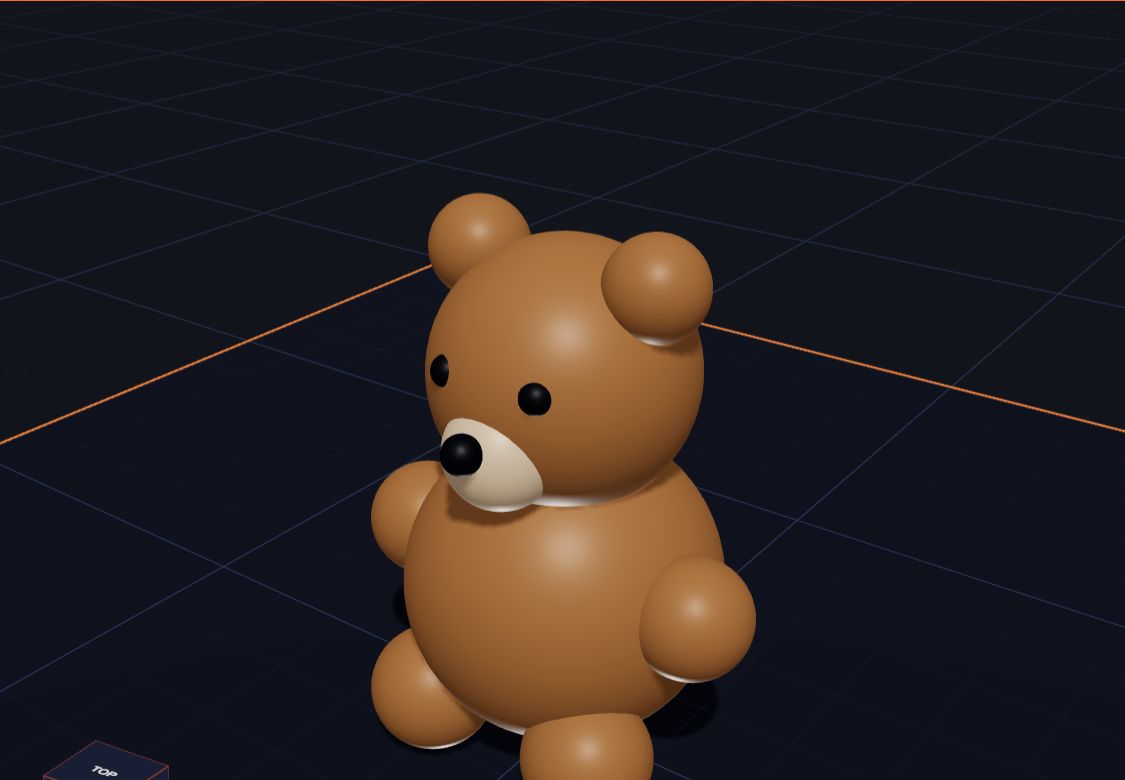 Is 3D Printing Safe for Kids?
A clear, calm guide to 3D printing safety for families and classrooms — hot parts, moving parts, fumes, small pieces and food — and simple rules that keep kids safe.
5 min read
Is 3D Printing Safe for Kids?
A clear, calm guide to 3D printing safety for families and classrooms — hot parts, moving parts, fumes, small pieces and food — and simple rules that keep kids safe.
5 min read
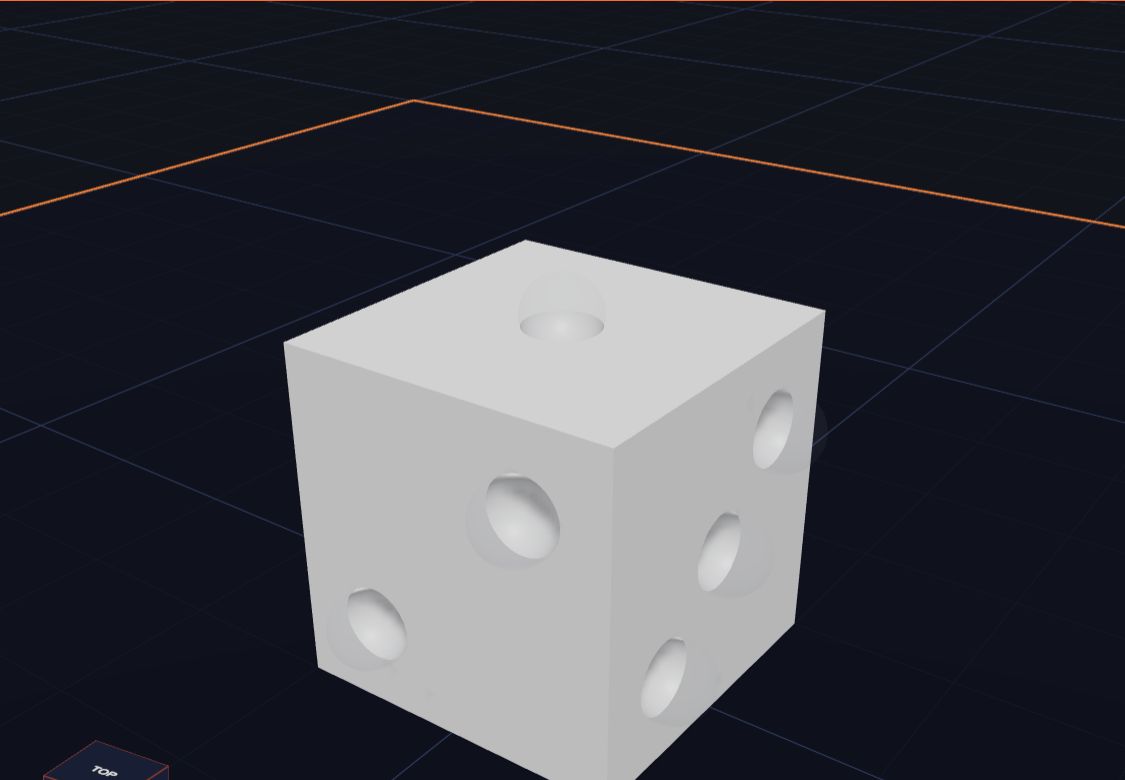 3D Design Lesson Plans for Grades 3 to 5
Five ready-to-use 3D design lessons for grades 3 to 5 with Kids 3D Lab — shapes, measuring, holes, symmetry and a design challenge — with goals, steps and ideas for checking learning.
7 min read
3D Design Lesson Plans for Grades 3 to 5
Five ready-to-use 3D design lessons for grades 3 to 5 with Kids 3D Lab — shapes, measuring, holes, symmetry and a design challenge — with goals, steps and ideas for checking learning.
7 min read
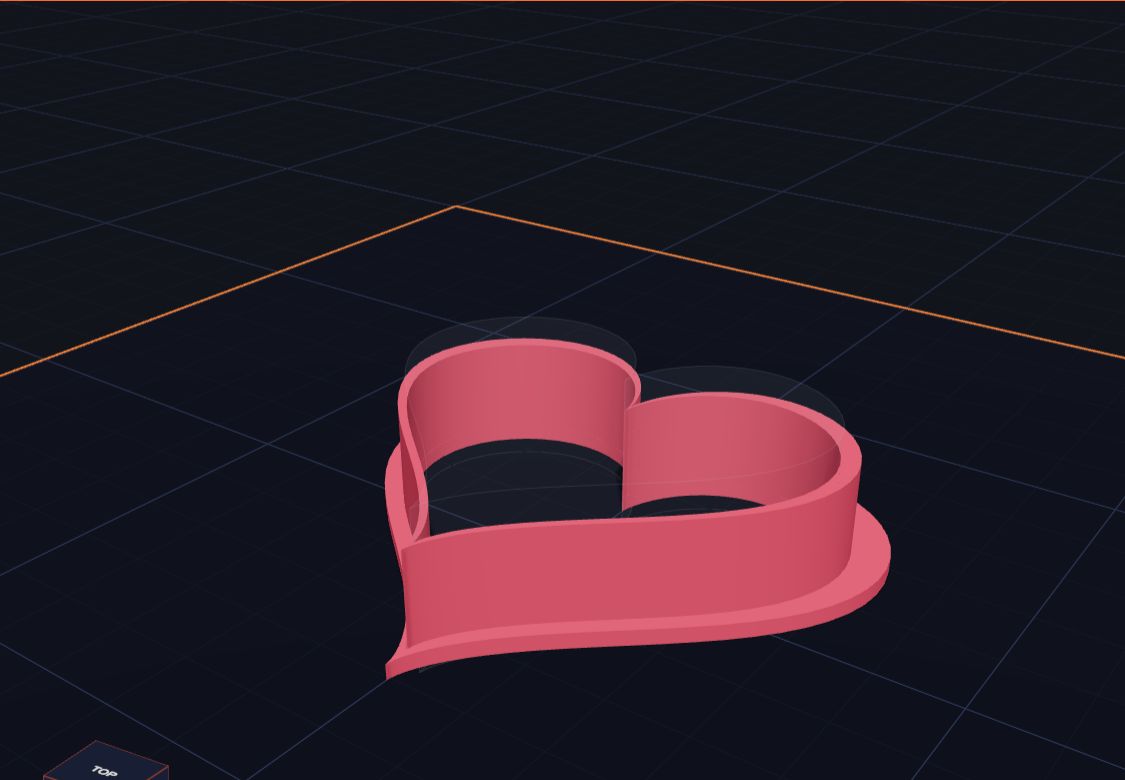 Make Your Own Cookie Cutter
Design a heart-shaped cookie cutter in Kids 3D Lab with two hearts and a heart-shaped hole, then learn how to make stars, animals and your own shapes.
6 min read
Make Your Own Cookie Cutter
Design a heart-shaped cookie cutter in Kids 3D Lab with two hearts and a heart-shaped hole, then learn how to make stars, animals and your own shapes.
6 min read