The Kids 3D Lab Blog
Easy lessons in 3D design and printing. Read one, then build it!
 Maths & science
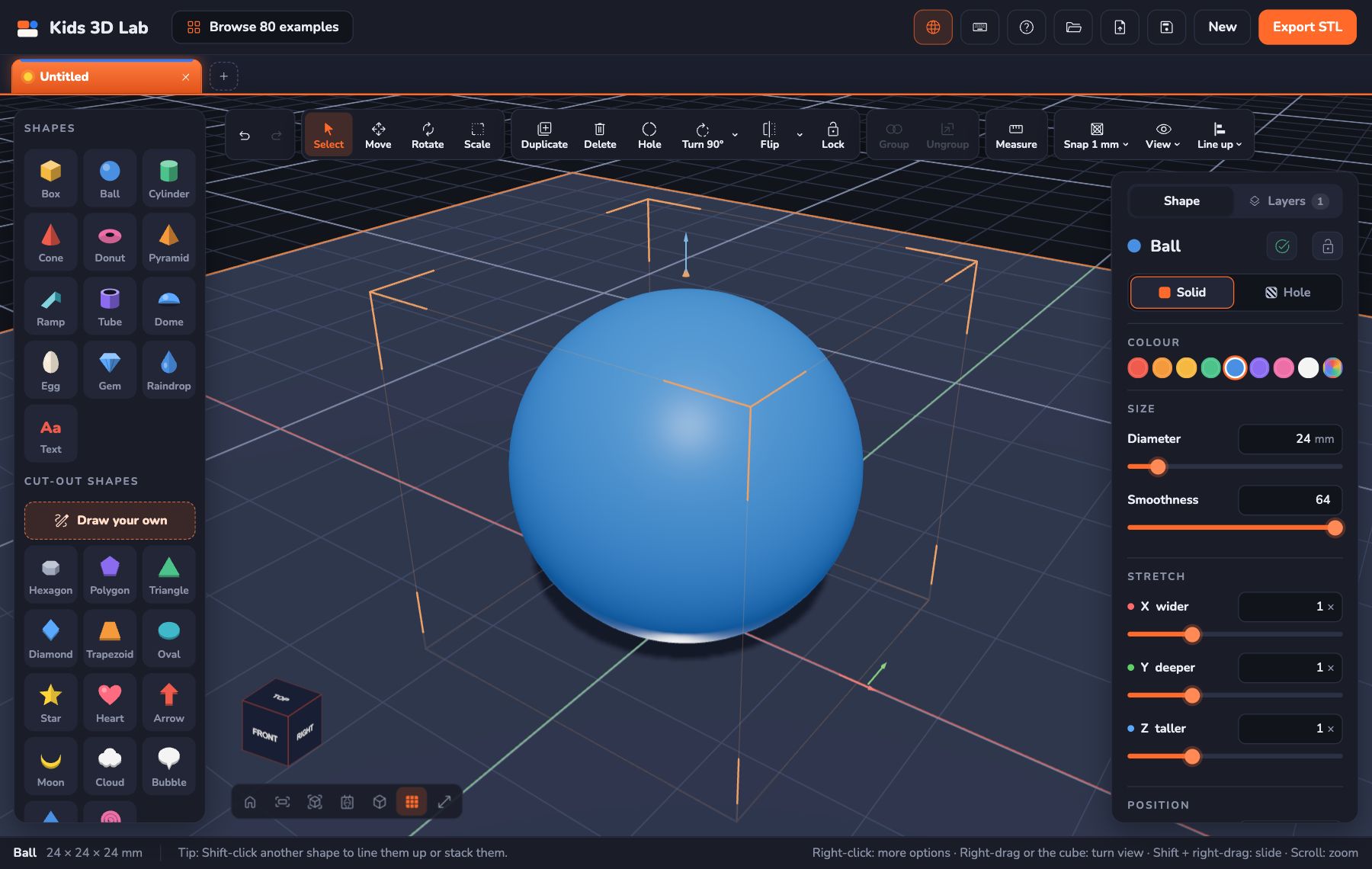
X, Y and Z: How 3D Space Works
Every 3D model lives in a space with three directions — X, Y and Z. Learn what they mean, how numbers tell a shape where to go, and practise in Kids 3D Lab.
8 min read
 Holidays
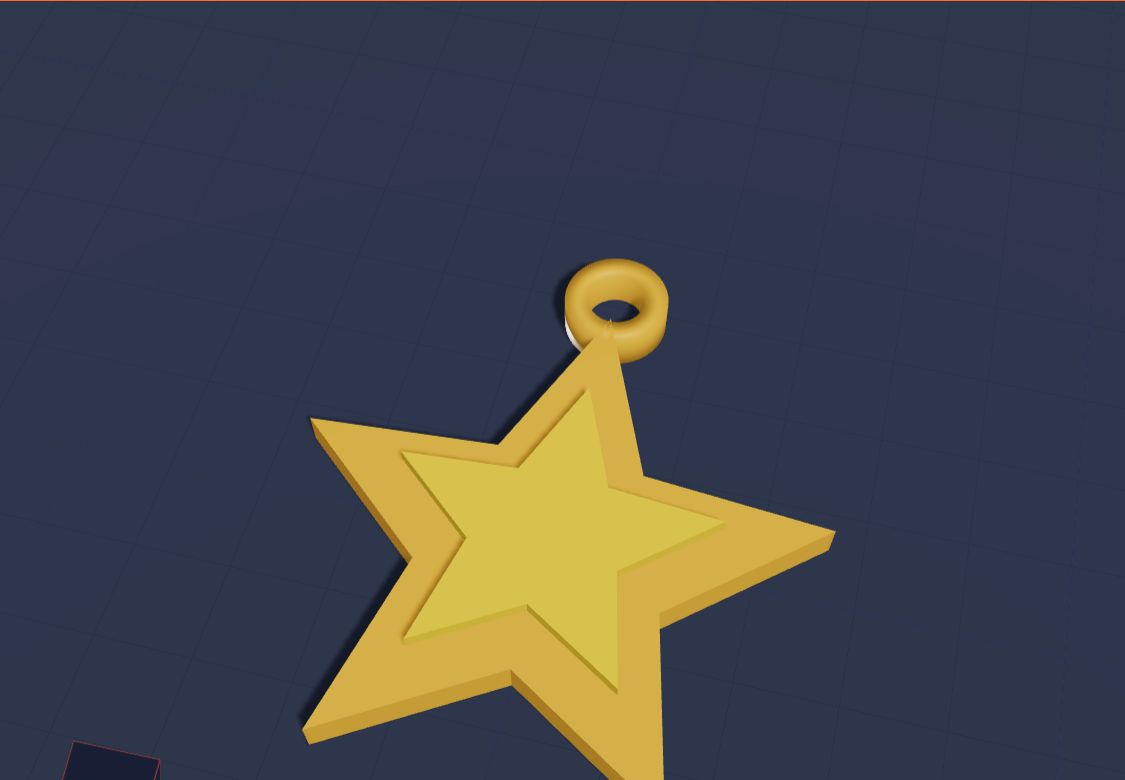
Design a Christmas Ornament You Can Print
Design your own 3D printed Christmas ornament in Kids 3D Lab — a golden star with a loop for the string — then add a name to make a gift for every family member.
6 min read
 App skills
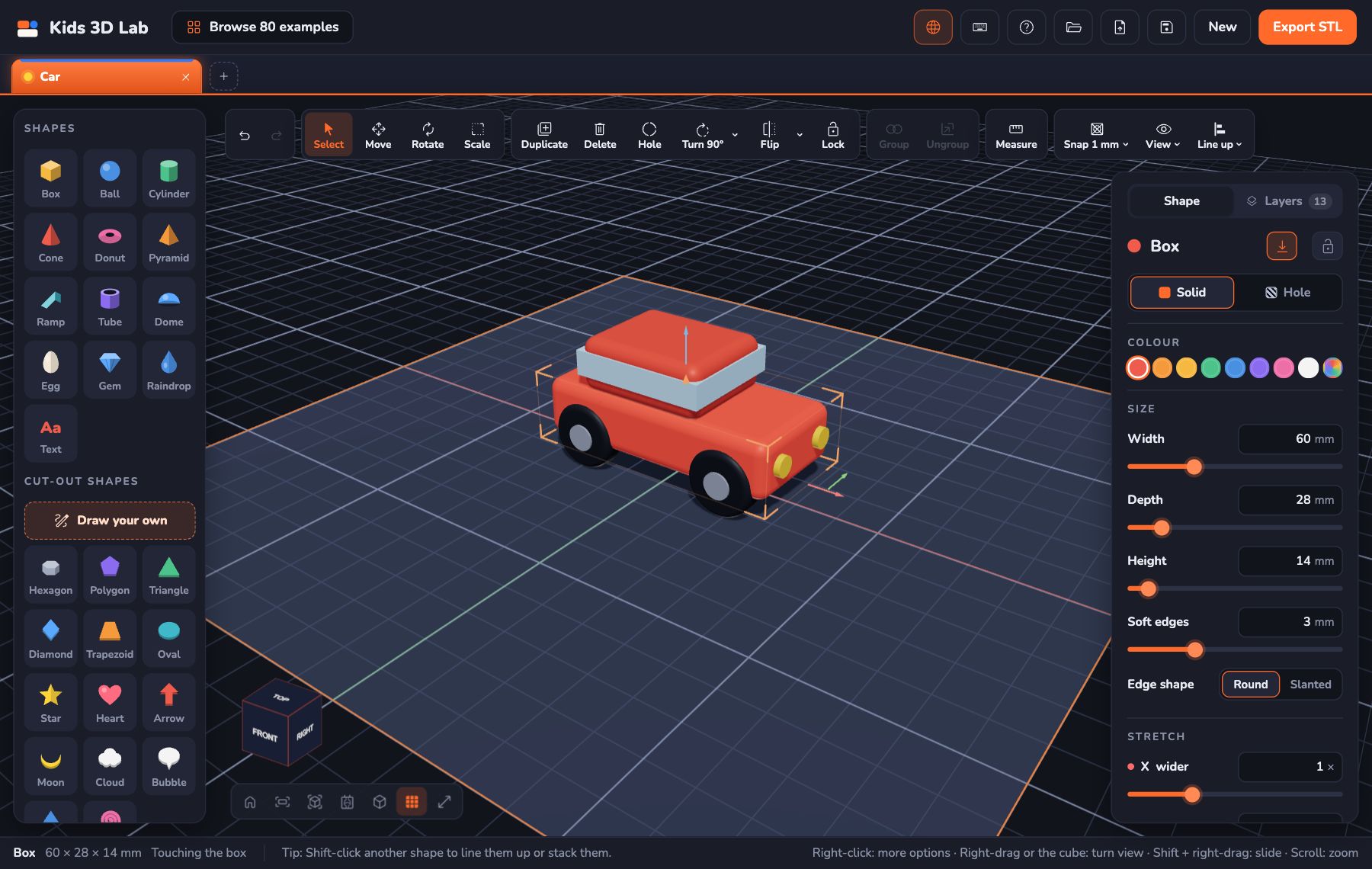
Free 3D Design for Kids on a Tablet, iPad or Chromebook
Can kids do 3D design on a tablet? Yes — free, in the browser, with no app to install and no sign-up. Touch controls for iPad, Android tablets and Chromebooks, saving tips and quick fixes.
7 min read
 App skills
CAD for Kids: Free Computer-Aided Design for Ages 5 and Up
CAD for kids, explained simply — what computer-aided design is, why it's great for children, and how kids can start doing real CAD today, for free, in the browser on a tablet or computer.
7 min read
 Grown-ups
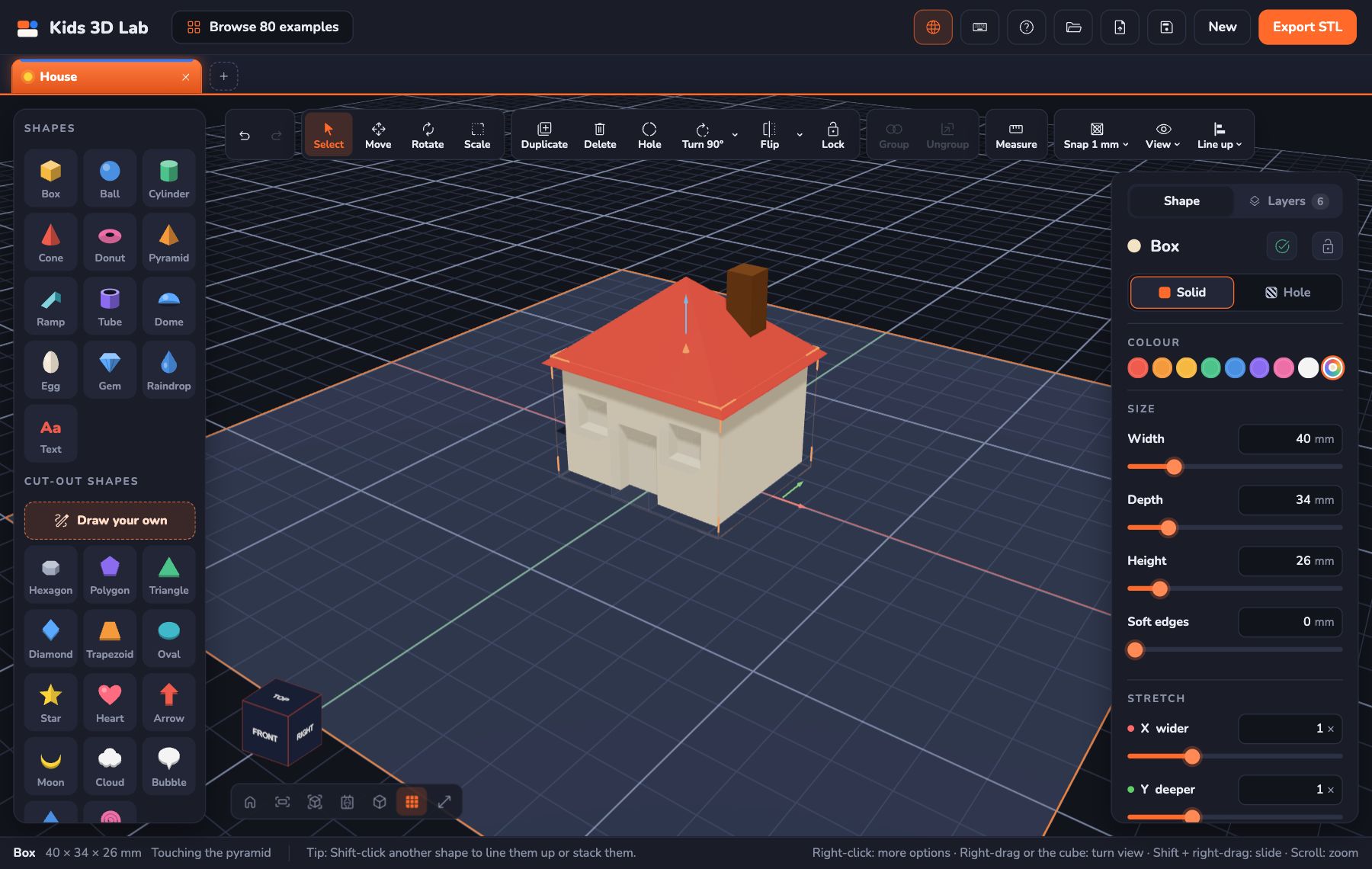
The Best Free 3D Design Software for Kids (2026)
A parent's guide to free 3D design software for kids by age — from first steps at 5 to real CAD for teens — with what each tool is good for and whether it needs an account.
6 min read
 Projects
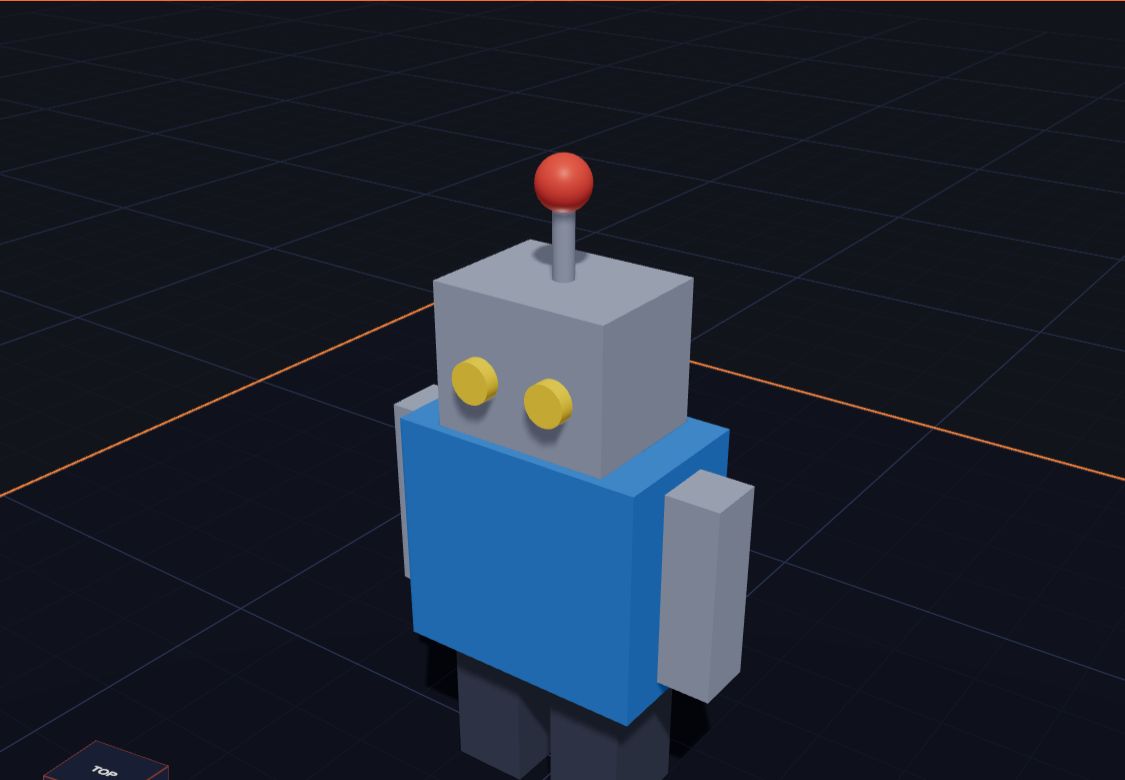
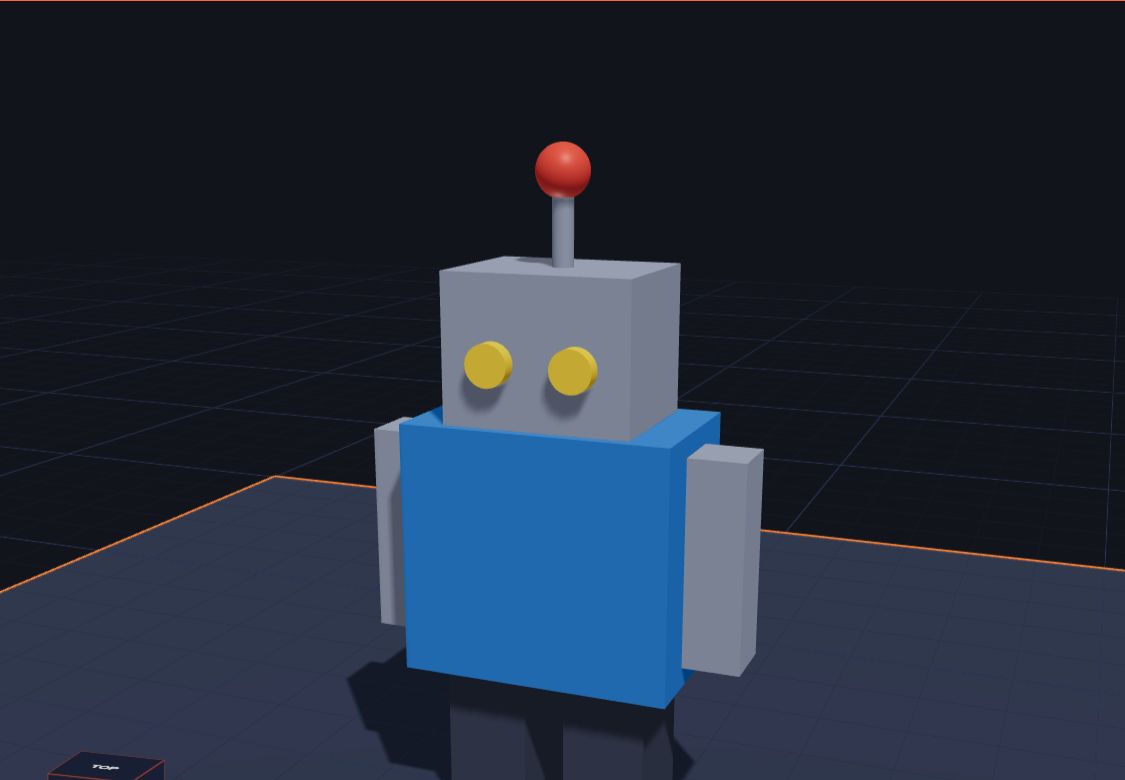
Make a Robot Friend From Shapes
Build a 3D robot in Kids 3D Lab from boxes, cylinders and a ball — legs, a body, arms, a head and an antenna — then paint it and group it. A fun robot project for kids.
6 min read
 3D printing
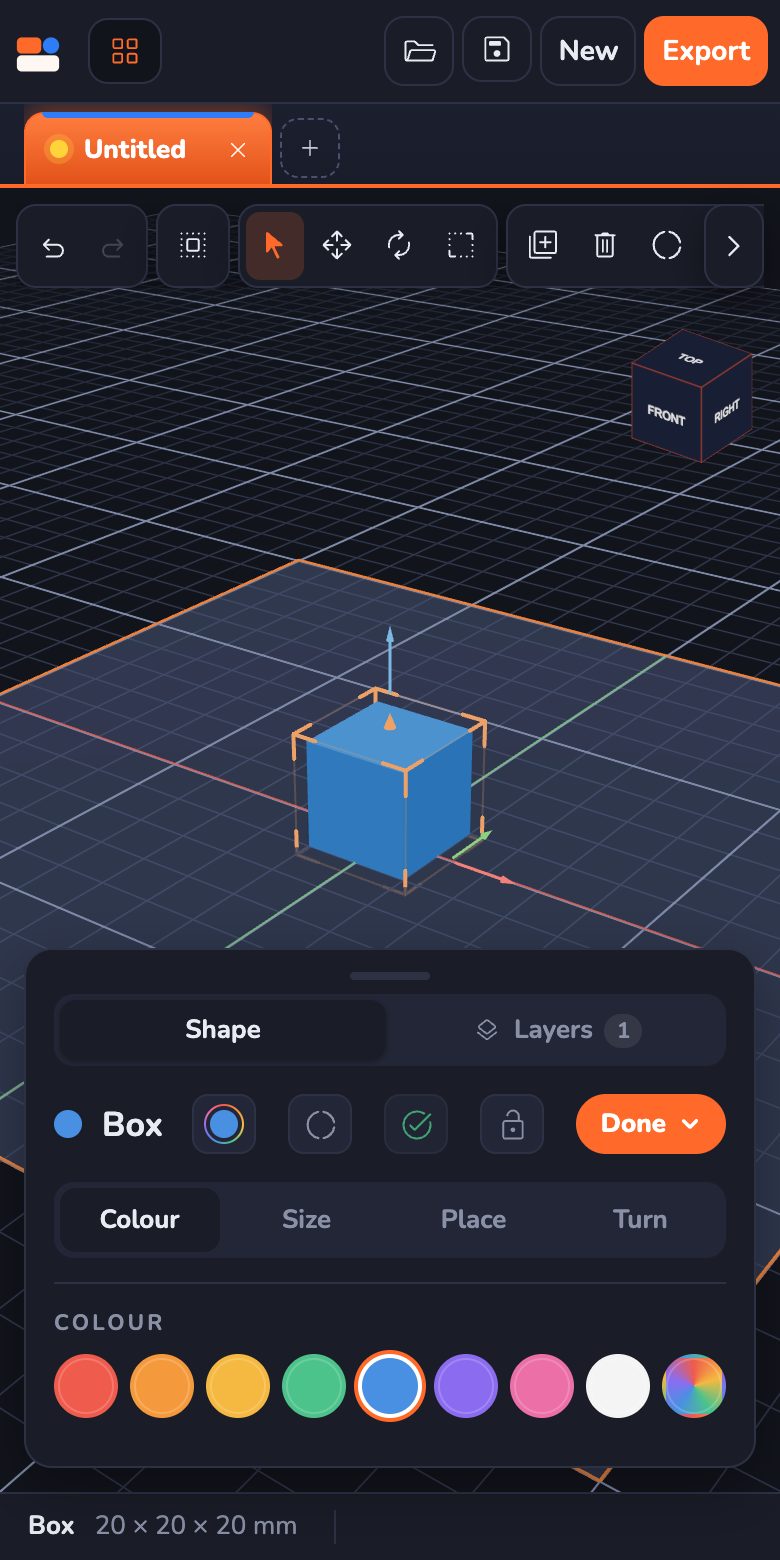
Can You Use a 3D Printer Without a Computer?
Do you need a computer for a 3D printer? Not always. How families print from an SD card, a USB stick, a phone app or a tablet, what the one computer-like step (slicing) is, and how kids can design on a tablet.
7 min read
 App skills
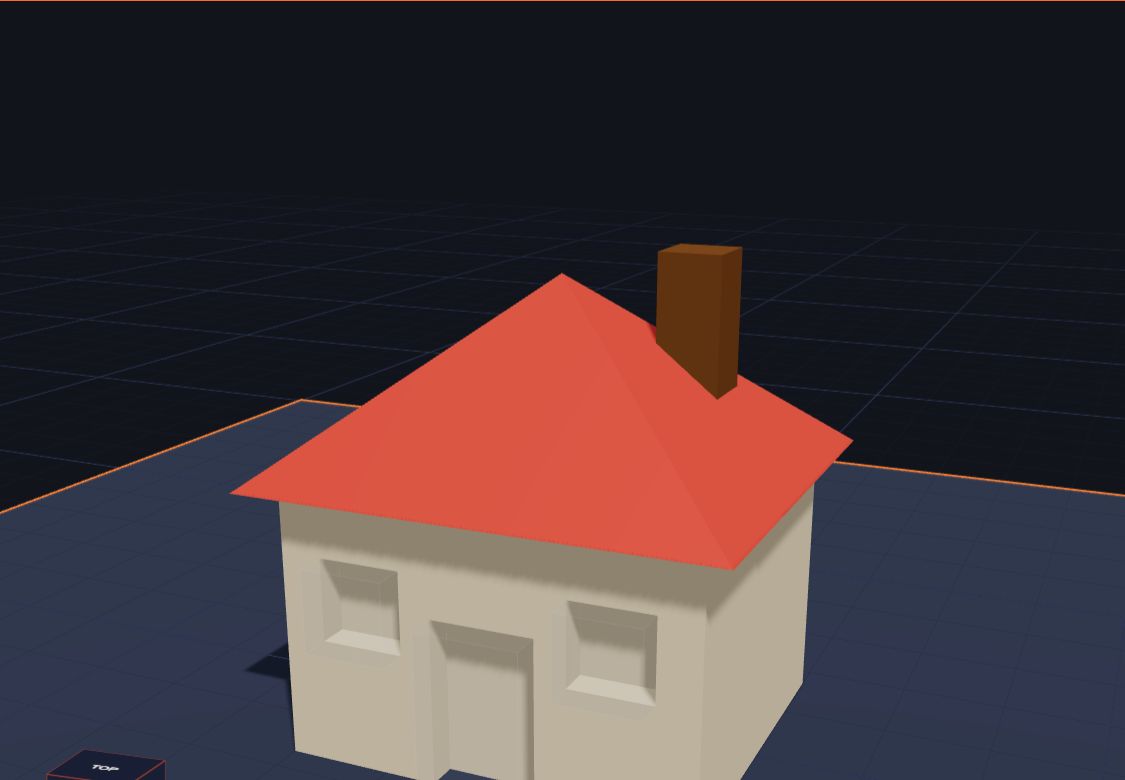
How to Make a 3D Model for a School Project
A step-by-step guide for students in grades 1 to 5 — pick a topic, plan with real sizes, build the 3D model from simple shapes, then hand it in as a picture, a file or a 3D print.
6 min read
 For teens
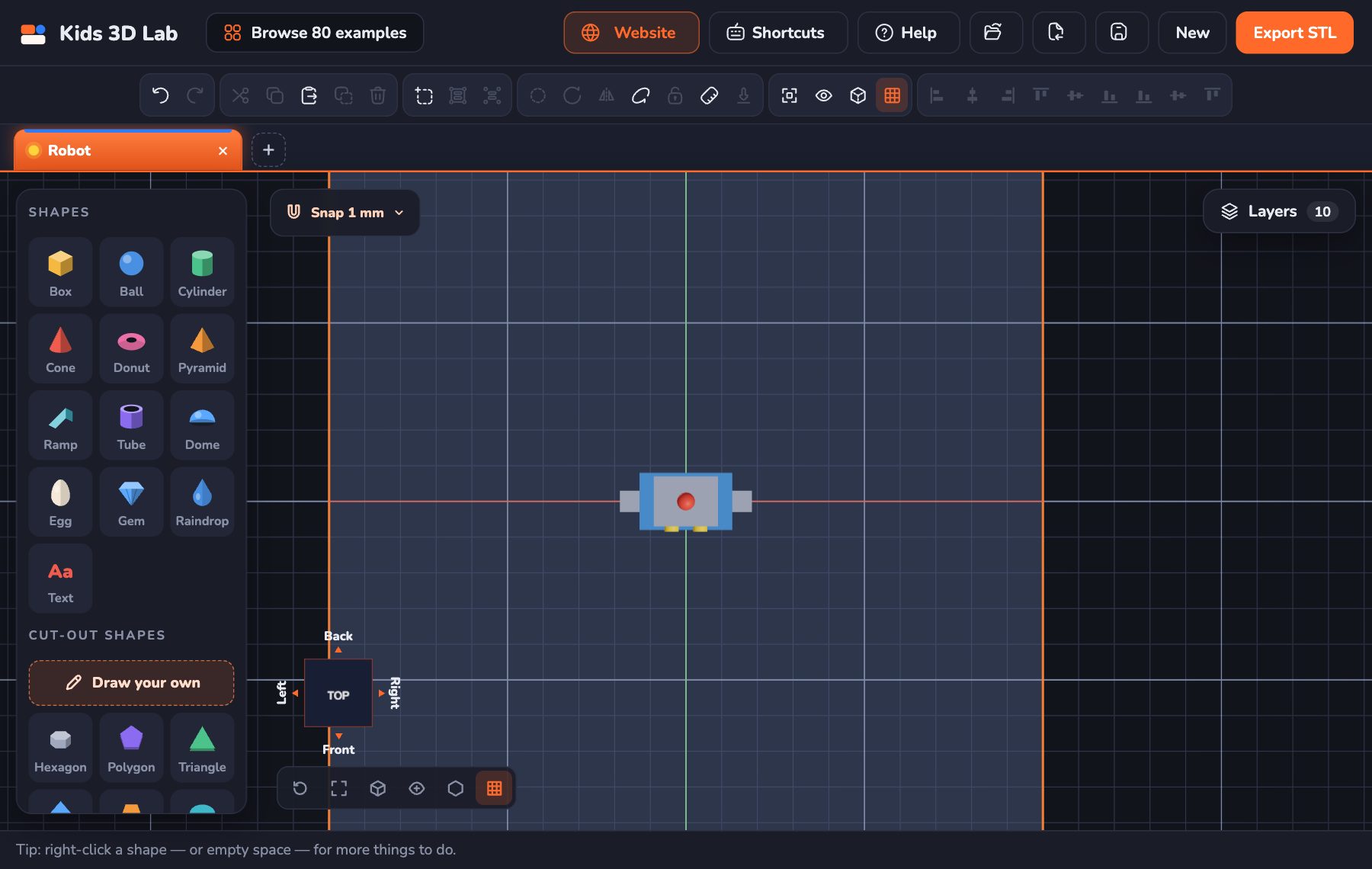
What Does CAD Stand For in DT? CAD and CAM for GCSE Students
In DT, CAD stands for computer-aided design and CAM for computer-aided manufacture. What they mean, how they're used in GCSE Design and Technology, exam-style answers and NEA tips.
10 min read
 For teens
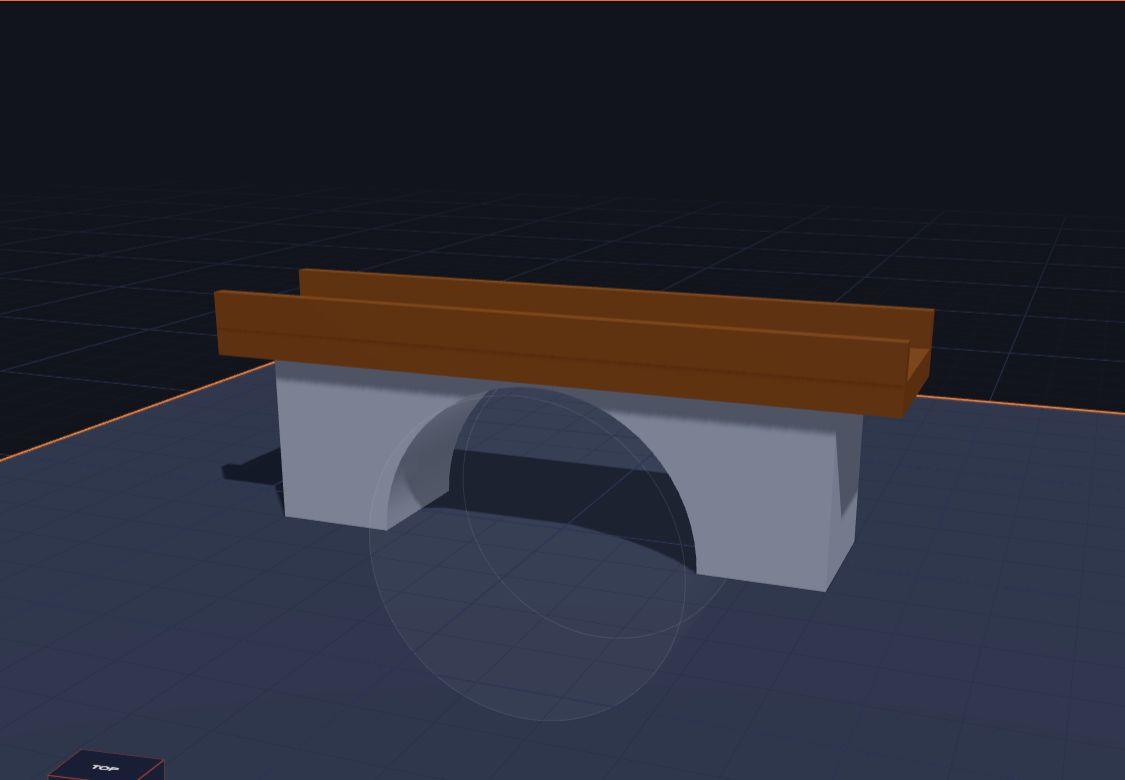
8 Science Fair Projects With 3D Design and 3D Printing
Science fair project ideas for teens using 3D design and 3D printing — with a real question to test, variables to change, and how to measure, repeat and present the results.
8 min read
 For teens
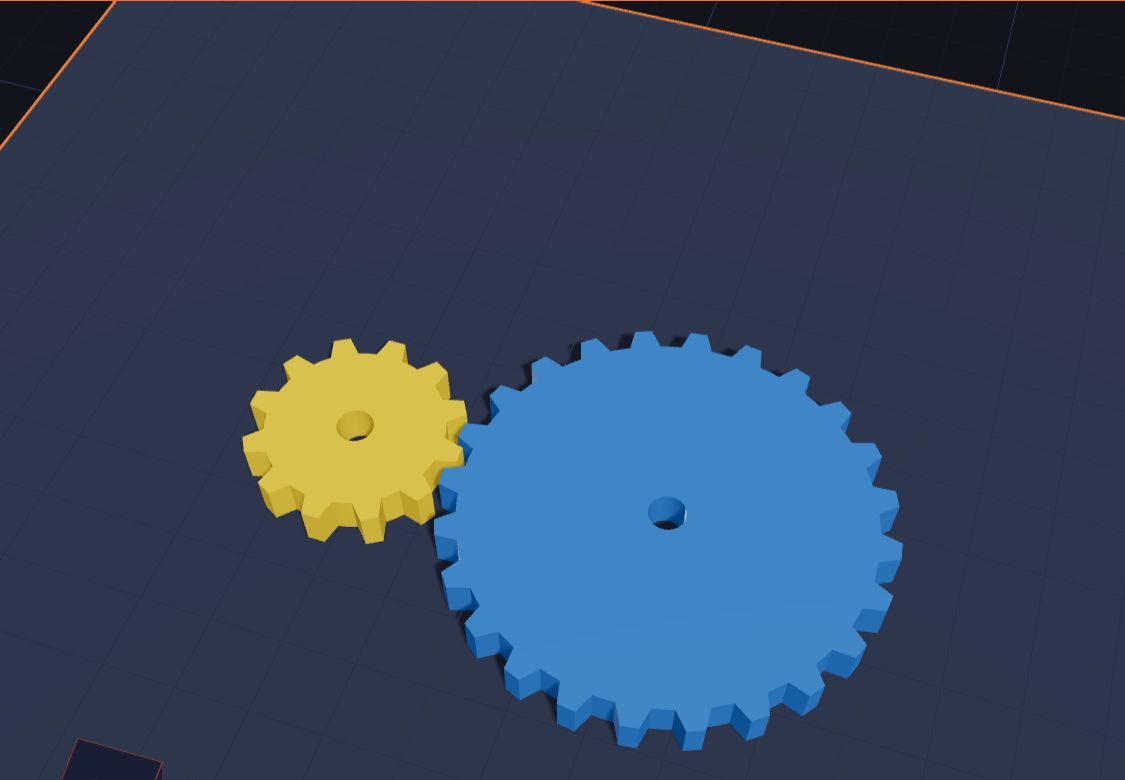
Jobs That Use 3D Design: CAD Careers for Teens to Explore
Which jobs use CAD and 3D design? Engineers, product designers, architects, game artists, dental technicians and more — what they do, which school subjects help, and free tools to start learning now.
7 min read
 For teens
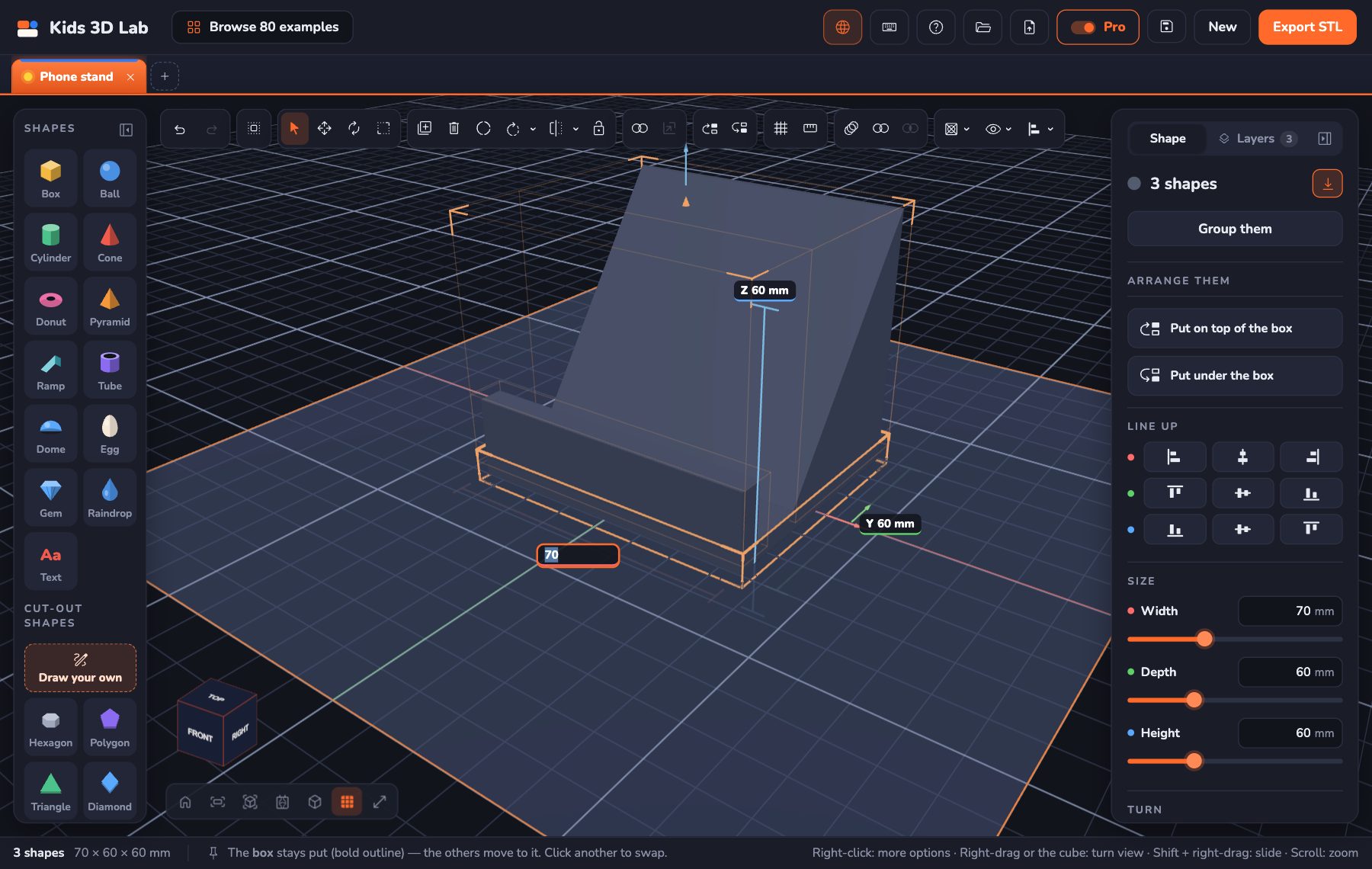
Pro Mode: Exact Sizes, Patterns and Boolean Tools in Kids 3D Lab
New in Kids 3D Lab — Pro mode for teens. Measurement lines, sizes you can type to 0.01 mm, Repeat in a row, round a ring or as a mirror copy, and Combine and Overlap, the boolean tools real CAD programs use.
11 min read
 Maths & science
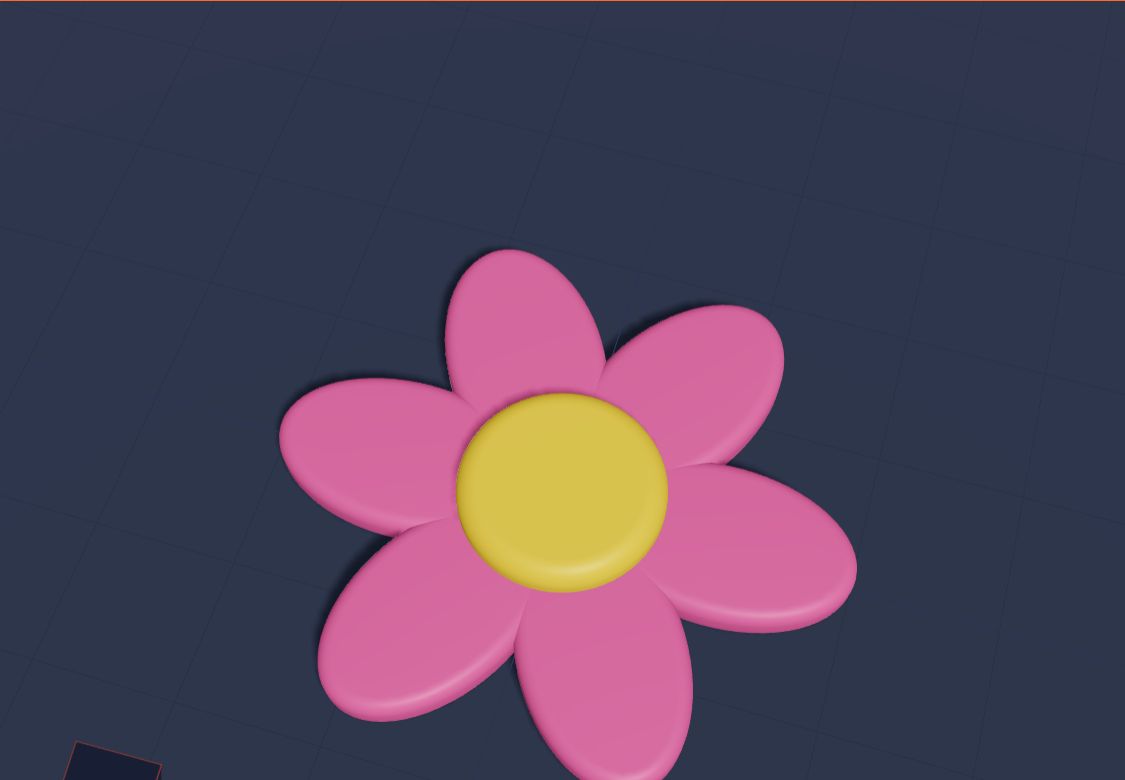
What Is Symmetry? Make Models That Match
Symmetry means one half matches the other. Learn about mirror symmetry and turning symmetry with butterflies, stars and flowers, then build symmetrical models in 3D.
6 min read
 Projects
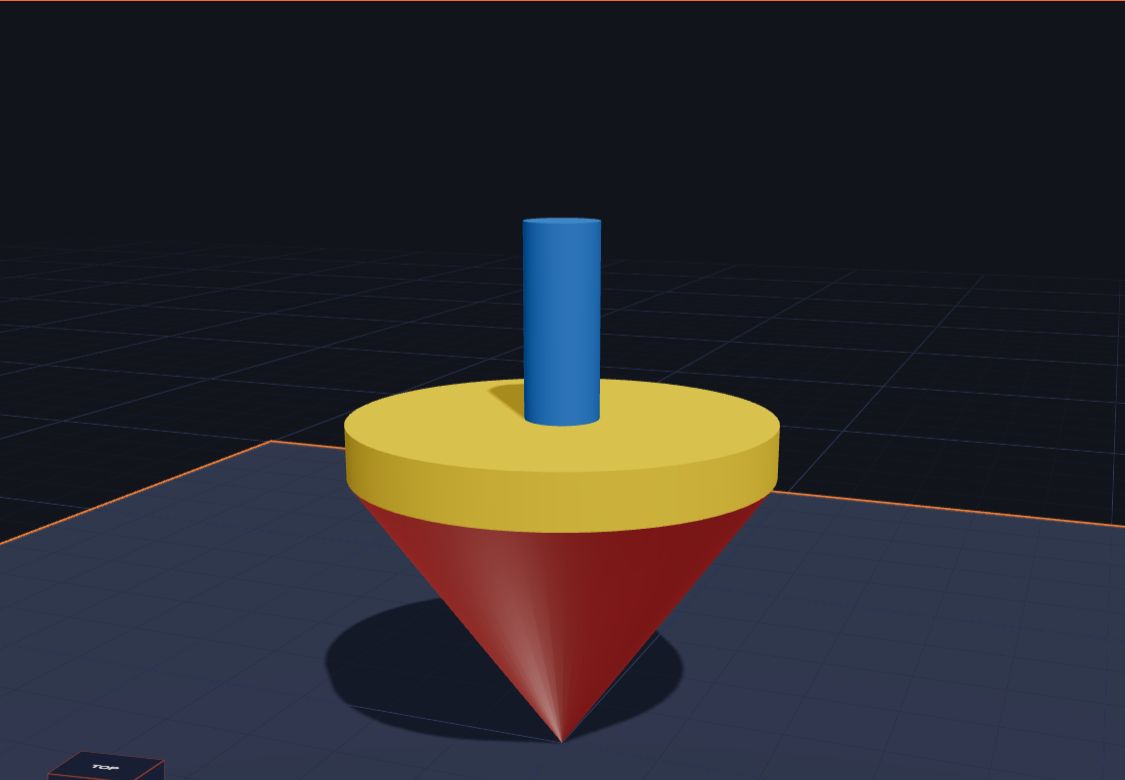
Make a Spinning Top That Really Spins
Design a 3D printed spinning top in Kids 3D Lab from a cone, a disc and a handle, then test which shape spins the longest. A fun science project for kids.
6 min read
 3D printing
How to 3D Print Without Owning a 3D Printer
No 3D printer at home? Your child's design can still become real. Libraries, schools, makerspaces and online print services can print it — here's how each one works.
7 min read
 Projects
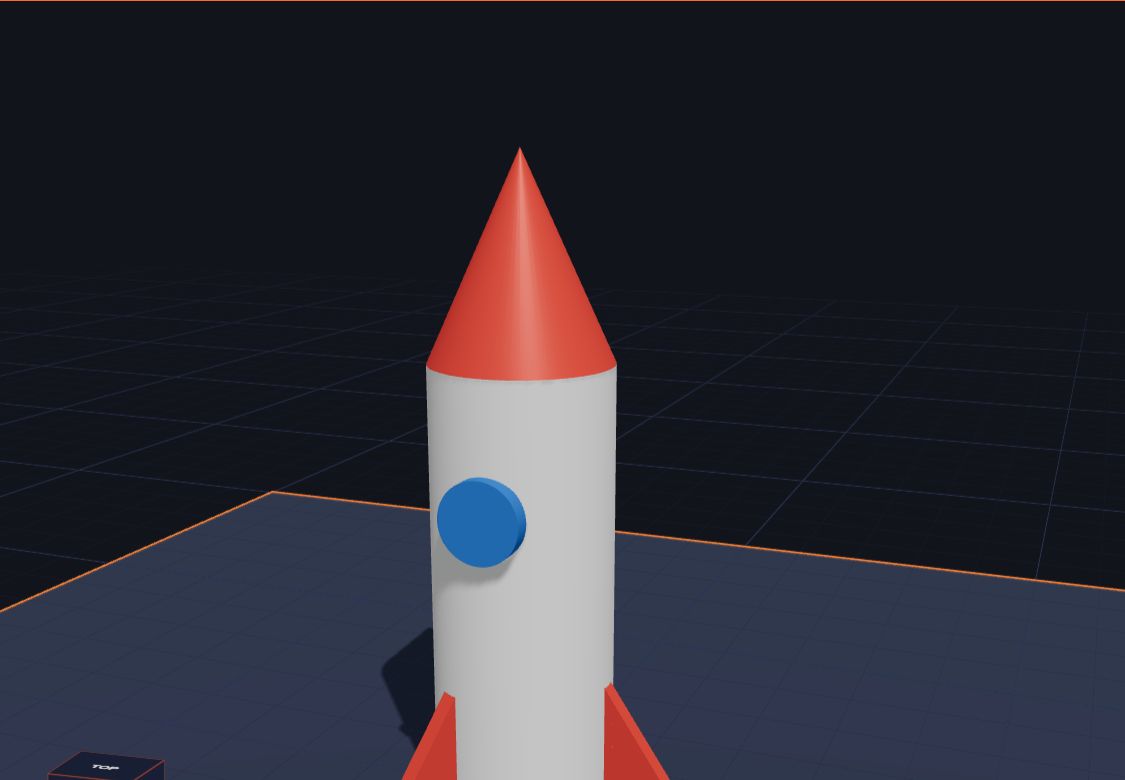
Build a Rocket Ship That Stands Up
Build a 3D rocket in Kids 3D Lab from a cylinder, a cone, a round window and three fins — and learn how to space things evenly around a circle. A fun space project for kids.
6 min read
 3D printing
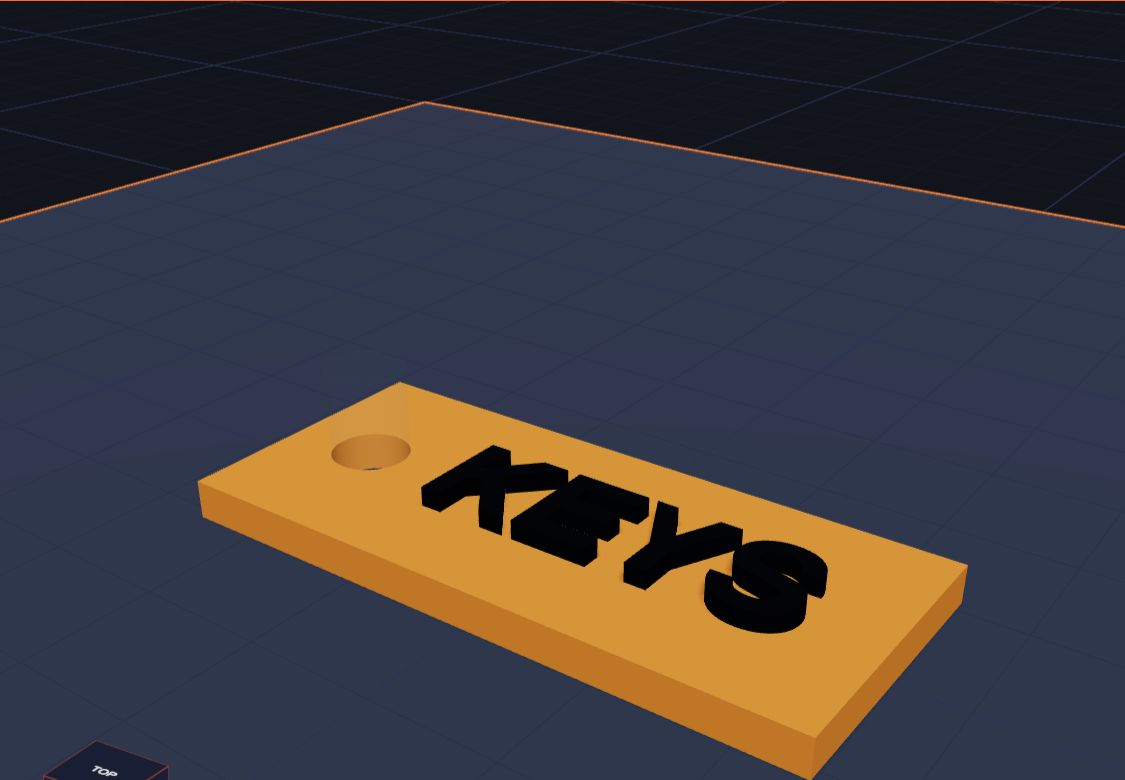
What Is an STL File? (and What's a 3MF?)
An STL file is the shape of a 3D model, made of tiny triangles, ready for a 3D printer. Learn what STL and 3MF files are, and which one to use.
6 min read
 App skills
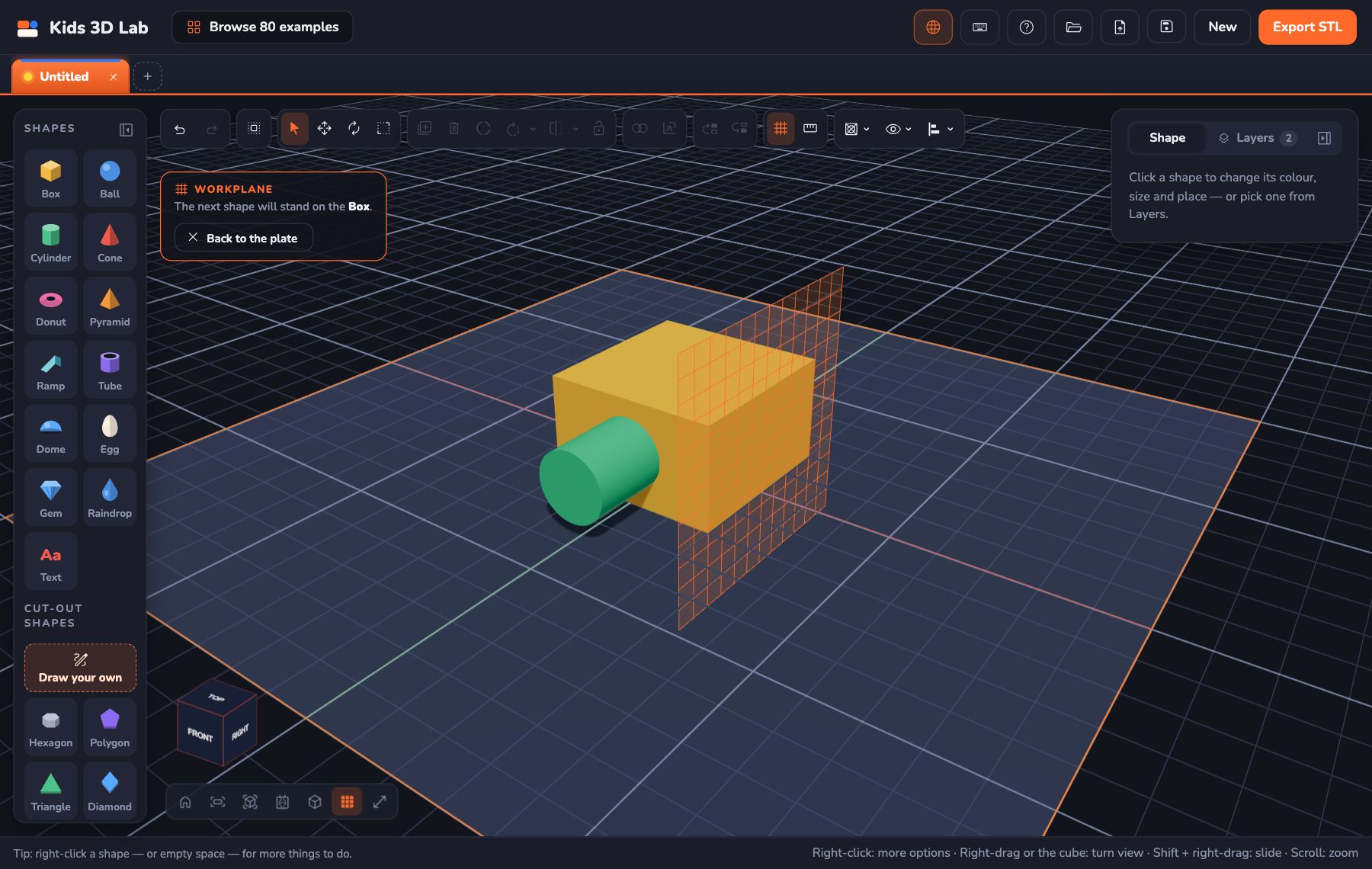
Build on Any Side: The Workplane in Kids 3D Lab
New in Kids 3D Lab — the Workplane. Click the top or side of a shape, and the next shape stands right on it. Or drag a shape straight onto another one.
7 min read
 Projects
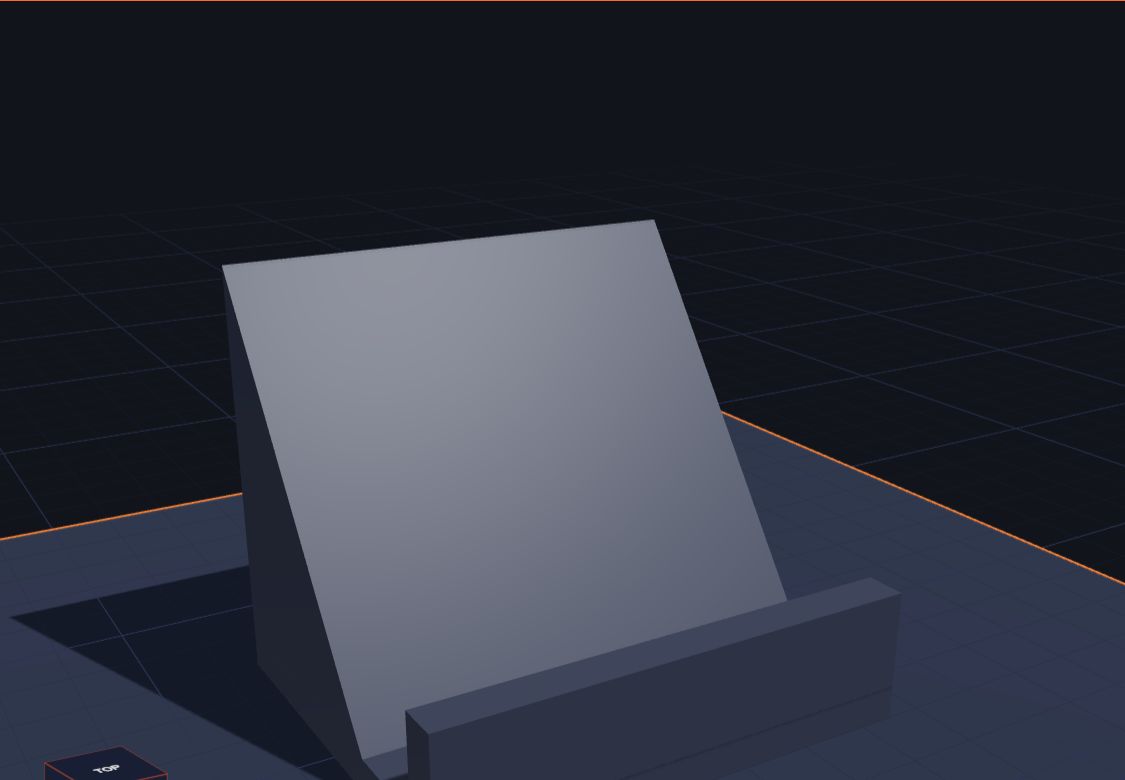
Design Your Own Phone Stand
Design a 3D printed phone stand in Kids 3D Lab with a base, a ramp and a lip — then measure your own phone so it fits just right. Easy for kids.
7 min read
 App skills
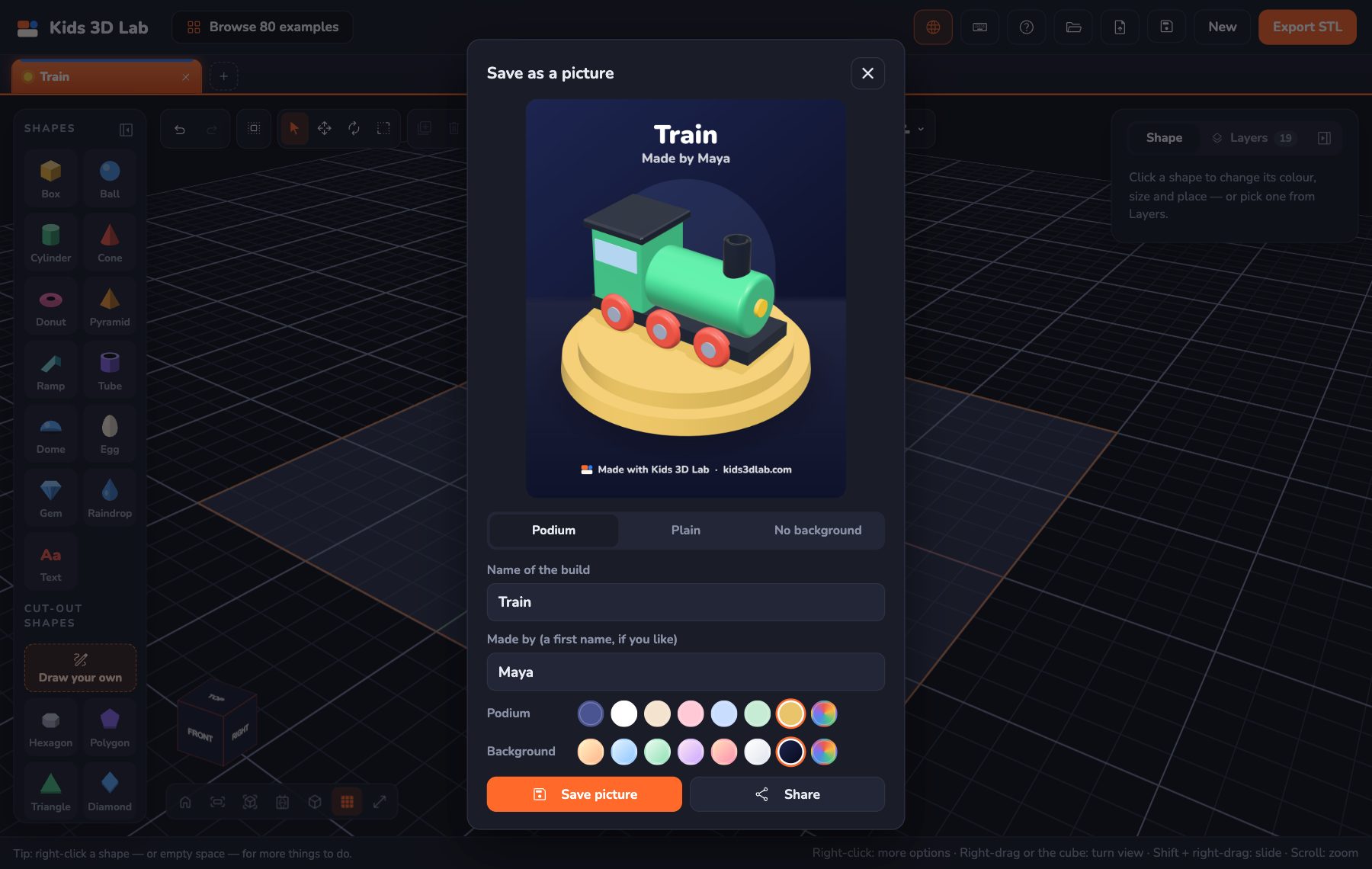
Show Off Your Build: Save It as a Picture
New in Kids 3D Lab — save your 3D build as a bright, sharp picture on a podium or a plain colour, or with no background at all, to keep or share with family.
6 min read
 Maths & science
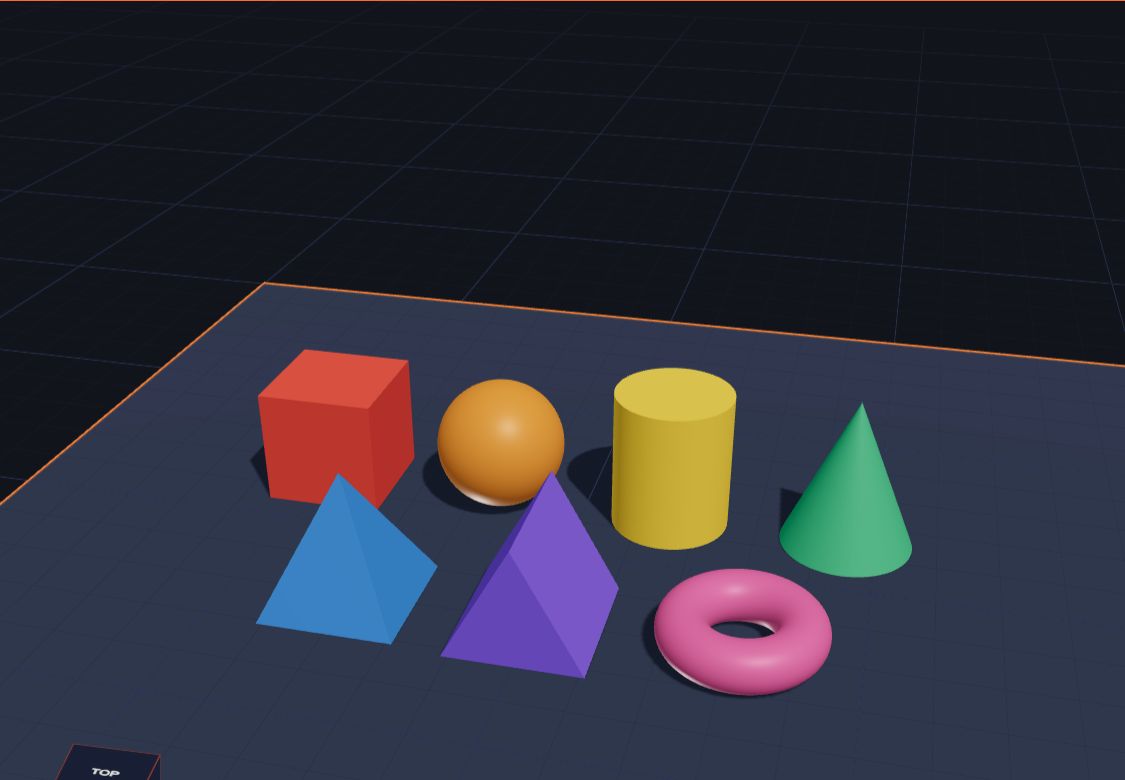
3D Shapes for Kids: Names, Faces, Edges and Corners
Learn the names of 3D shapes — cube, sphere, cylinder, cone, pyramid, prism and more — with their faces, edges and corners, and real things that look like them.
9 min read
 Holidays
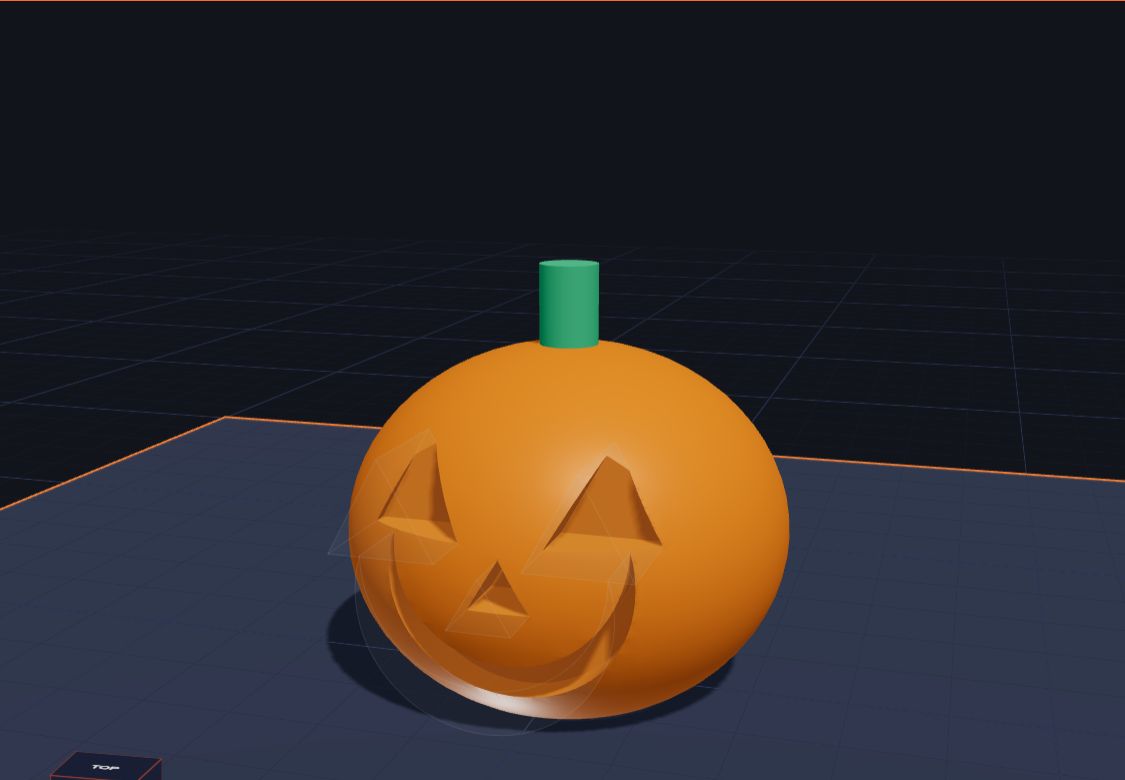
Make a Jack-o'-Lantern for Halloween in 3D
Design a 3D jack-o'-lantern in Kids 3D Lab — a round pumpkin, a stalk, and a spooky face cut out with holes. An easy Halloween project for kids.
7 min read
 App skills
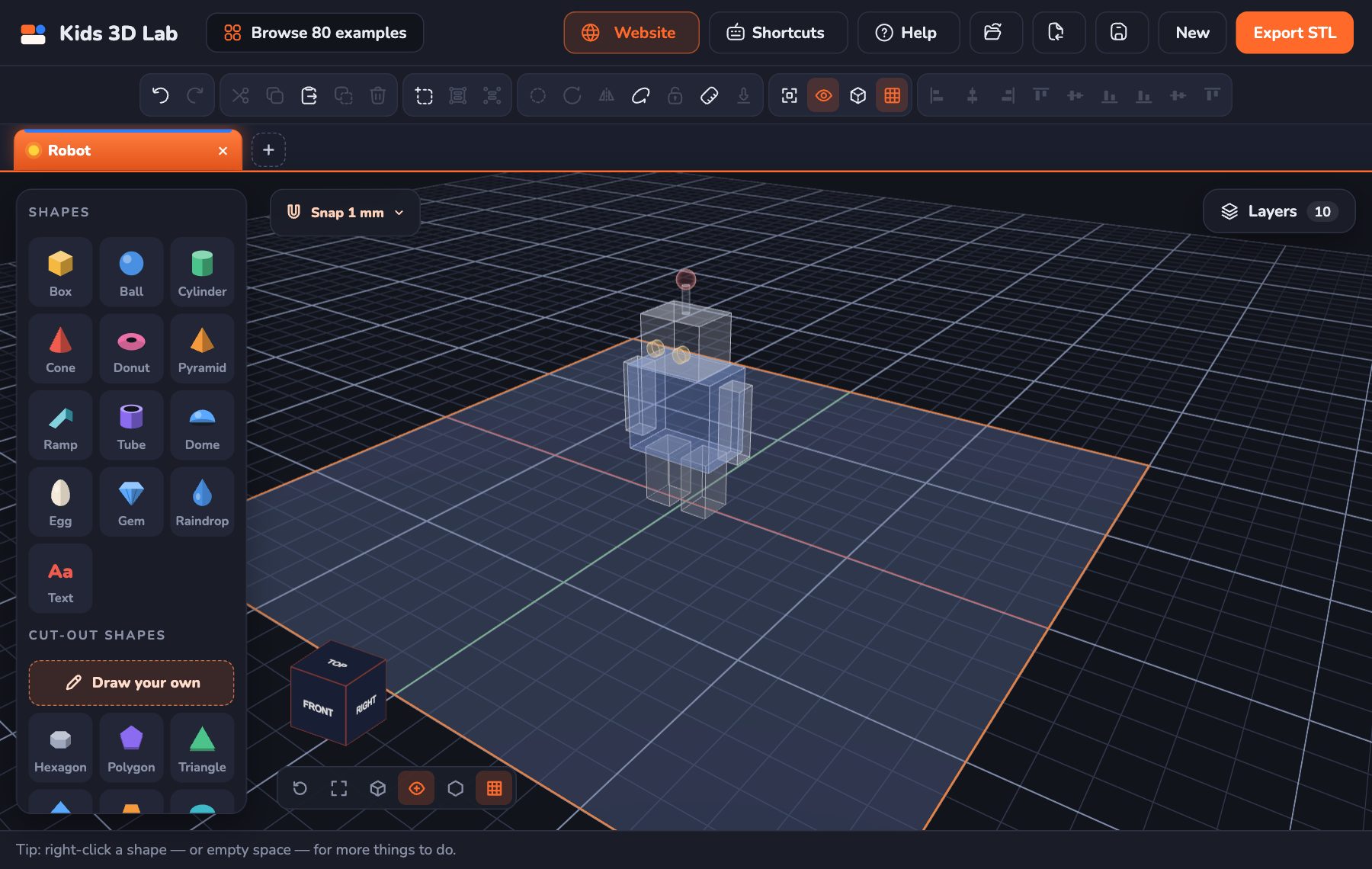
See Inside Your Build: X-ray, Outline, Layers and Flat Views
New in Kids 3D Lab — flat Top, Front and Side views like real CAD, X-ray and Outline to see inside your build, a Layers list to pick any shape, and a right-click menu.
5 min read
 Grown-ups
Tinkercad Alternatives for Young Kids
Looking for a 3D design app for a young child? Here is how Kids 3D Lab, Tinkercad and other kids' 3D tools compare, and how to pick one.
7 min read
 Projects
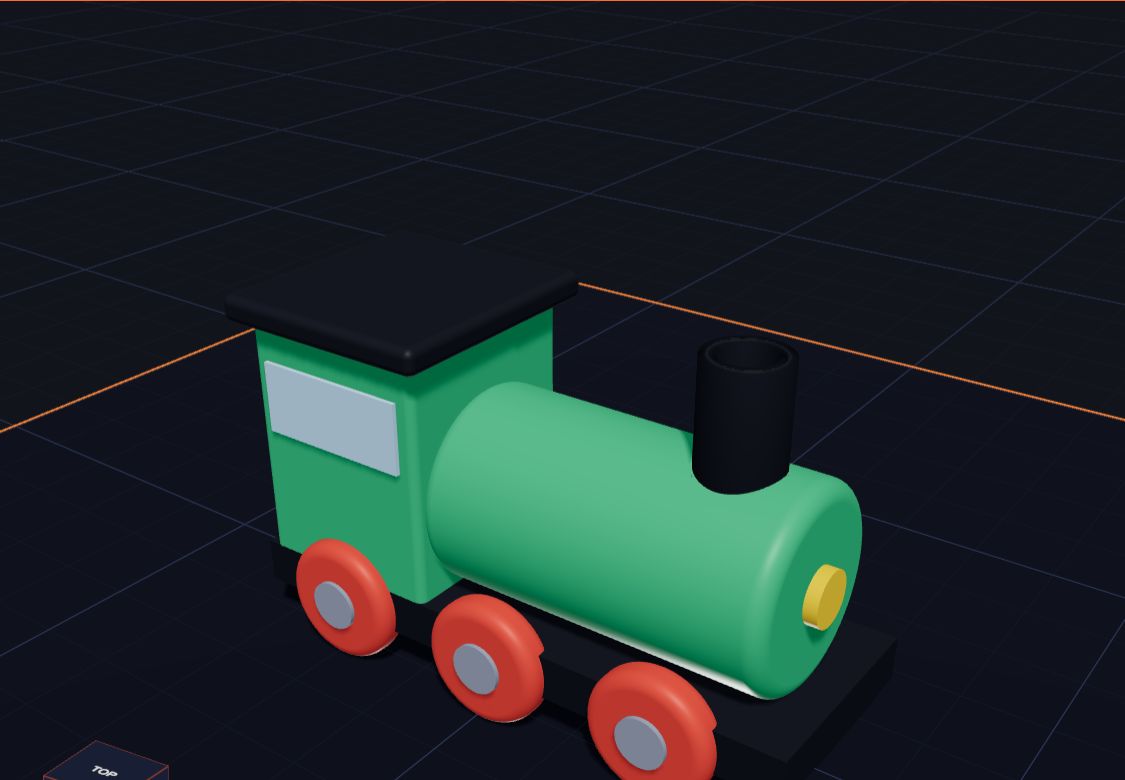
3D Printing Projects and Ideas for Kids: 15 Easy Ones + STEM
Fifteen easy 3D printing projects and ideas for kids and students, from name tags and dice to cookie cutters and pen pots — with a quick table, STEM projects for school, and more ideas to try.
11 min read
 Projects
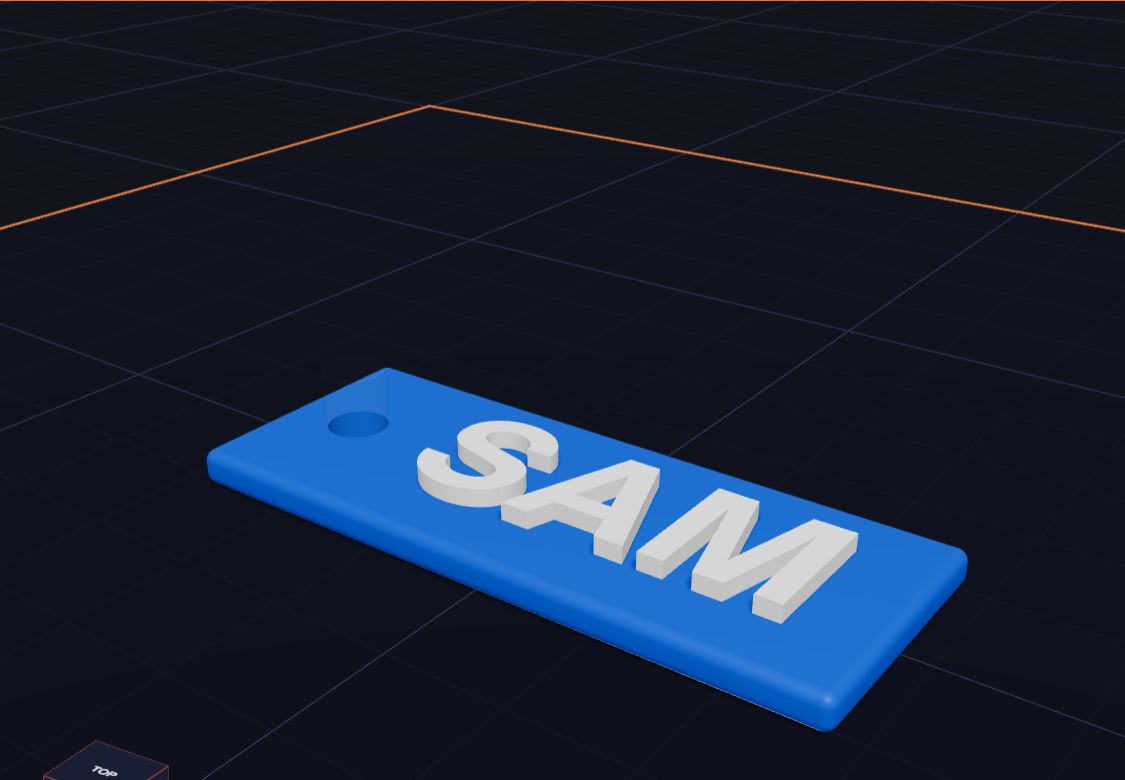
How to Make a 3D Printed Name Keychain, Step by Step
How to make a 3D printed name keychain, step by step — a tag, your name on top and a hole for the ring — designed free in Kids 3D Lab and ready for a 3D printer.
8 min read
 Projects
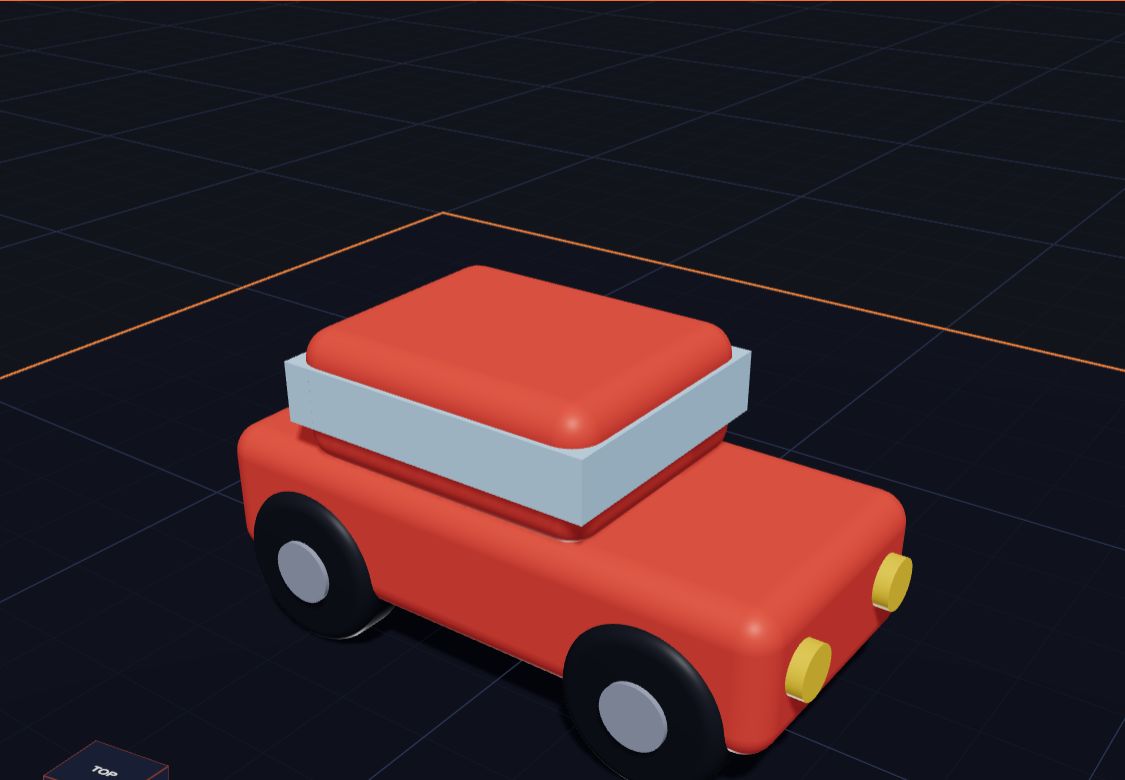
Design Your Own Toy Car
Build a toy car in Kids 3D Lab from boxes and cylinders — a body, a roof, windows, lights and four wheels — and learn to turn and copy shapes.
6 min read
 Projects
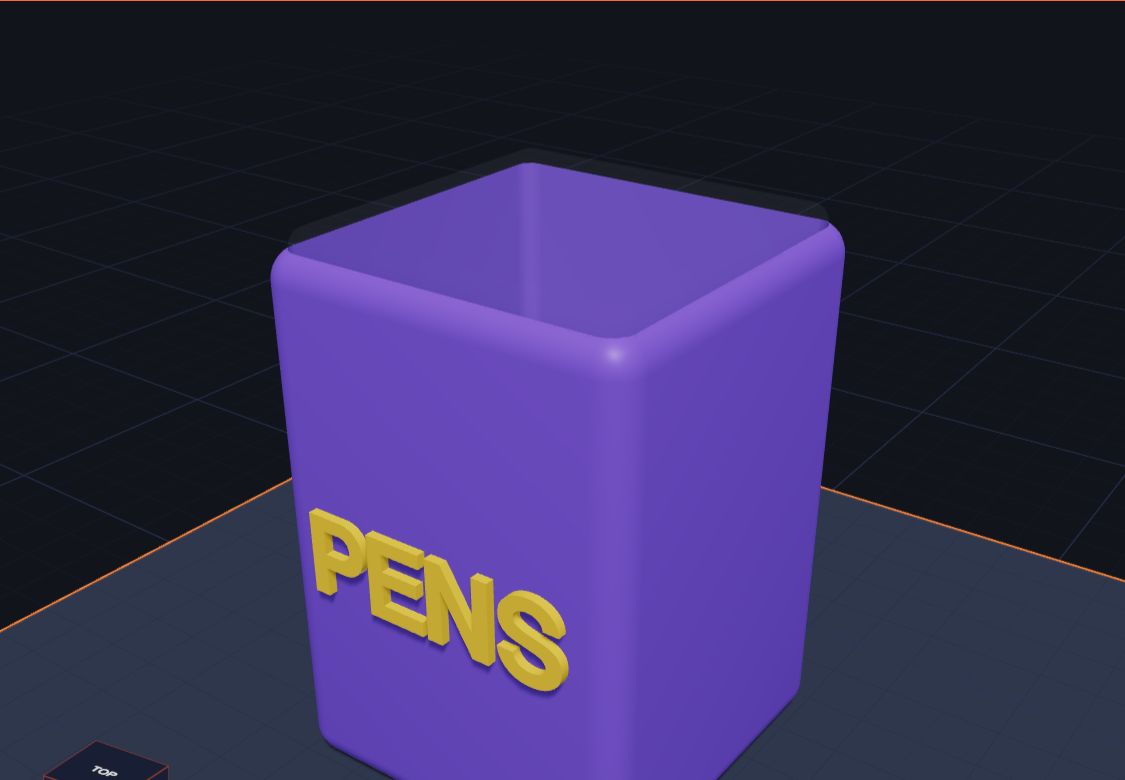
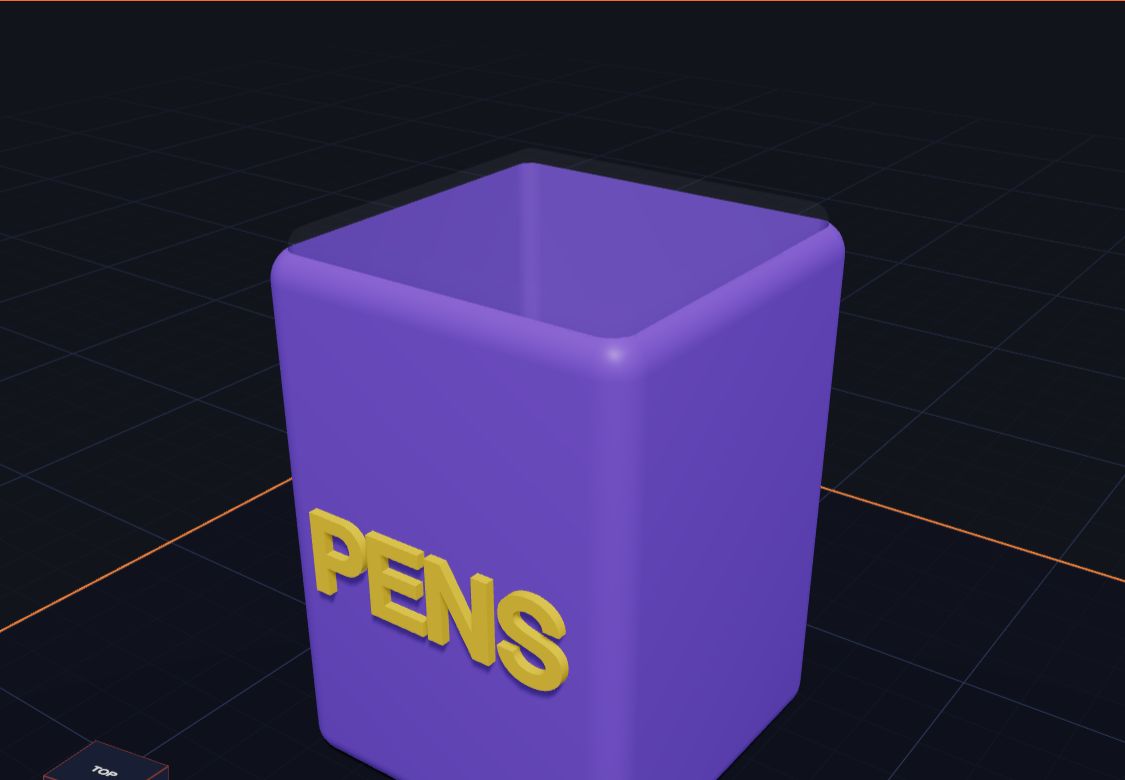
Make a Pencil Holder for Your Desk
Design a pencil holder (a pen pot) in Kids 3D Lab using a box and a hole, add your name on the front, and learn about walls and floors.
6 min read
 3D printing
The Best Family 3D Printer: How to Choose Your First One
What makes a good family 3D printer for kids — size, safety, ease of use and plastic — explained in plain words, with questions to ask before you buy.
7 min read
 3D printing
Is a 3D Printer Safe for Kids? A Parent's Safety Guide
Is a 3D printer safe for kids? A calm guide for families and classrooms — hot parts, fumes, PLA, 3D printed toys, 3D pens and small pieces — with simple rules that keep kids safe.
9 min read
 Grown-ups
Free 3D Design Lesson Plans for Grades 3 to 5 (Ready to Teach)
Five free, ready-to-use 3D design lessons for grades 3 to 5 with Kids 3D Lab — shapes, measuring, holes, symmetry and a design challenge — with goals, steps and ideas for checking learning.
8 min read
 Projects
Make Your Own Cookie Cutter
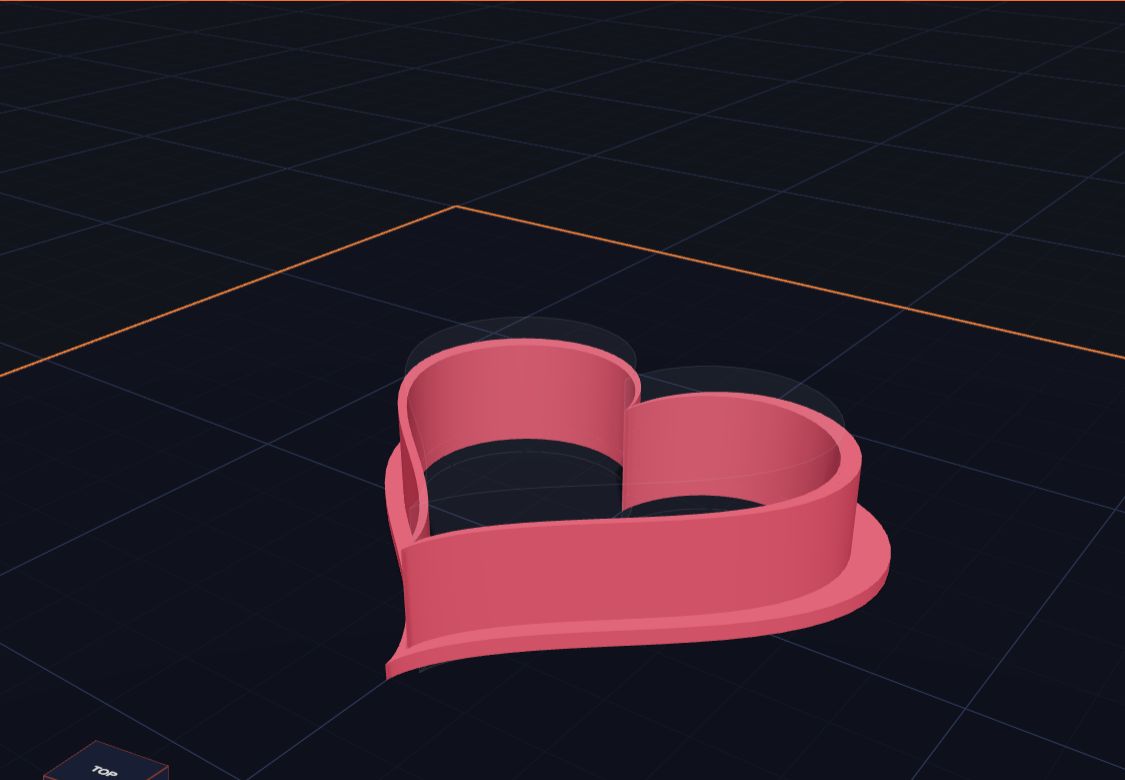
Design a heart-shaped cookie cutter in Kids 3D Lab with two hearts and a heart-shaped hole, then learn how to make stars, animals and your own shapes.
6 min read
 Maths & science
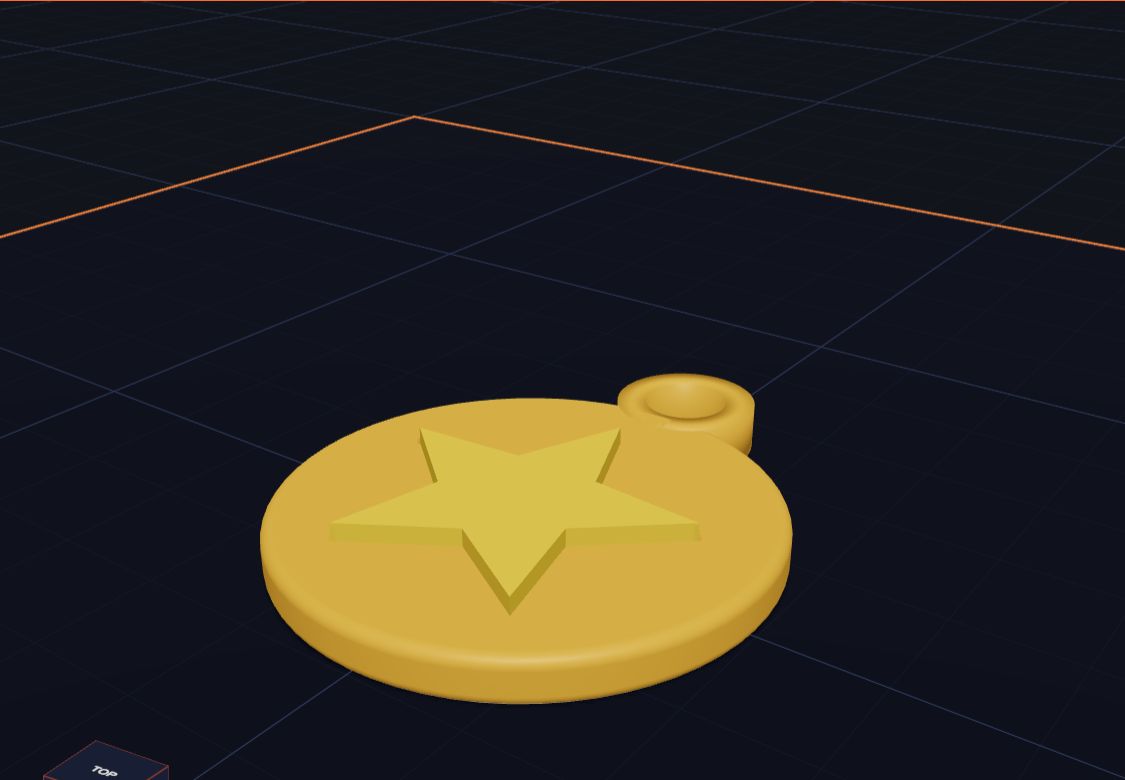
What Is CAD? Computer-Aided Design, Simply Explained
CAD stands for computer-aided design: using a computer to design things with exact sizes. What CAD is used for, what 3D CAD means, who uses it, and a free way to try it today.
8 min read
 3D printing
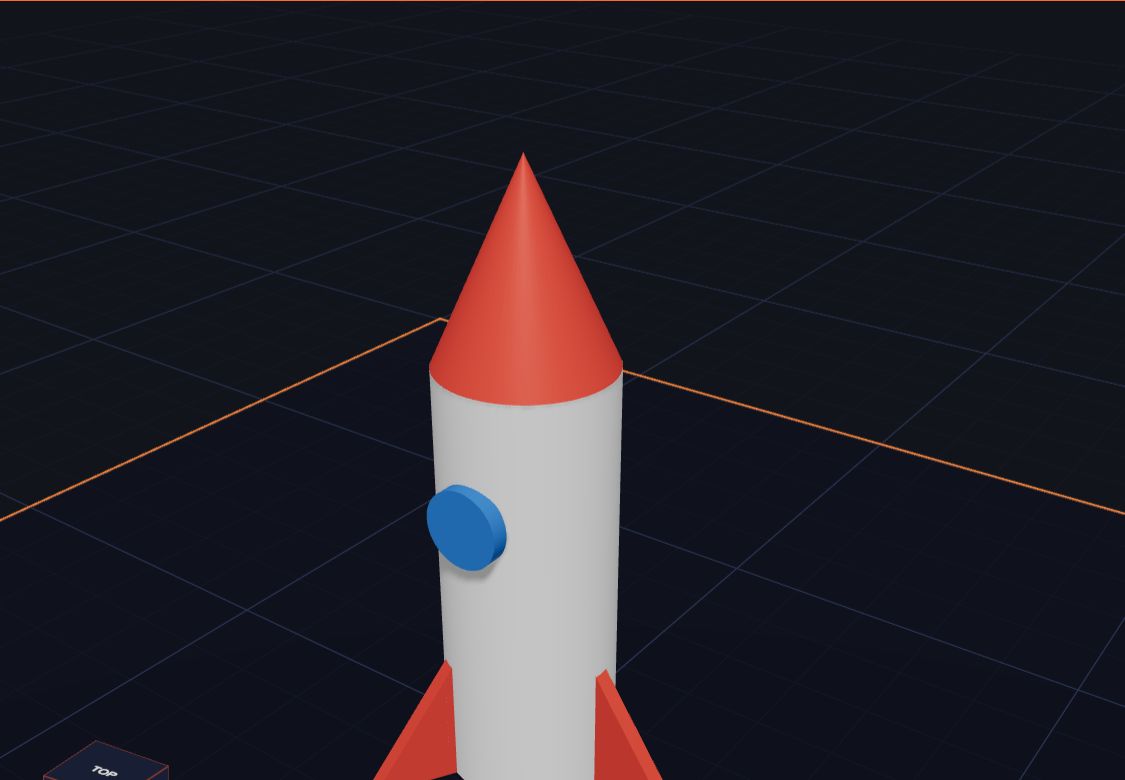
What Is 3D Printing? Explained for Kids
What is a 3D printer, and what does it do? A 3D printer makes real things you can hold, one thin layer at a time. 3D printing explained for kids, with fun facts.
7 min read
 App skills
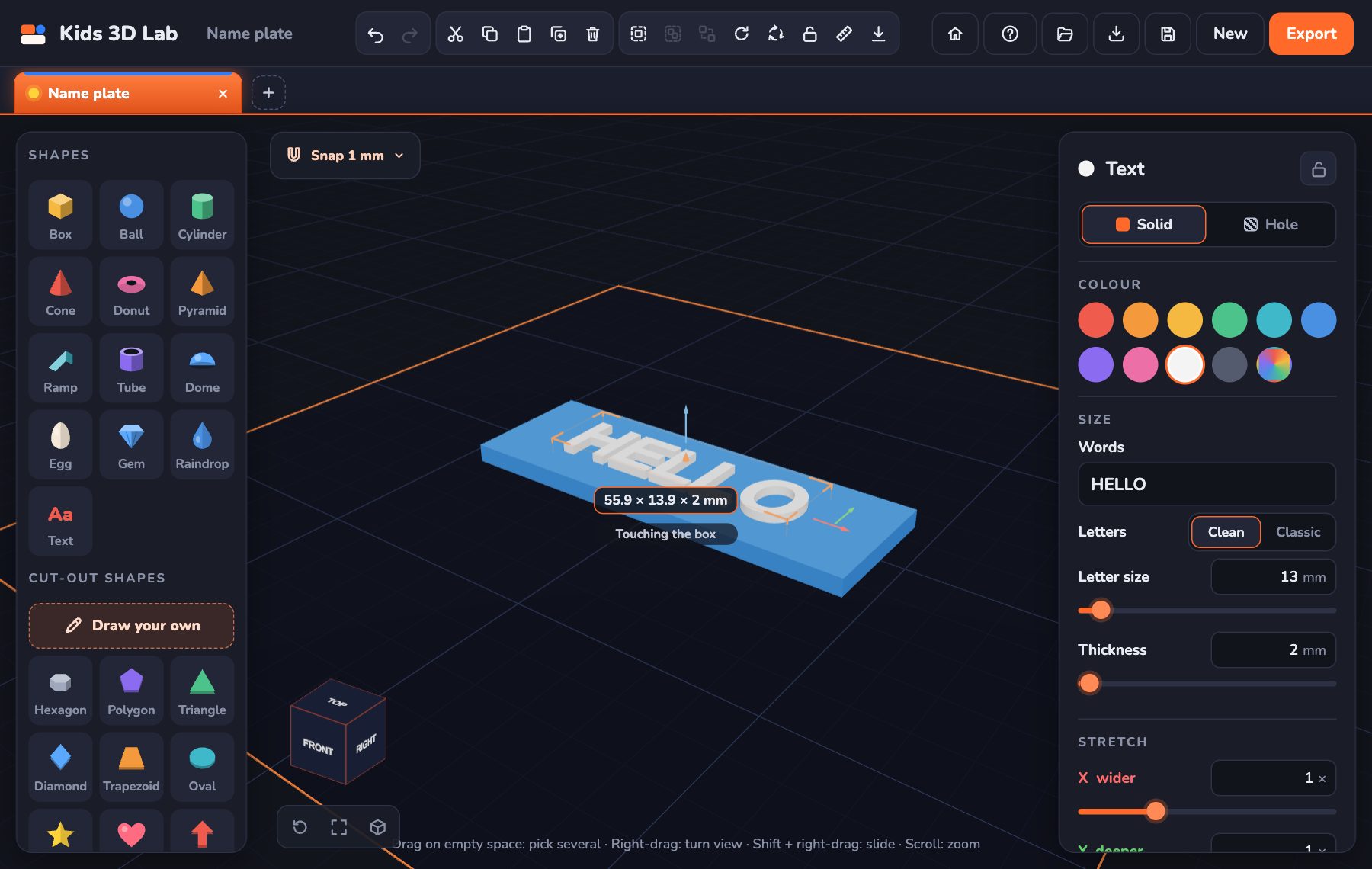
How to Make a 3D Model: An Easy First Project for Kids
How to make a 3D model in 10 minutes, step by step and for free — a name tag with your own name on it. Perfect for beginners, ages 5 and up, and school projects.
7 min read
 App skills
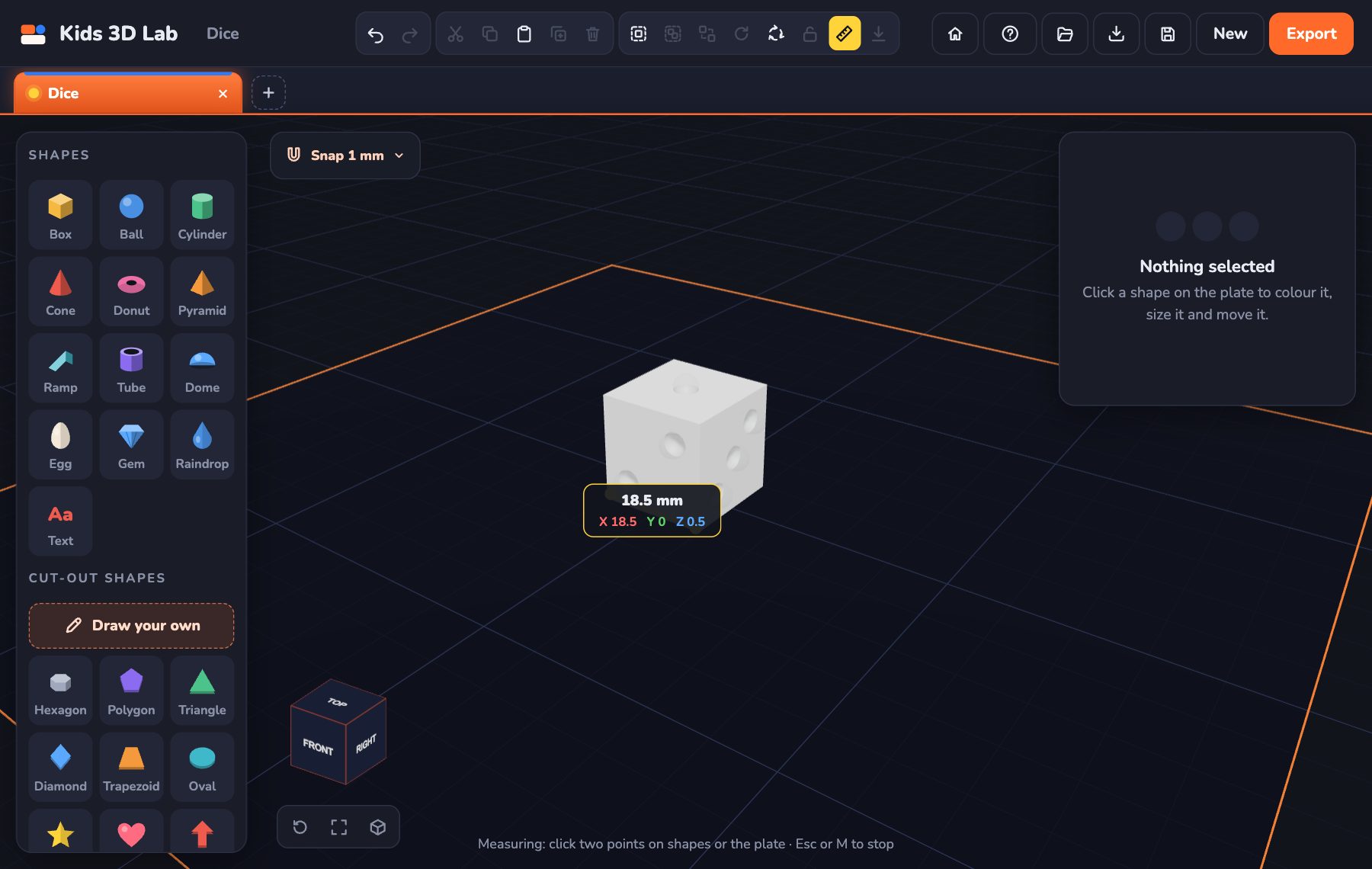
Millimetres Made Easy: How Big Is Your Model?
How big is 1 mm, 3 mm or 4 mm? Millimetre sizes with everyday examples, how to find 3 mm on a ruler, and how to make your model just the right size.
8 min read
 App skills
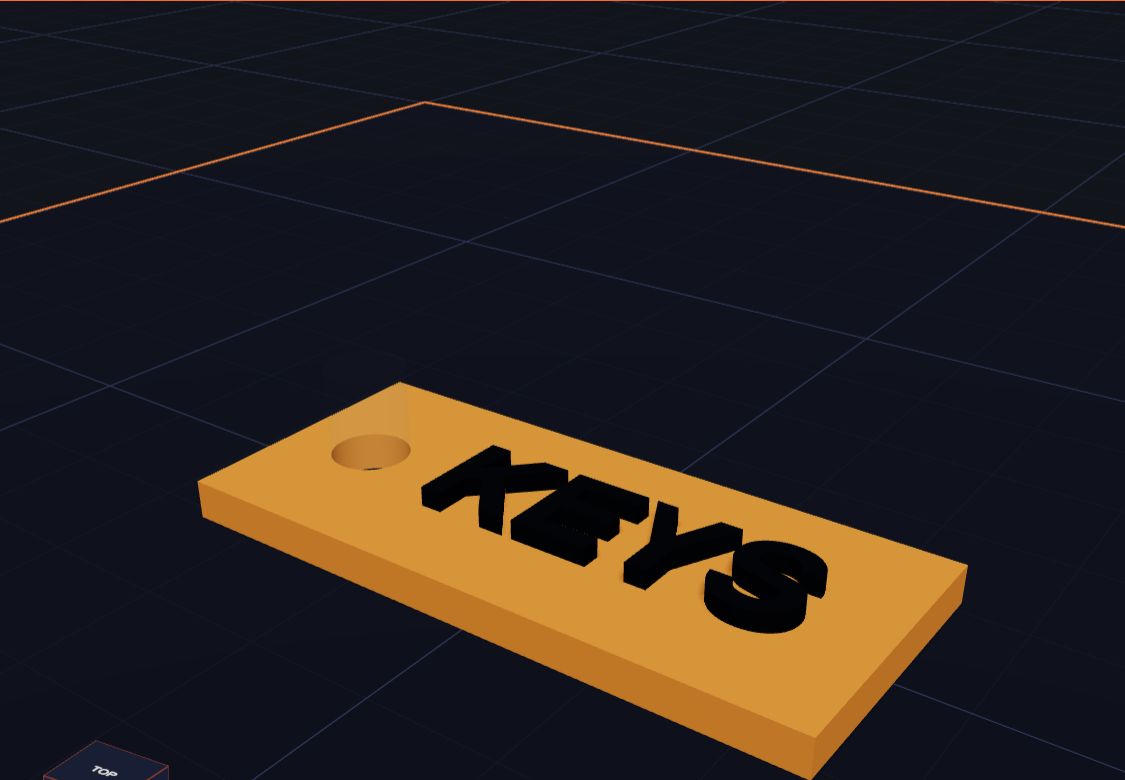
How Holes Work (and How to Make a Key Tag)
In Kids 3D Lab any shape can become a hole. Learn how holes cut into other shapes, and make a key tag with a hole for the ring.
6 min read
 Projects
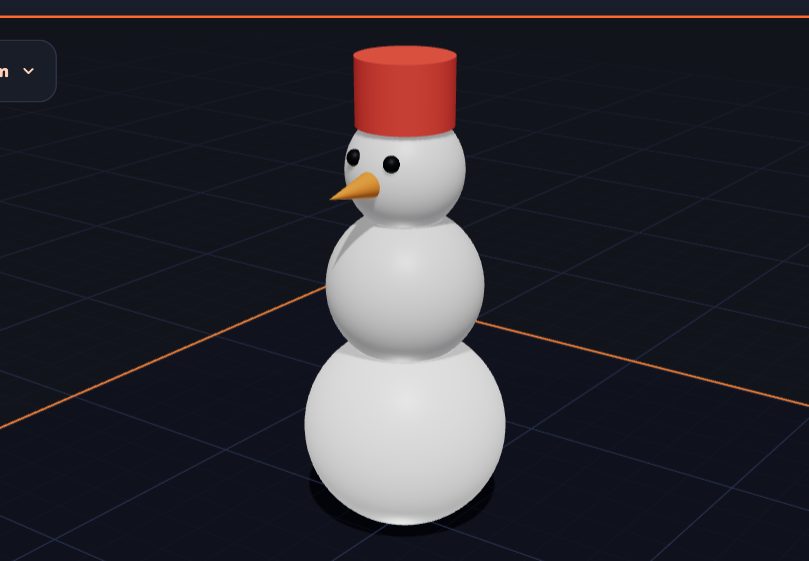
Build a Snowman by Stacking Shapes
Stack three balls, add a carrot nose and a hat. A fun first project that teaches you how to put shapes on top of each other.
5 min read
 App skills
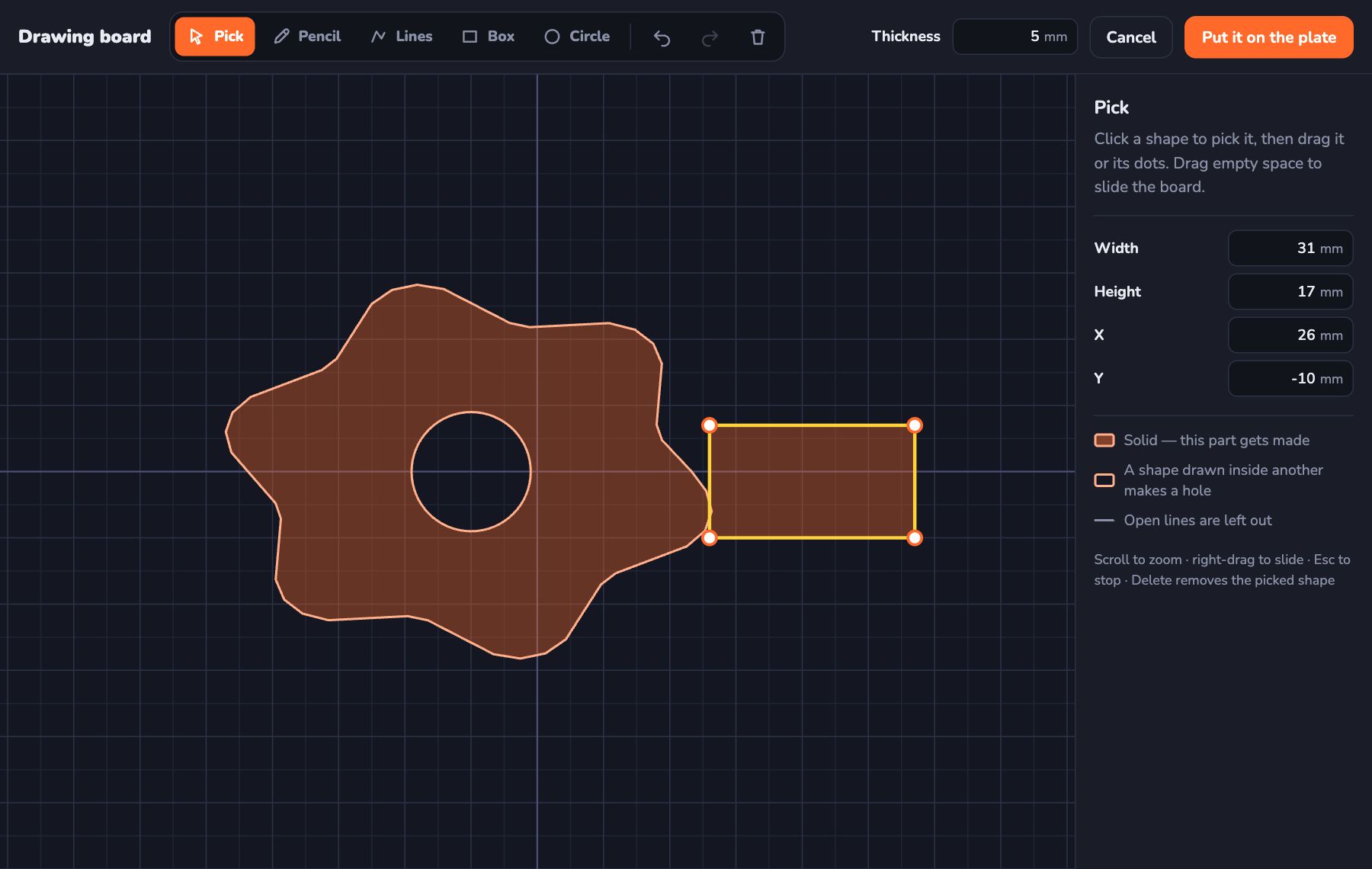
Draw Your Own Shape and Make It 3D
Use the Kids 3D Lab drawing board to draw any shape you like — with a pencil, lines, boxes and circles — and turn it into a 3D model.
6 min read
 App skills
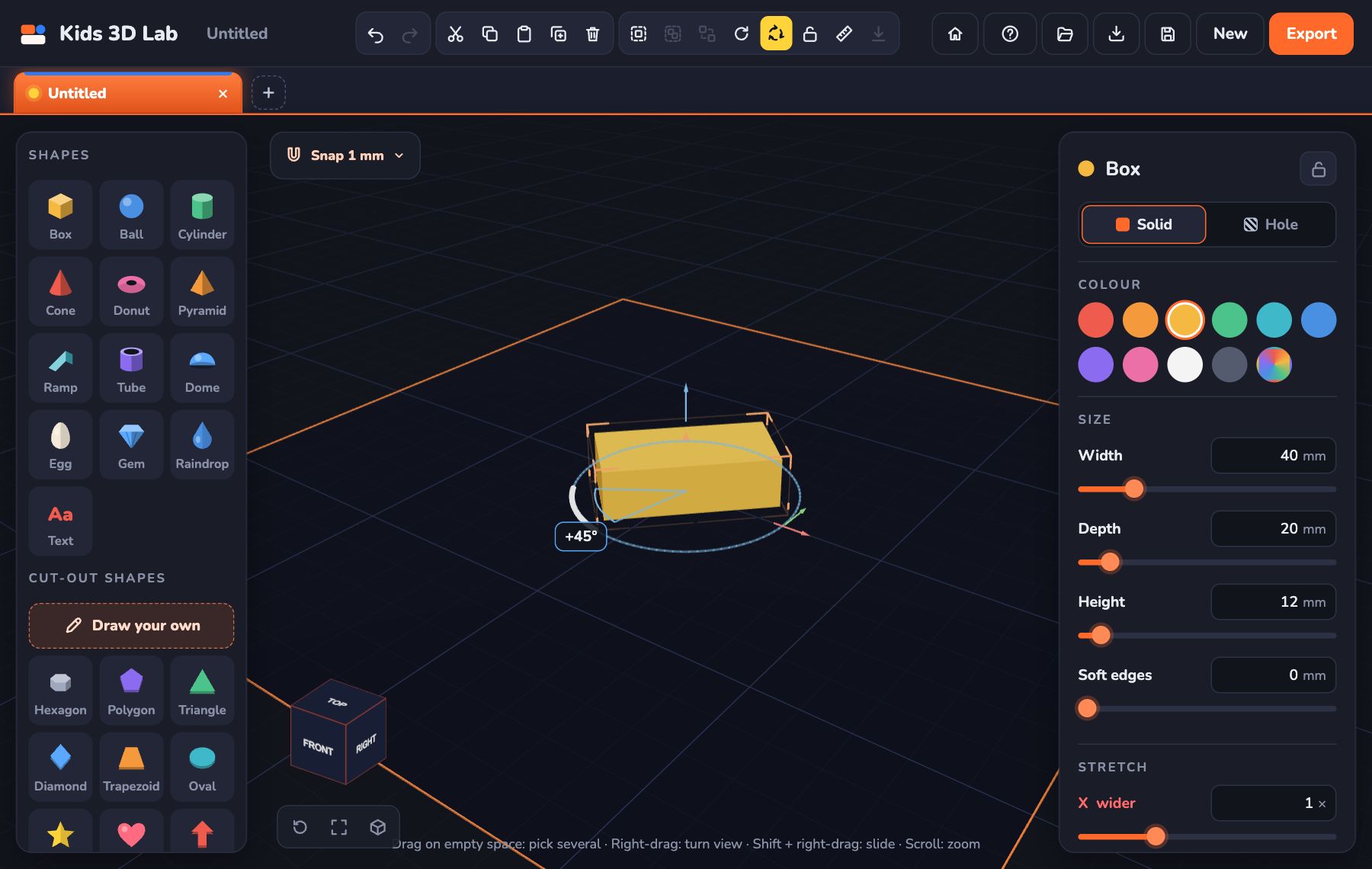
Turn, Flip and Stretch: Change Any Shape
Learn three ways to change a shape in Kids 3D Lab — turn it with the coloured turn arrows, flip it over, and stretch it to make new shapes.
6 min read
 3D printing
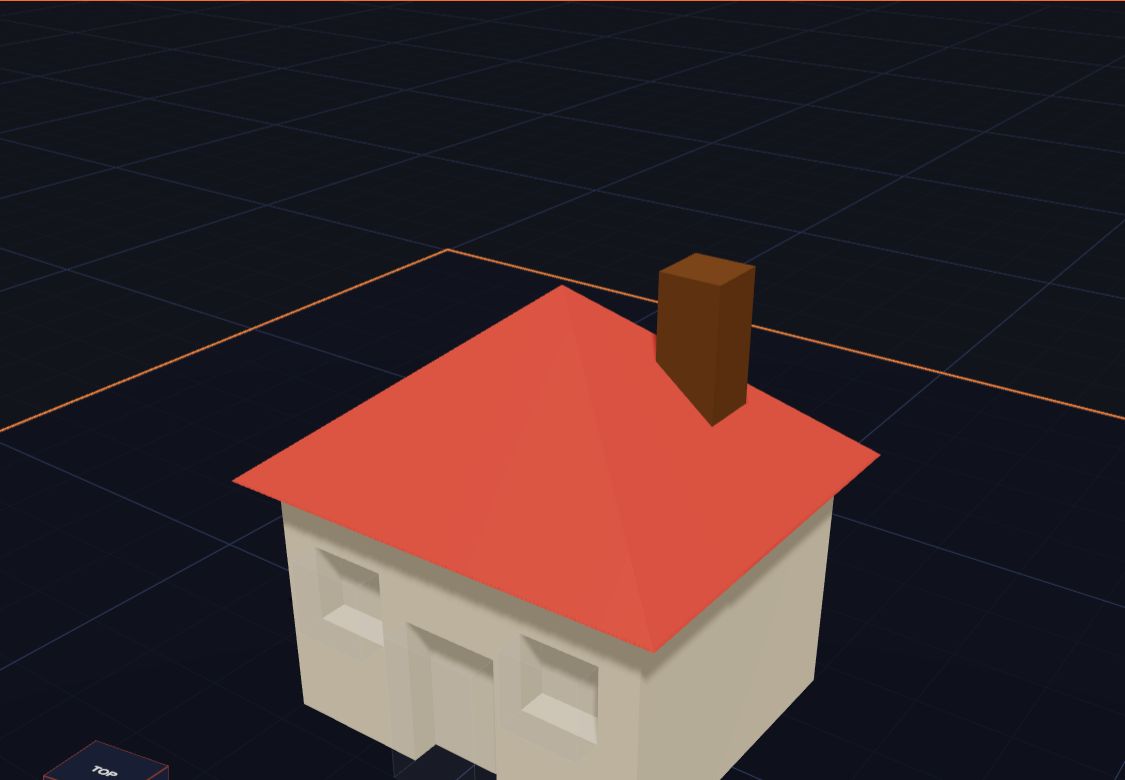
Getting Your Model Ready to Print
Six simple checks before you 3D print — flat bottoms, no floating parts, the right size — plus how to save the file for your printer.
6 min read
 App skills
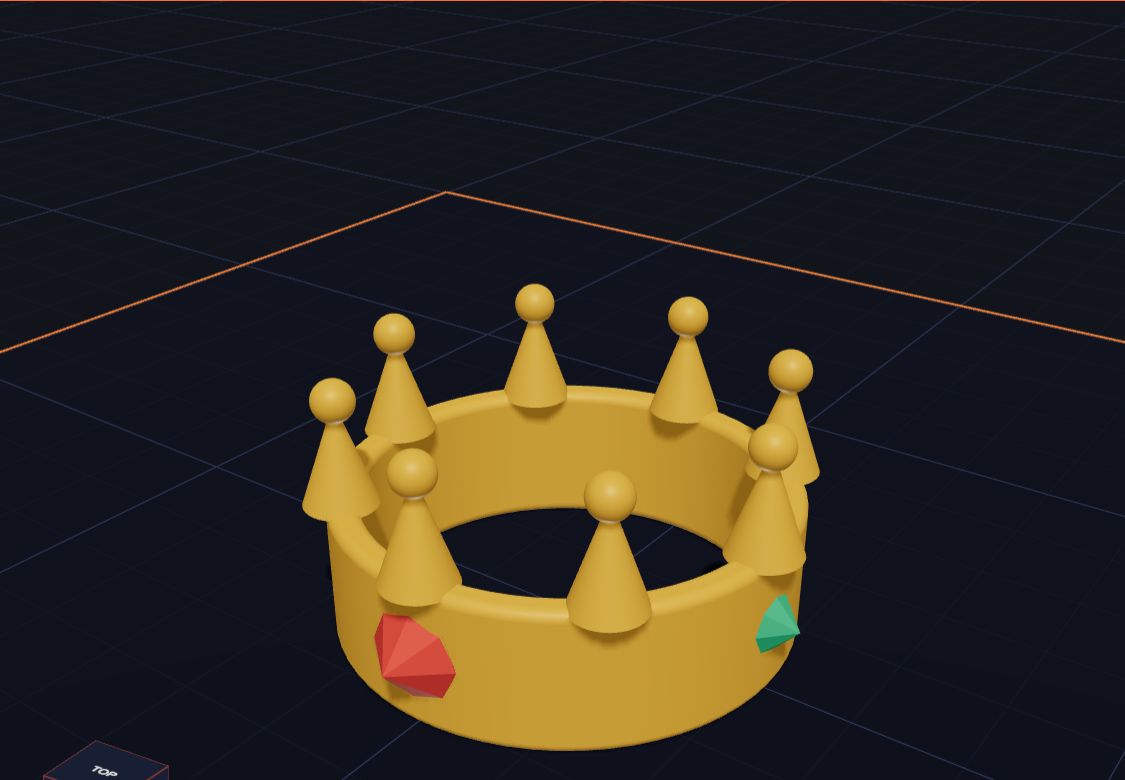
20 Fun Things to Make in Kids 3D Lab
Need an idea? Here are 20 fun, easy things kids can design in Kids 3D Lab, from name tags to crowns, rockets and robots.
5 min read
Grown-ups
Free 3D Design for Kids, No Sign-Up: A Parent & Teacher Guide
A free 3D design app for kids aged 5 to 11, right in the browser — no account, no adverts. How children learn shapes, measuring and problem solving, with lesson ideas for home and school.
6 min read
Nothing found. Try another word, or see every post.