Build a Rocket Ship That Stands Up
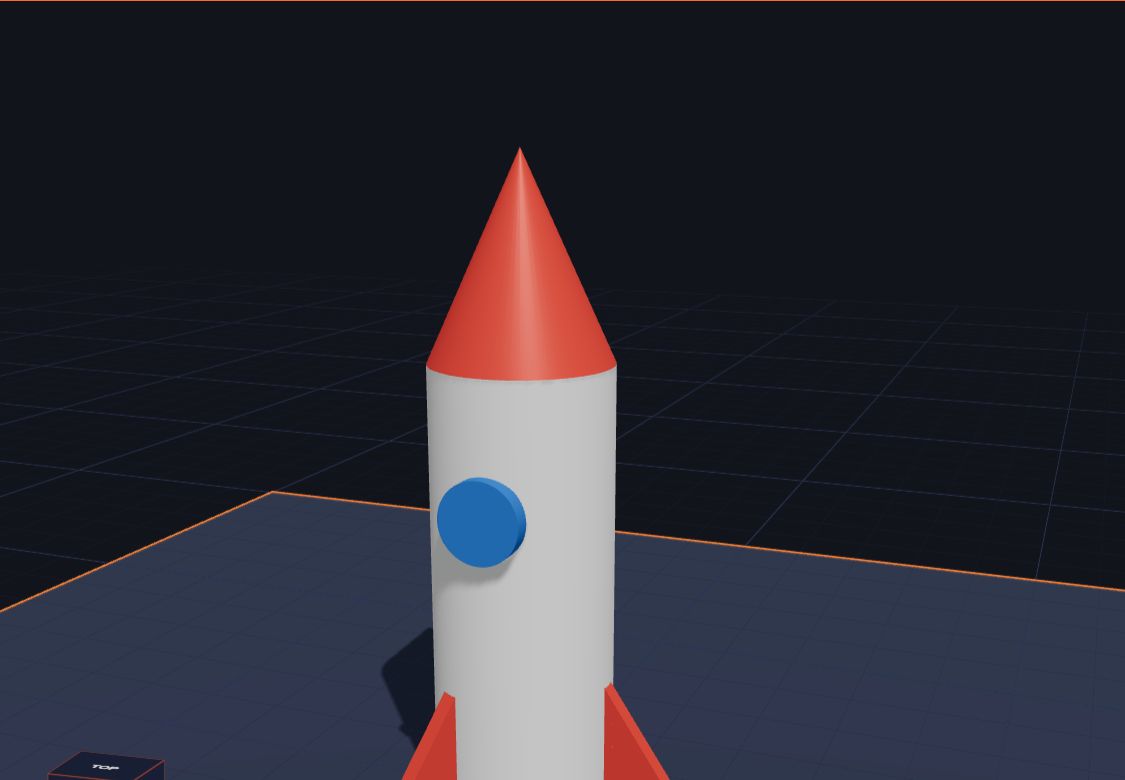
3, 2, 1… blast off! Rockets are one of the most fun things to build in 3D. They are made from simple shapes, they look amazing on a shelf, and they teach you a clever trick: how to put things evenly around a circle.
In this project you will build a rocket with a tall body, a pointy nose, a round window and three fins to stand on. It takes about 20 minutes.
What you need
- A computer, Chromebook or tablet with a web browser
- Kids 3D Lab (free, no account needed)
- About 20 minutes
Step 1: The body
- Open Kids 3D Lab and click New build.
- Click Cylinder.
- Set Diameter to 20 and Height to 50.
- Pick white or silver in Colour.
This tall cylinder is the body of the rocket. Real rockets are long and thin like this, so they can push through the air.
Step 2: The nose cone
- Click Cone.
- Set Diameter to 20 and Height to 22. The bottom of the cone is the same size as the body, so they fit together.
- Pick red.
- Click the body, hold Shift and click the cone.
- Click Put on top of the cylinder.
The cone jumps up to the top. Your rocket has a pointy nose! Real rockets have a pointy nose too, so the air slides around them.
Step 3: The window
- Click Cylinder again.
- Set Diameter to 9 and Height to 2. It's a flat disc.
- Under Turn, set X to 90. The disc stands up, facing the front.
- Pick blue.
- Under Position, set X to 0, Y to -10.5 and Z to 31.
The window sits on the front of the rocket, pushed in a tiny bit so it joins the body. Can you see it?
Step 4: The fins
Rockets need fins to fly straight, and our rocket needs them to stand up! We will make three fins, spaced evenly around the body.
Here's the clever part. A full circle is 360 degrees. Three fins means 360 ÷ 3 = 120 degrees between each fin.
The first fin:
- Click Ramp.
- Set Width to 2, Depth to 12 and Height to 18. It's a thin, tall wedge.
- Pick red.
- Under Turn, set Z to 90.
- Under Position, set X to 14, Y to 0 and Z to 0.
The second fin:
- Press Ctrl + D (on a Mac, ⌘ + D) to copy the fin.
- Set Turn Z to 210 (that's 90 + 120).
- Set X to -7 and Y to 12.1.
The third fin:
- Copy again.
- Set Turn Z to 330 (that's 210 + 120).
- Set X to -7 and Y to -12.1.
Turn the view and look from the top. The three fins are spread out evenly, like a Y shape. Your rocket can stand on its fins!
Step 5: Check it and save it
- Call your build "My rocket".
- Click Save.
- Click Export. In Ready to print?, check that everything is one piece.
- Click Download STL, or Download 3MF to keep the colours.
Make it even better
Four fins
Try four fins instead of three. 360 ÷ 4 = 90, so the fins go at 0, 90, 180 and 270 degrees. Four fins are easier to place: they go straight left, right, front and back.
More windows
Copy the window and move it up the body. Rockets often have two or three round windows in a line.
Flames
Add an orange Cone, flip it upside down with ⇵ Z under Flip, and put it under the rocket. It looks like a flame! (But it won't stand up any more, so it's just for fun on screen.)
A launch pad
Make a big flat Cylinder (diameter 50, height 3) and put the rocket on top. Now it has a launch pad, and it's even steadier.
Your name on the side
Add Text with your name or your rocket's name, like "SPACE CAT". Turn it so it runs down the side of the rocket.
Common mistakes
- The fins float. The fins must touch the body. Check that X and Y are the numbers above, or drag them in until they touch.
- The rocket falls over. All three fins need their bottoms on the plate. Check that their Z is 0.
- The nose is the wrong size. If the cone is wider than the body, it overhangs. Keep the diameters the same.
- The window floats in front. Set the window's Y to -10.5, so it pushes into the body a little.
Questions kids ask
Will my rocket fly?
No, it's a model rocket for your shelf. Real rockets have engines that burn fuel. But your rocket has the same shape: a long body, a pointy nose and fins.
Why do rockets have fins?
Fins help a rocket fly straight, like the feathers on an arrow. They stop it spinning around and tumbling.
Why three fins and not two?
With two fins, the rocket would fall over sideways. Three is the smallest number that can stand up on its own, like a three-legged stool.
Can I make it bigger?
Yes. Pick everything with Ctrl + A, then make it bigger with the corners. The fins and window grow too, so everything still fits.
For grown-ups
This project introduces evenly spaced (radial) patterns: dividing 360 degrees by the number of fins. It's an easy way to show how angles work, and why a tripod is stable. Children who are curious about the X and Y numbers can try drawing the rocket from above on squared paper, then checking the numbers. If you print it, the fins are thin, so print slowly and let a grown-up take it off the plate. This rocket is also one of the ready-made examples, so you can open it and take it apart. For more about turning shapes, see Turn, Flip and Stretch, and for another stacking project, try Build a Snowman.
Keep reading
 Projects
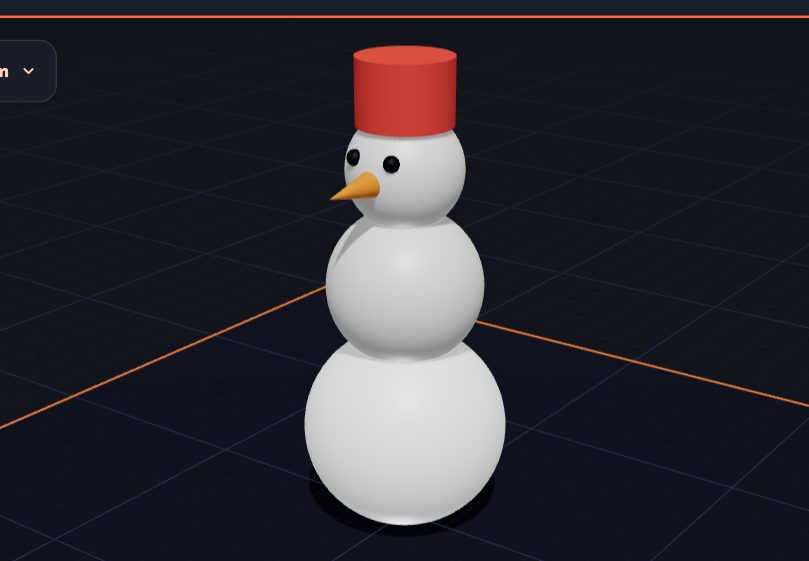
Build a Snowman by Stacking Shapes
Stack three balls, add a carrot nose and a hat. A fun first project that teaches you how to put shapes on top of each other.
5 min read
Projects
Build a Snowman by Stacking Shapes
Stack three balls, add a carrot nose and a hat. A fun first project that teaches you how to put shapes on top of each other.
5 min read
 Projects
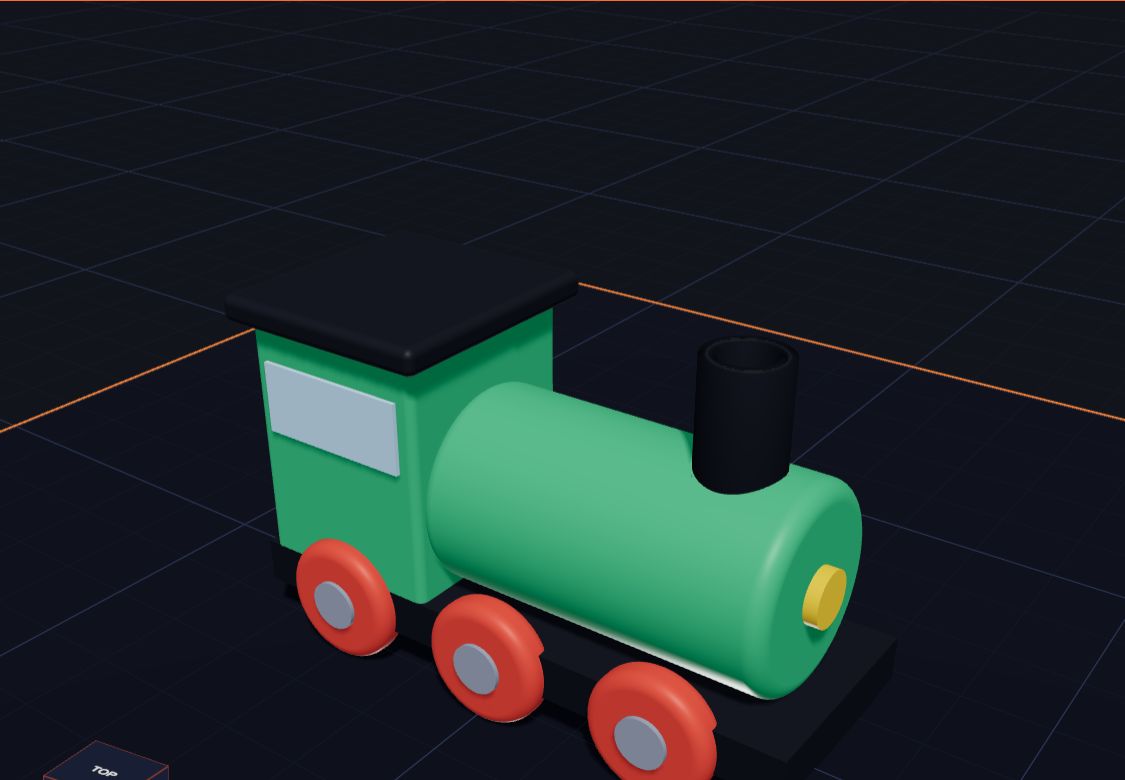
3D Printing Projects for Kids and Students: 15 Easy Ideas
Fifteen easy 3D printing projects and ideas for kids and students, from name tags and dice to cookie cutters and pen pots — plus STEM projects for school.
7 min read
Projects
3D Printing Projects for Kids and Students: 15 Easy Ideas
Fifteen easy 3D printing projects and ideas for kids and students, from name tags and dice to cookie cutters and pen pots — plus STEM projects for school.
7 min read
 Projects
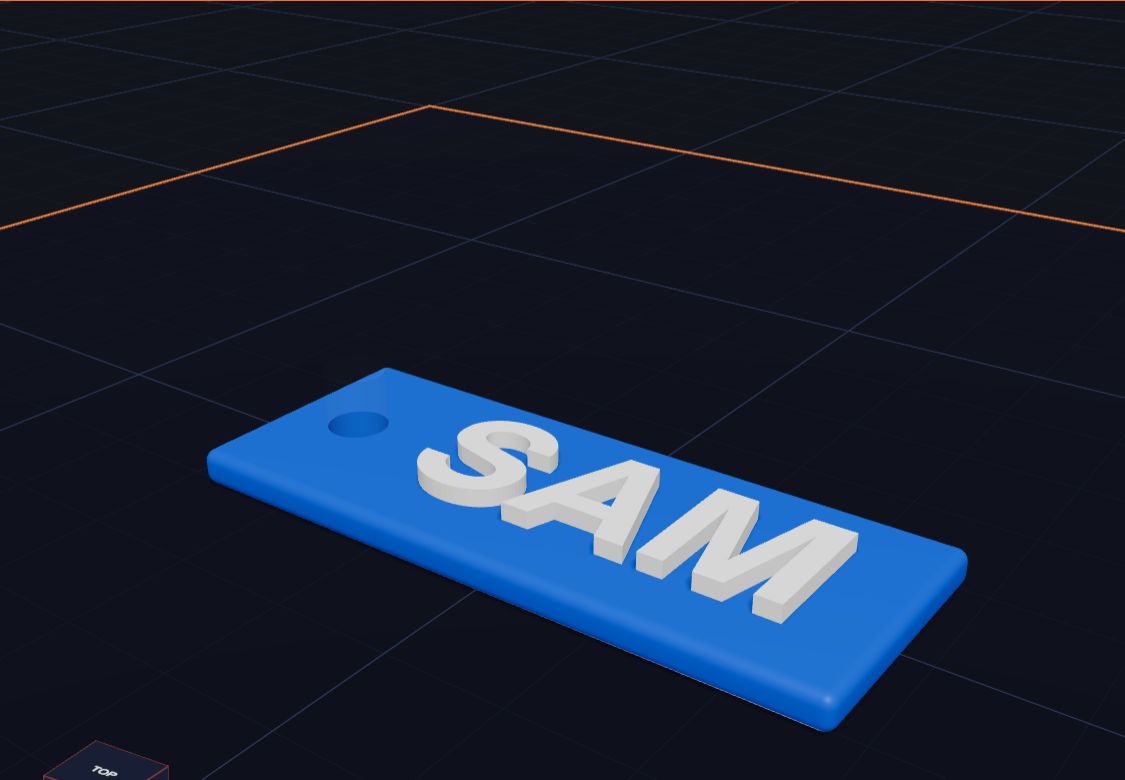
Make a Name Keychain, Step by Step
How to make a 3D printed name keychain, step by step — a tag, your name on top and a hole for the ring — designed free in Kids 3D Lab and ready for a 3D printer.
7 min read
Projects
Make a Name Keychain, Step by Step
How to make a 3D printed name keychain, step by step — a tag, your name on top and a hole for the ring — designed free in Kids 3D Lab and ready for a 3D printer.
7 min read