Free 3D Design for Kids on a Tablet, iPad or Chromebook
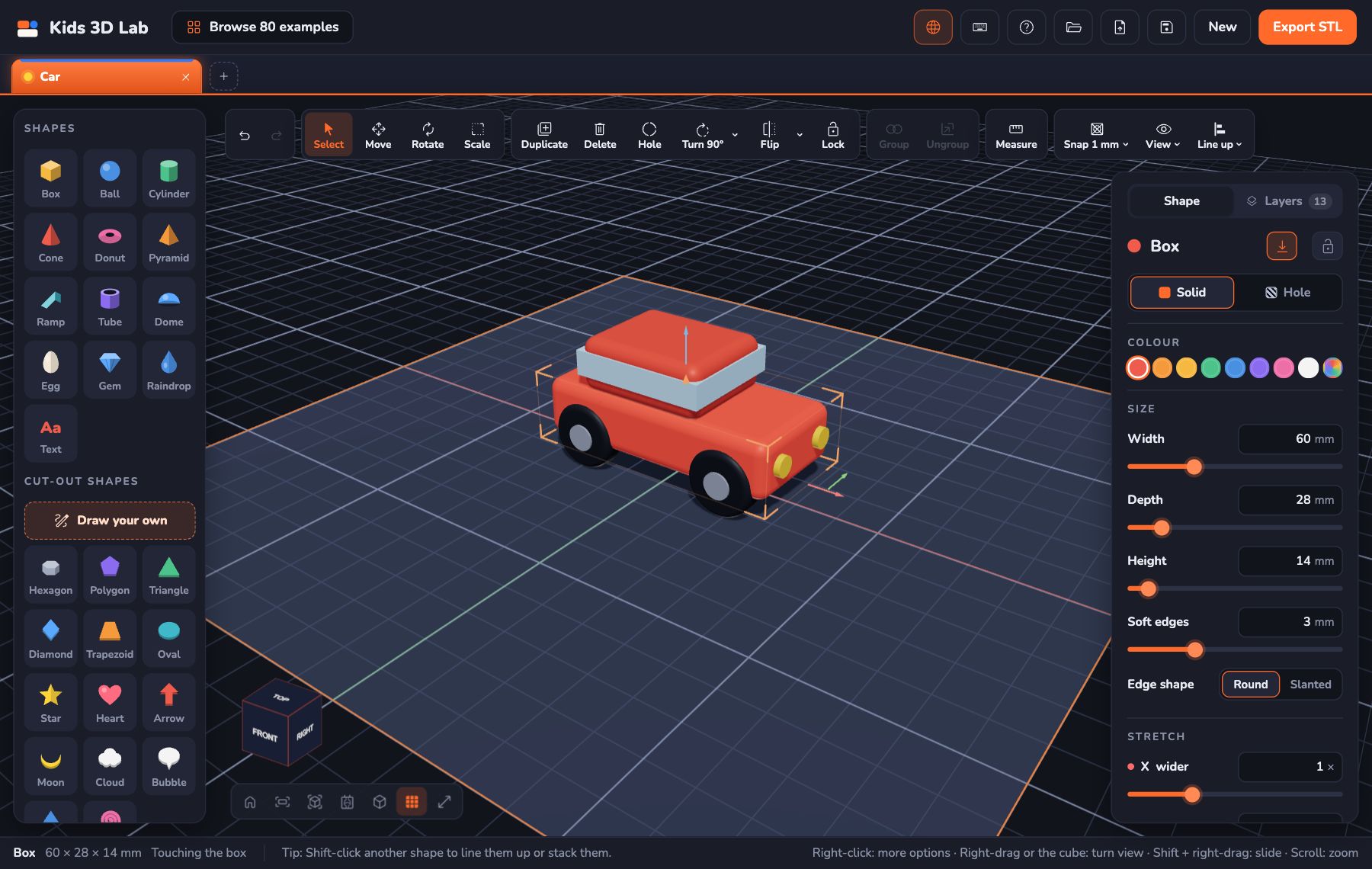
Yes, kids can do 3D design on a tablet, an iPad or a Chromebook, for free. Many 3D programs need a powerful computer and a big download, but browser-based tools like Kids 3D Lab run in the web browser. There's nothing to install, which makes them a great fit for school Chromebooks and family tablets.
This guide explains how it works on each kind of device, how to use touch controls, how to save work, and what to do if something isn't working.
Why the browser is a good fit
- Nothing to install. On school Chromebooks, students usually can't install apps. A website just works.
- No account needed. With Kids 3D Lab, there's no sign-up and no password to forget.
- Same on every device. The same website works on a Chromebook, a Windows laptop, a Mac and a tablet.
- Private. Kids 3D Lab works on the device itself. Nothing your child makes is uploaded.
On a Chromebook
Chromebooks work very well, because they have a keyboard and a trackpad (and often a touchscreen).
- Open the Chrome browser.
- Go to kids3dlab.com and click Open Kids 3D Lab.
- Start building!
Trackpad tips:
- Click a shape to pick it, and drag to move it.
- To turn the view, drag the view cube at the bottom left. On many Chromebooks you can also right-click and drag by clicking with two fingers.
- Zoom by sliding two fingers up and down on the trackpad.
- Press F to fit your whole build in view. It's the quickest way to find your model again.
A mouse makes 3D design much easier than a trackpad. A cheap USB or wireless mouse is a great upgrade for a school Chromebook.
On an iPad or Android tablet
Tablets are great for younger children, who often find touching easier than using a mouse.
- Open Safari (iPad) or Chrome (Android).
- Go to kids3dlab.com and tap Open Kids 3D Lab.
Touch controls:
| To do this | Do this |
|---|---|
| Pick a shape | Tap it |
| Move a shape | Drag it with one finger |
| Turn the view | Drag one finger on empty space |
| Zoom in and out | Pinch with two fingers |
| Slide the view | Drag with two fingers |
Tablet tips:
- Hold it sideways (landscape). You get more room for the plate and the panels.
- The tool row at the top scrolls sideways: swipe it, or tap the arrows at its ends, to reach every button.
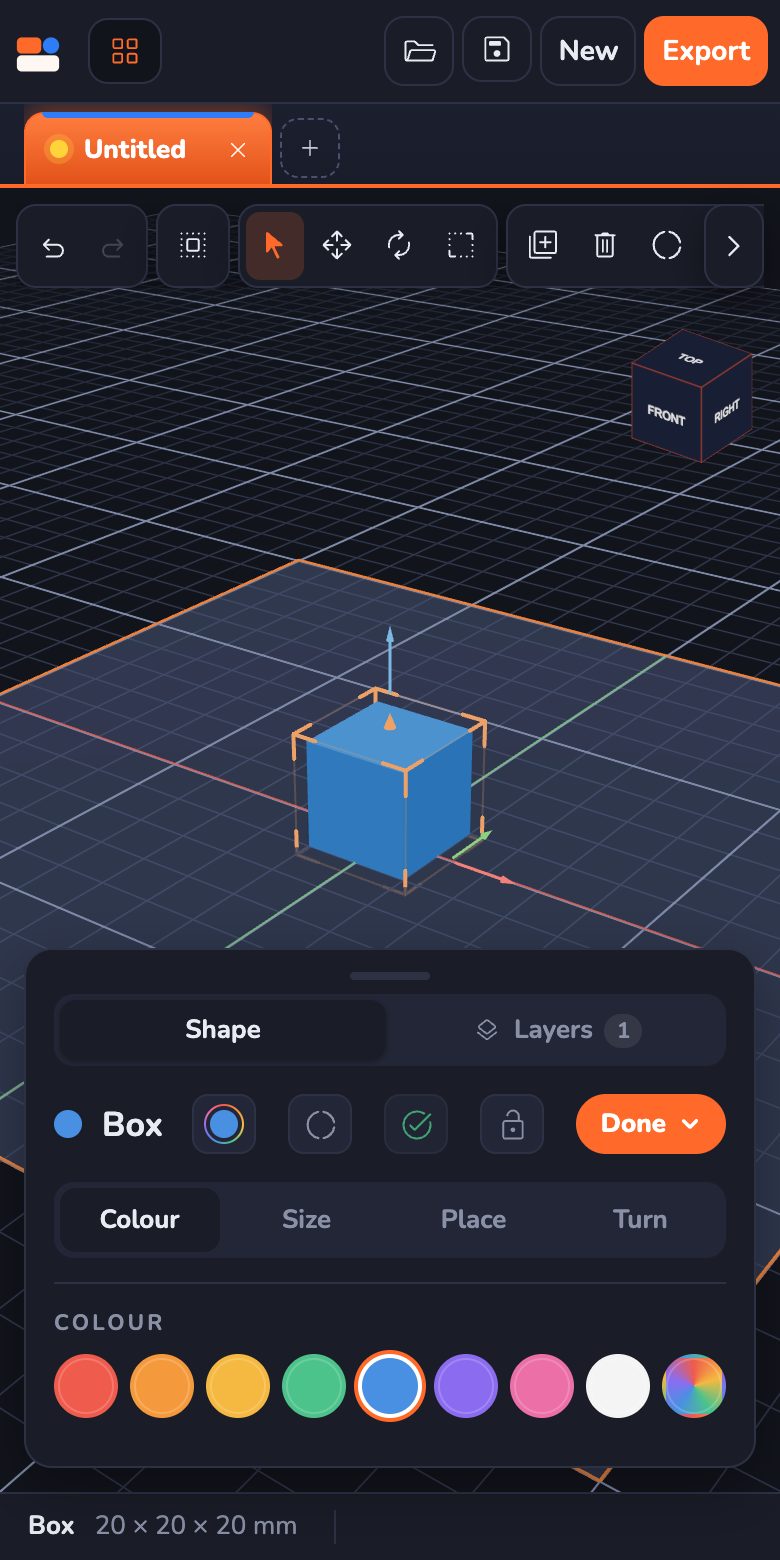
- Tap a shape, then Edit, to open its settings in a sheet at the bottom: Colour, Size, Place and Turn. Drag the sliders instead of typing, so the keyboard doesn't cover the screen.
- Tablet held upright? The shapes move to a row along the bottom. Turn it sideways to get the side panels back.
- A stylus can help with small, precise taps.
On a phone
Kids 3D Lab works on phones too. The shapes sit in a row along the bottom, and a picked shape's settings slide up from the bottom of the screen. It's fine for quick builds and changes, but the screen is small, so for bigger projects a tablet or a computer is more comfortable.
Saving work
On any device, Kids 3D Lab keeps your open builds safe in the browser, so refreshing the page doesn't lose them. But browsers can be cleared, so it's wise to save important builds as files:
- Click Save to download a .kids3d file.
- On a Chromebook, it goes to the Downloads folder. Move it to Google Drive if you want to open it on another device.
- On an iPad, Safari asks where to save it. Choose Files, then On My iPad or iCloud Drive.
- To open a saved build, click Open and choose the file.
Printing from a Chromebook or tablet
When your model is finished, click Export, then Download STL or Download 3MF. The file is saved like any other download. Send it to whoever is printing it: a teacher, a library, or a grown-up at home. See How to 3D Print Without Owning a 3D Printer.
If something isn't working
| Problem | Try this |
|---|---|
| The 3D view is blank | Update the browser. Make sure it's a recent version of Chrome, Safari, Edge or Firefox |
| It's slow or jerky | Close other tabs. Use fewer very round shapes in one build |
| I can't download files | On a school device, downloads may be blocked. Ask your teacher or IT team |
| I lost my model on screen | Press F, or tap TOP on the view cube |
| Touch turns the view instead of moving my shape | Tap the shape first to pick it, then drag it |
Questions kids ask
Does it work offline?
You need an internet connection to open Kids 3D Lab. Once it's open, everything you build stays on your device.
Does it work on a phone?
Yes. Everything works, with the settings in a sheet at the bottom of the screen. A tablet or a computer is more comfortable for big builds.
Is there a free 3D design app for iPad?
Kids 3D Lab is free and works on any iPad in Safari, with no App Store download and no account. Open kids3dlab.com. You can add it to your Home Screen (Share → Add to Home Screen) so it opens like an app.
Does it work on Android tablets?
Yes. Open kids3dlab.com in Chrome. Touch controls are the same as on an iPad.
Can I use a stylus?
Yes. A stylus works like a finger, but it's more precise. It helps with small shapes.
Can I start on a Chromebook at school and finish at home?
Yes. Save your build as a file, put it somewhere you can reach from home (like your school drive), then Open it on the other device.
For grown-ups
For schools, a browser-based tool with no accounts avoids the two biggest barriers to 3D design: installing software on managed devices, and creating student logins. Check that file downloads are allowed on your devices, and agree on where students should save their .kids3d files. For younger children on tablets, start with the Practice corner games, which work with touch too. For more on choosing tools, see The Best Free 3D Design Software for Kids.
Keep reading
 App skills
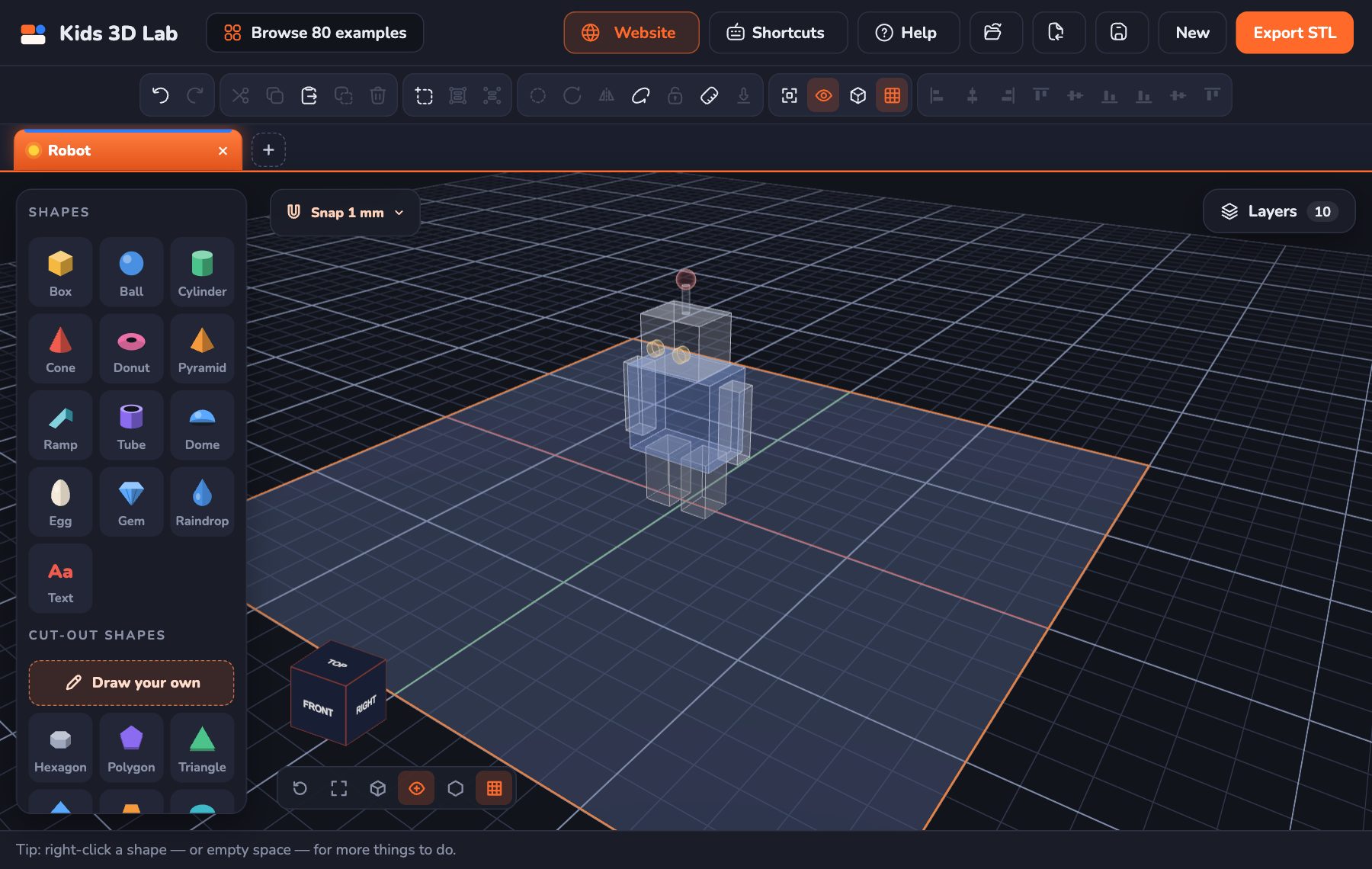
See Inside Your Build: X-ray, Outline, Layers and Flat Views
New in Kids 3D Lab — flat Top, Front and Side views like real CAD, X-ray and Outline to see inside your build, a Layers list to pick any shape, and a right-click menu.
5 min read
 App skills
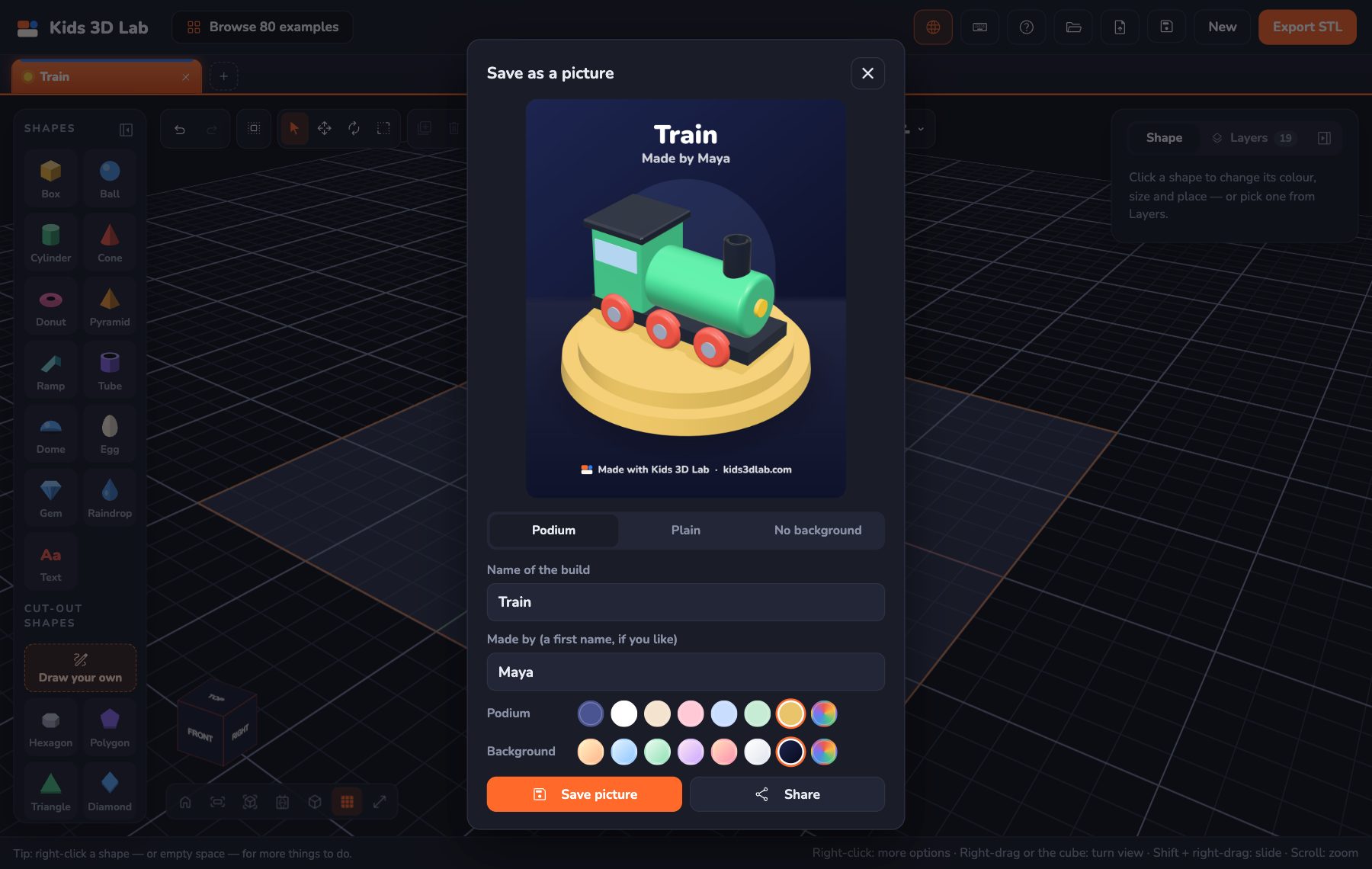
Show Off Your Build: Save It as a Picture
New in Kids 3D Lab — save your 3D build as a bright, sharp picture on a podium or a plain colour, or with no background at all, to keep or share with family.
6 min read
 App skills
Build on Any Side: The Workplane in Kids 3D Lab
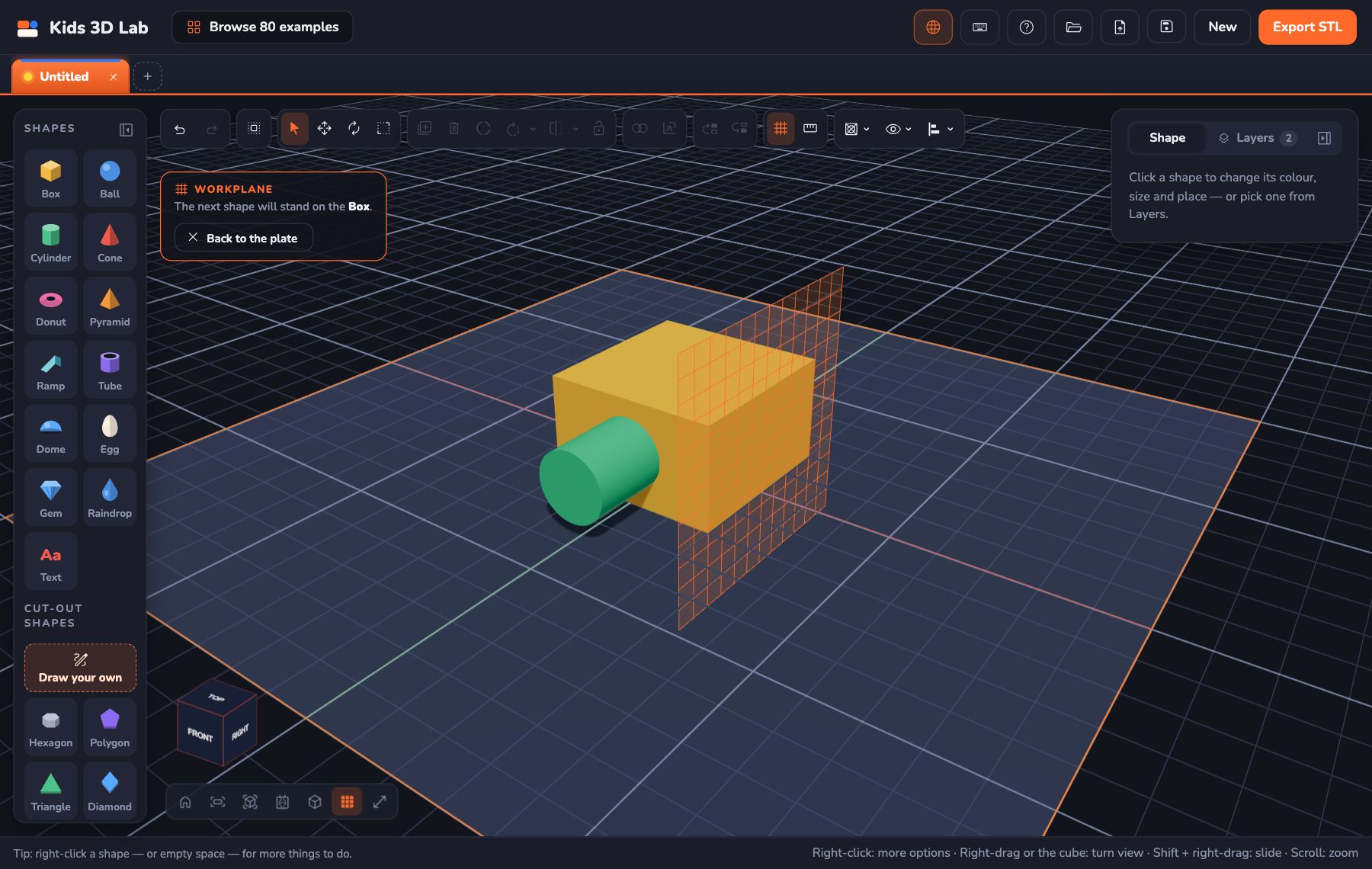
New in Kids 3D Lab — the Workplane. Click the top or side of a shape, and the next shape stands right on it. Or drag a shape straight onto another one.
7 min read