How to Make a 3D Model for a School Project
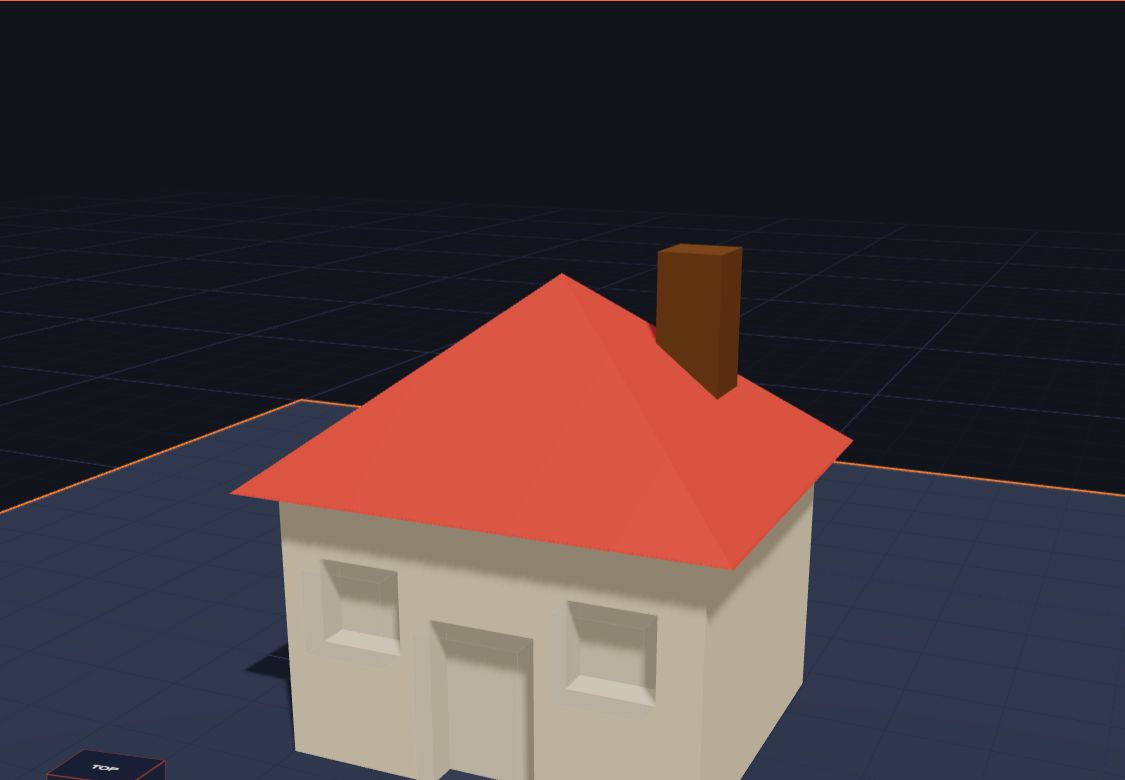
Your teacher said, "Make a model for your project." A 3D model is a great choice! You can build it on a computer or a tablet, show it from every side, and even print it on a 3D printer. You don't need to be an expert. You build it from simple shapes, like building blocks.
This guide shows you how, step by step. It works for projects about homes, animals, space, buildings, inventions and much more.
Step 1: Pick your topic
Start with what your project is about. Here are some ideas that make great 3D models:
- Homes: your dream house, a hut, an igloo or a castle.
- Animals: a cat, a duck or a turtle, made from balls and cones.
- Space: a rocket, or the Sun with a few planets.
- Transport: a car, a train, a boat or an aeroplane.
- Inventions: a robot helper, or something that solves a problem at home.
- Science: a model of a cell, a volcano or a lighthouse.
Step 2: Look and plan
Before you build, look at a picture of the real thing. Ask yourself:
- Which shapes do I see? A house is a box with a pyramid on top. A snowman is three balls. A rocket is a cylinder with a cone.
- How big should it be? Decide on a size in millimetres. For a 3D print, about 50 to 80 mm across is a good size: it fits in your hand.
- What colours? Choose a colour for each part.
Draw a quick sketch on paper and write the shapes next to each part. Real engineers plan like this too!
Practice gameWhich shapes?Spot the shapes a build is made from.Play →Step 3: Build it in 3D
Open Kids 3D Lab in your web browser. There's nothing to install and no account.
- Click a shape on the left to add it, like a Box for the body of a house.
- Change its size with the numbers or sliders in the panel on the right.
- Add the next shape, and put it in place. To put one shape on top of another, pick both and click On top.
- Paint each part with a colour.
- Want a window or a door? Turn a shape into a hole, and it cuts its shape out.
- Turn the view round with the right mouse button (or one finger on a tablet) to check every side.
Read Line Up, Stack and Group to make your parts neat, and How Holes Work to cut doors and windows.
Step 4: Check your model
Before you hand it in, check it like a teacher would:
- Does it look like the real thing? Compare it with your picture.
- Is it the right size? Click a part to see its size in millimetres.
- Is everything joined? Floating parts look odd and won't print.
- Is it neat? Use Line up to put parts in the middle.
Step 5: Hand it in
There are three easy ways to show your model:
- A picture. Click Save, then Save as a picture. Pick a podium or a plain background and type the name of your model. You can print the picture or put it in a slideshow. Read Show Off Your Build.
- The file. Click Save to keep a .kids3d file, so you can open it again and keep working.
- A 3D print. Click Export and download an STL file. Ask a grown-up, your school or a library to print it. No printer? Read How to 3D Print Without Owning a 3D Printer.
Try it: a model of your home
- Add a Box for the house: 60 mm wide, 40 mm deep, 35 mm tall.
- Add a Pyramid for the roof and put it On top of the box.
- Add a small Box for the door. Make it a hole and push it into the front.
- Add two small boxes as windows, and make them holes too.
- Paint the walls and the roof.
- Save a picture for your project!
Questions kids ask
What is the easiest 3D model for a school project?
A house, a snowman or a rocket. Each one needs only a few shapes, and everyone can see what it is.
How long does it take to make a 3D model?
A simple model takes about 15 to 30 minutes. Printing it can take an hour or more, so leave time before the due date.
Can I make a 3D model on a tablet?
Yes. Kids 3D Lab runs in the web browser, so it works on a tablet, a Chromebook or a computer.
Do I need a 3D printer for my project?
No. You can hand in a picture of your model, or show it on a screen. A 3D print is a nice extra.
For grown-ups
A 3D model is a good way for children to show what they've learned: they have to look closely at the real thing, break it into shapes, choose sizes and explain their choices. Encourage a quick paper sketch first, and keep models small so they're finished on time. If your child's school uses Chromebooks or iPads, Kids 3D Lab works there in the browser. Teachers will find ready-made lessons in 3D Design Lesson Plans for Grades 3 to 5. For every button in the app, see The Kids 3D Lab Guide.
Keep reading
 App skills
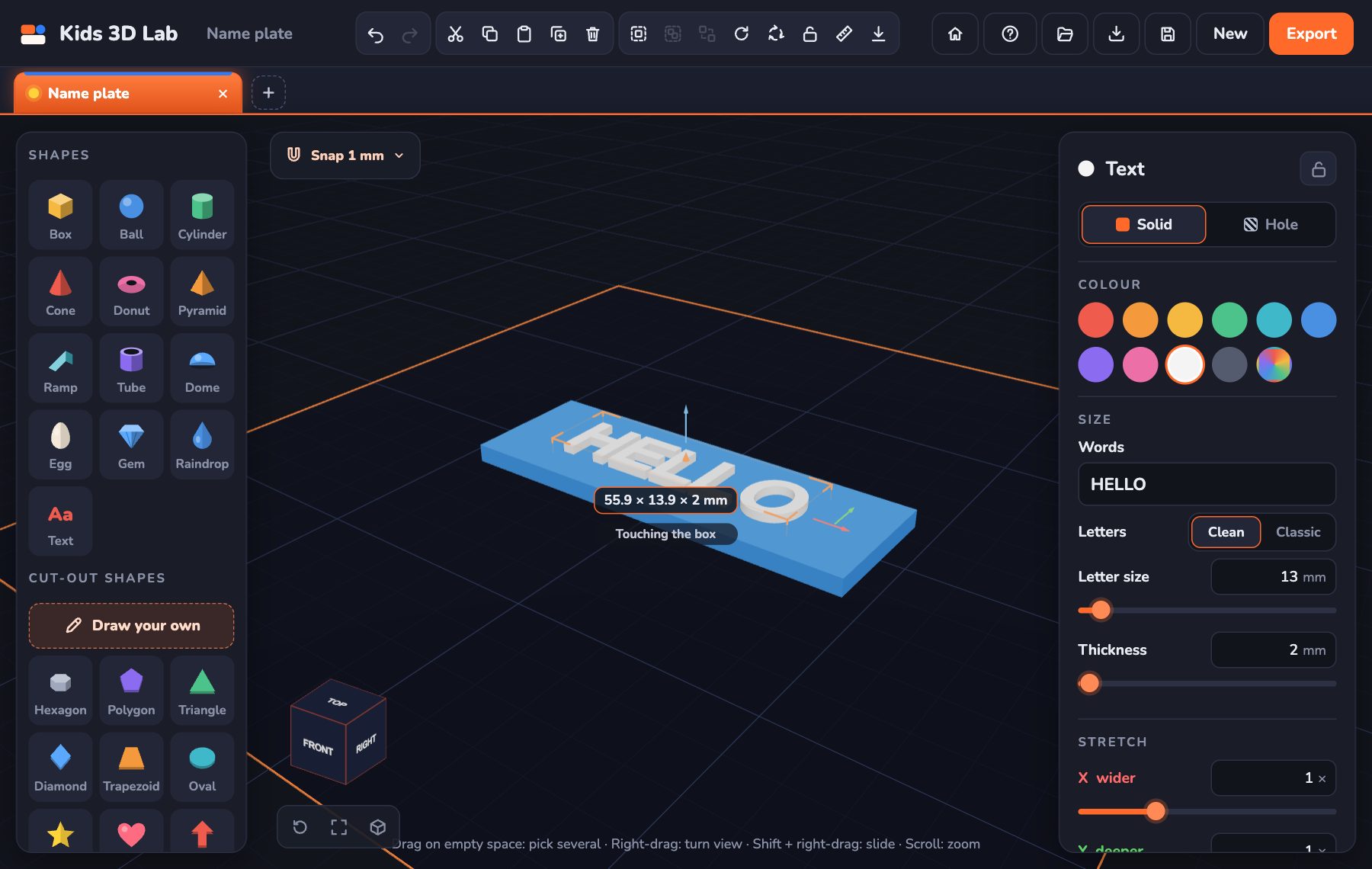
Make Your First 3D Model in 10 Minutes
How to make a 3D model, step by step — your very first one is a name tag with your own name on it. Great for beginners and school projects.
6 min read
App skills
Make Your First 3D Model in 10 Minutes
How to make a 3D model, step by step — your very first one is a name tag with your own name on it. Great for beginners and school projects.
6 min read
 App skills
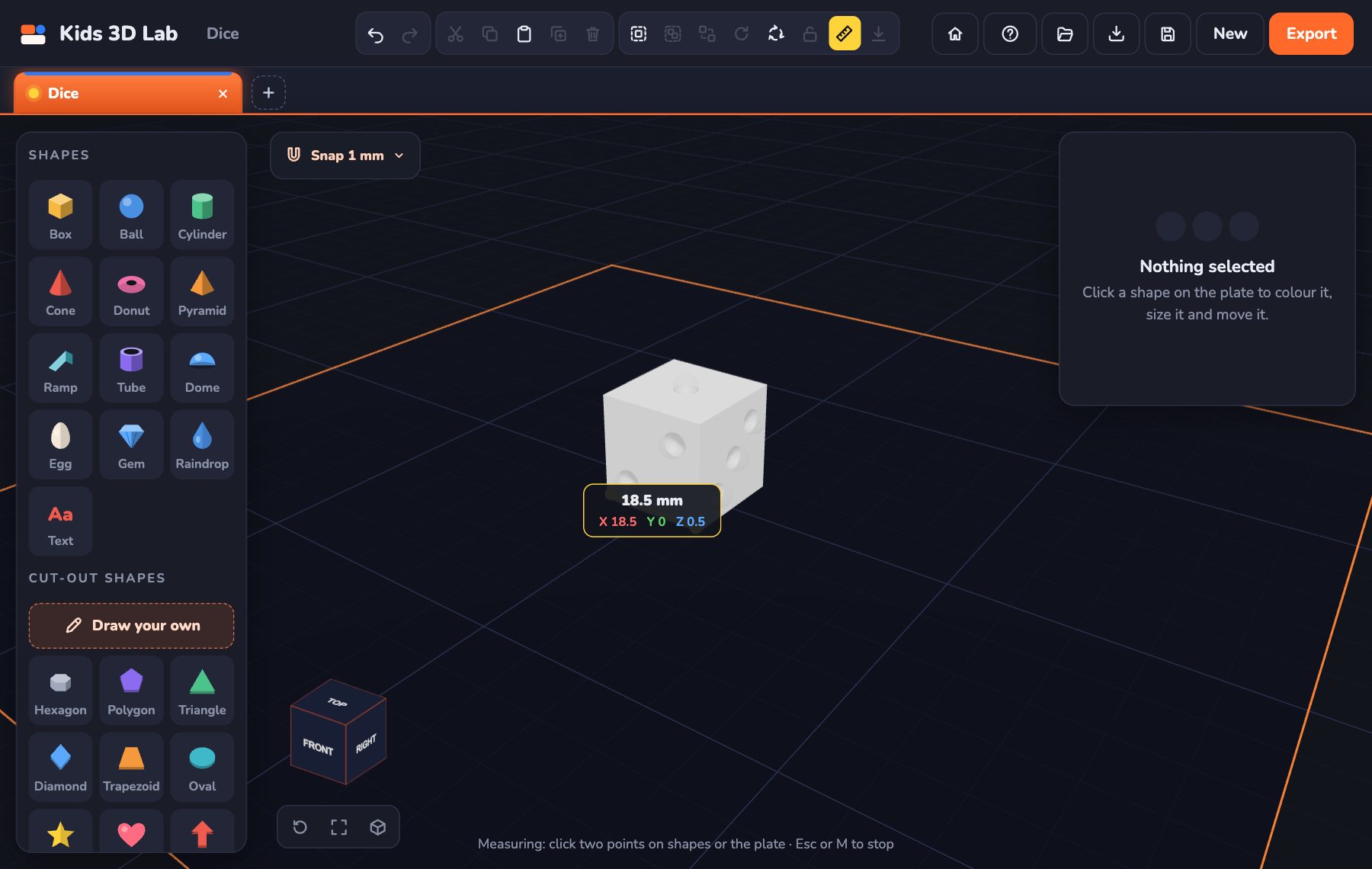
Millimetres Made Easy: How Big Is Your Model?
How big is 1 mm, 3 mm or 4 mm? Millimetre sizes with everyday examples, how to find 3 mm on a ruler, and how to make your model just the right size.
7 min read
App skills
Millimetres Made Easy: How Big Is Your Model?
How big is 1 mm, 3 mm or 4 mm? Millimetre sizes with everyday examples, how to find 3 mm on a ruler, and how to make your model just the right size.
7 min read
 App skills
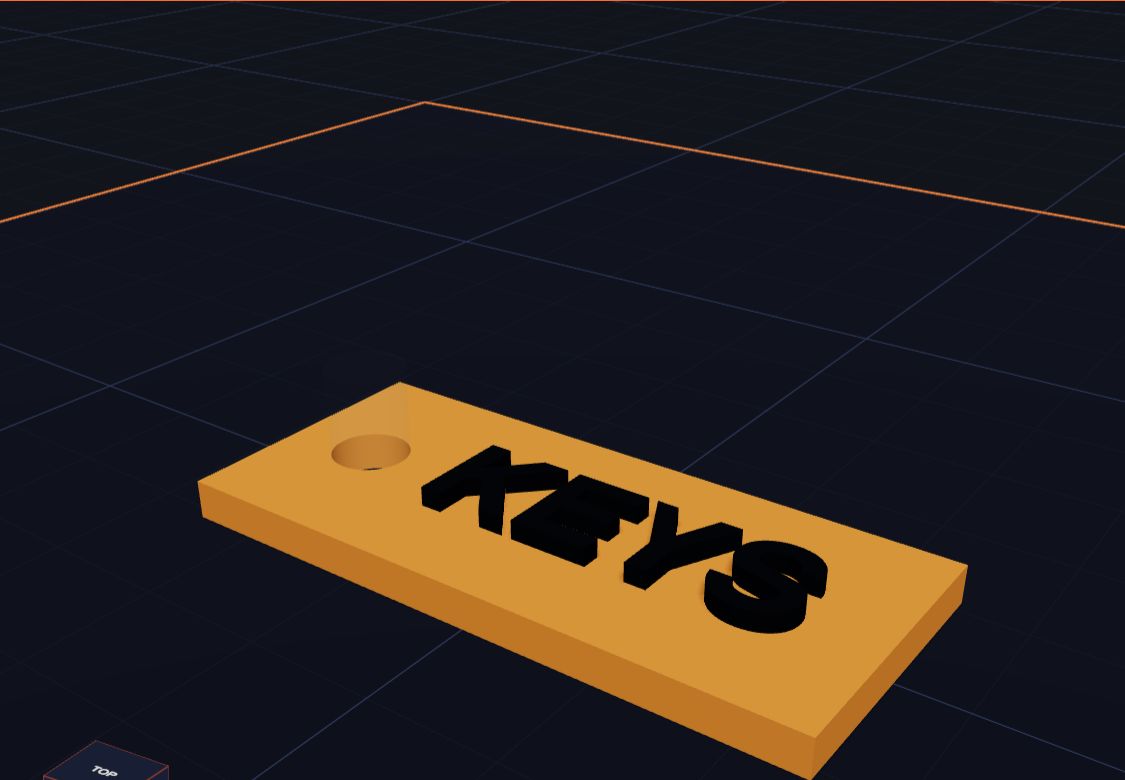
How Holes Work (and How to Make a Key Tag)
In Kids 3D Lab any shape can become a hole. Learn how holes cut into other shapes, and make a key tag with a hole for the ring.
6 min read
App skills
How Holes Work (and How to Make a Key Tag)
In Kids 3D Lab any shape can become a hole. Learn how holes cut into other shapes, and make a key tag with a hole for the ring.
6 min read