Blog ›
What Is CAD? Explained for Kids
Look around you. Your chair, your pencil, your shoes and your tablet were all designed by somebody. And almost all of them were designed on a computer, using something called CAD.
In this post you will learn what CAD is, who uses it, and how you're already doing it when you build in Kids 3D Lab.
What does CAD stand for?
CAD stands for Computer-Aided Design. That means designing things with the help of a computer.
- Computer — the machine you use.
- Aided — helped.
- Design — planning how something will look and work.
So CAD is using a computer to help you plan and draw things before they are made.
Before computers
Long ago, designers drew everything by hand, on big sheets of paper. They used rulers, pencils and special triangles. If they made a mistake, they had to rub it out, or start again!
Drawing a car by hand could take weeks. And a drawing is flat. You can't turn it around to look at the back.
What CAD can do
CAD changed everything. With CAD you can:
- Build in 3D. Turn your model around and look at it from every side.
- Use exact sizes. Type 56 mm, and it's exactly 56 mm. No wobbly lines!
- Change things quickly. Make it wider with one number. Undo a mistake with one click.
- Test before you make. Check that parts fit together, or that a model fits a printer.
- Share it. Send the file to a friend, a factory or a 3D printer.
Who uses CAD?
Lots of people use CAD in their jobs:
| Job | What they design |
|---|---|
| Car designers | Cars, engines and seats |
| Architects | Houses, schools and bridges |
| Engineers | Machines, robots and rockets |
| Toy designers | Toys, games and building blocks |
| Product designers | Phones, bottles and chairs |
| Game makers | Characters and worlds |
| Doctors and dentists | Special parts made to fit one person |
When you build in Kids 3D Lab, you're doing the same kind of work, just with easier buttons!
How CAD works in Kids 3D Lab
Grown-up CAD programs and Kids 3D Lab share the same big ideas:
1. Building from shapes
Most things are made from simple shapes. A car is boxes and cylinders. A snowman is balls. In CAD you start with shapes and put them together.
2. Exact sizes
Every number in Kids 3D Lab is in millimetres. When you type a size, it's a real size, just like in the CAD tools engineers use.
3. Adding and taking away
You can add shapes together, and you can take away shapes using holes. Engineers do the same thing. A cup is a cylinder with a smaller cylinder taken away.
4. Checking before making
Before printing, Kids 3D Lab checks your model: does it fit? Is anything floating? Is it all one piece? Engineers check their designs before they're made too, because mistakes in a factory are expensive!
From CAD to a real thing
A CAD model is a plan. To make it real, you need a machine. For small things at home or school, that's often a 3D printer.
- You design the model in CAD.
- You save it as a file, like an STL or a 3MF.
- A slicer app cuts the model into thin layers.
- The 3D printer builds it, one layer at a time.
Read What Is 3D Printing? to learn how printers work.
Some words CAD designers use
| Word | What it means |
|---|---|
| Model | The 3D thing you design on the computer |
| Dimensions | The sizes: width, depth and height |
| Solid | A shape made of material |
| Hole | A shape that cuts material away |
| Align | Line things up neatly |
| Export | Save your model as a file for a printer or a factory |
| Prototype | A first try, made to test an idea |
Try it yourself
You can start doing CAD right now:
- Open Kids 3D Lab and click New build.
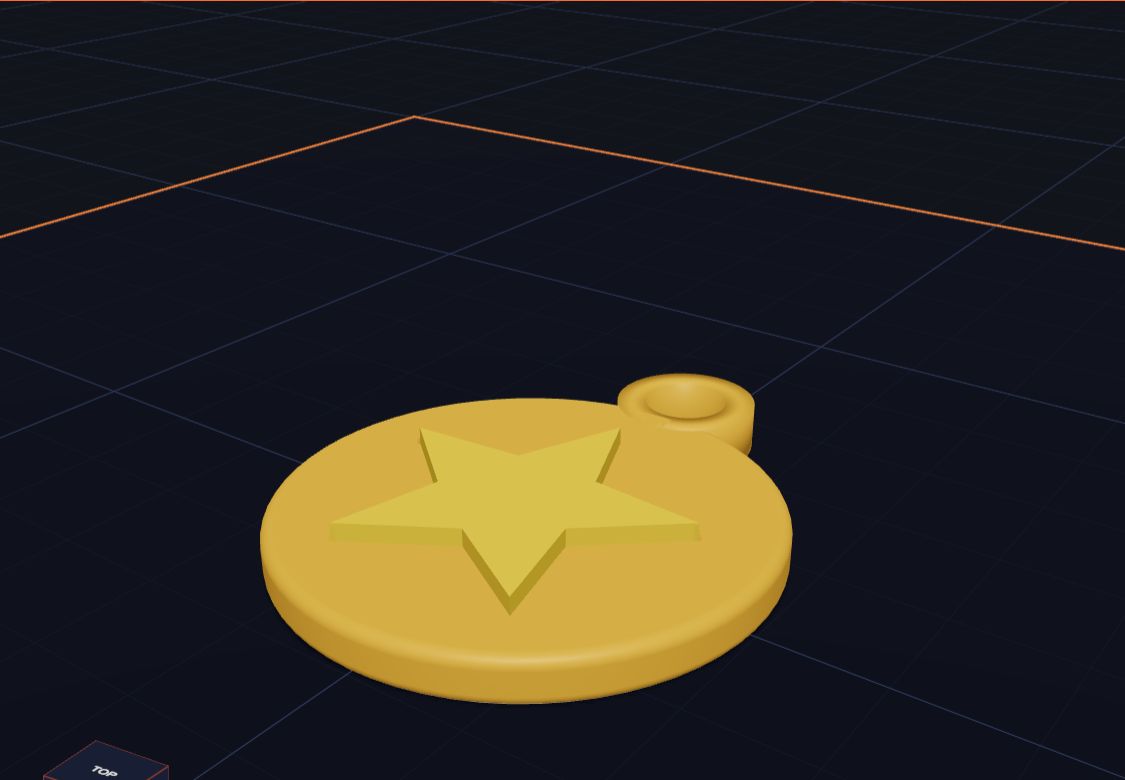
- Add a Cylinder. Make it 40 wide and 4 tall. That's a medal!
- Add a Star. Make it 28 wide and 2 tall. Put it on top of the cylinder.
- Add a Tube for the loop, so a ribbon can go through.
- Click Export and check it's ready to print.
Congratulations. You're a CAD designer!
Questions kids ask
Is CAD hard?
Big CAD programs have lots of buttons, so they take time to learn. But the ideas are simple: shapes, sizes, adding and taking away. Start with an easy app, and you'll learn the ideas first.
What CAD programs do grown-ups use?
There are many, like Fusion, SolidWorks, FreeCAD and Onshape. Each one is made for different jobs. You don't need them to start. Kids 3D Lab teaches the same ideas.
Can CAD make anything?
CAD can design almost anything. Making it is another step. Some things are too big, too small or too tricky for a home printer, but factories can make them.
How old do you have to be to use CAD?
You can start at about 5 with a grown-up, using simple tools. Many engineers say they started by building with blocks and drawing as kids.
For grown-ups
CAD is one of the most useful skills a child can start early, because it combines maths, art and problem solving. The key ideas, like combining shapes, subtracting and working to exact dimensions, transfer directly to professional tools later on. Encourage your child to design things that solve small problems at home, then test them. For a gentle start, try Make Your First 3D Model in 10 Minutes.
Keep reading
 What Is 3D Printing?
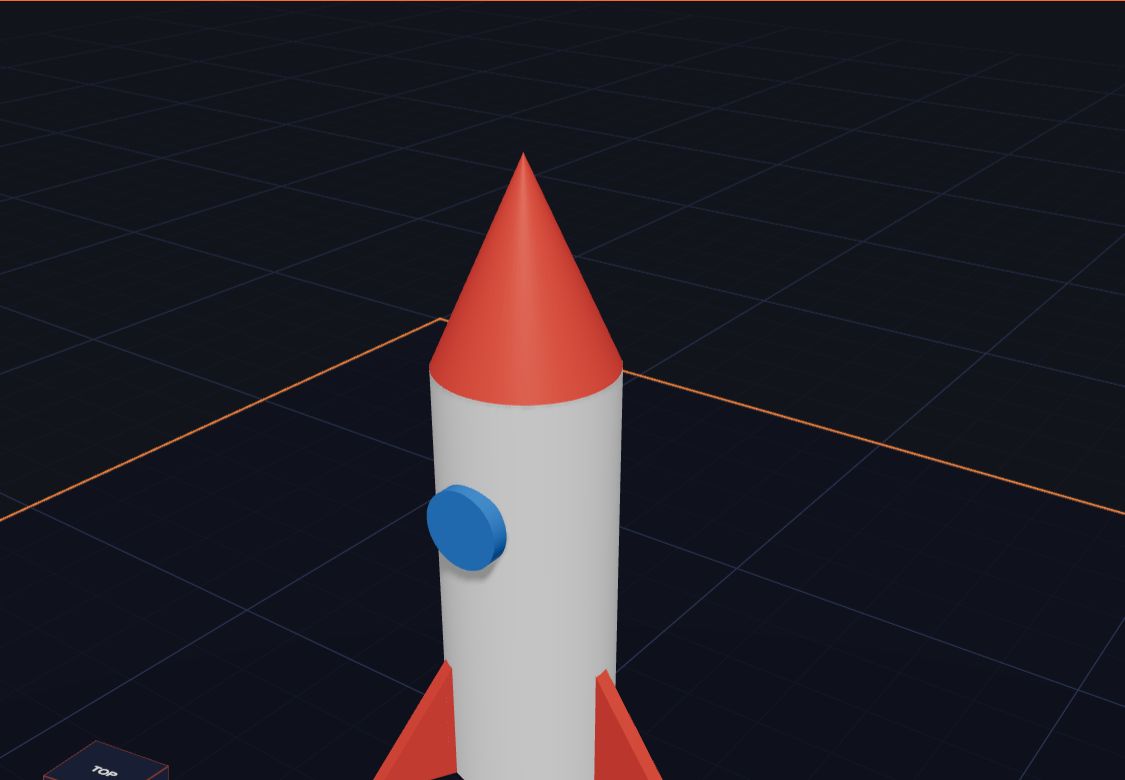
A 3D printer makes real things you can hold, one thin layer at a time. Here is how it works, in simple words.
5 min read
What Is 3D Printing?
A 3D printer makes real things you can hold, one thin layer at a time. Here is how it works, in simple words.
5 min read
 Make Your First 3D Model in 10 Minutes
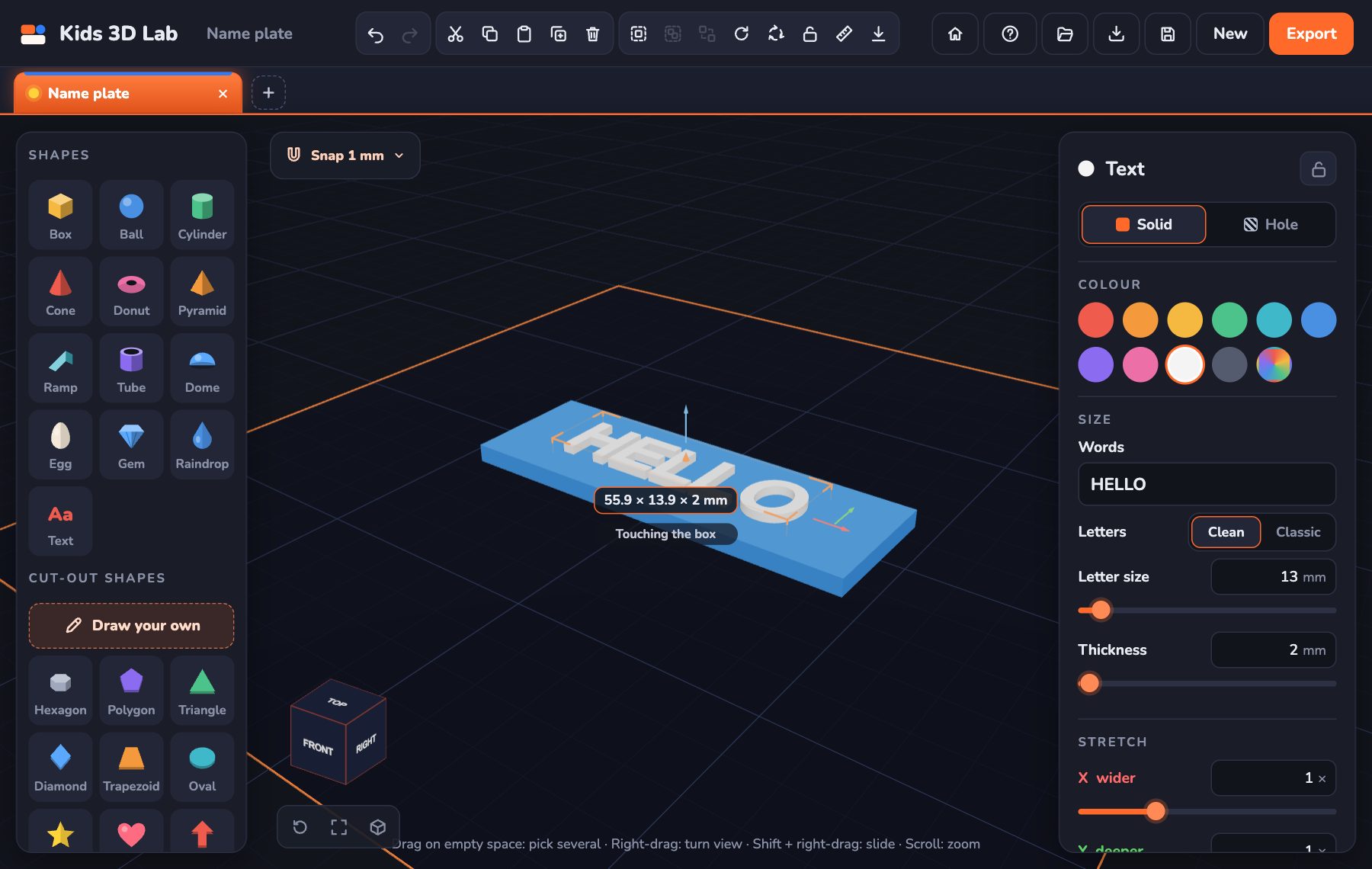
A step-by-step guide to your very first 3D model — a name tag with your own name on it.
5 min read
Make Your First 3D Model in 10 Minutes
A step-by-step guide to your very first 3D model — a name tag with your own name on it.
5 min read
 Millimetres Made Easy: How Big Is Your Model?
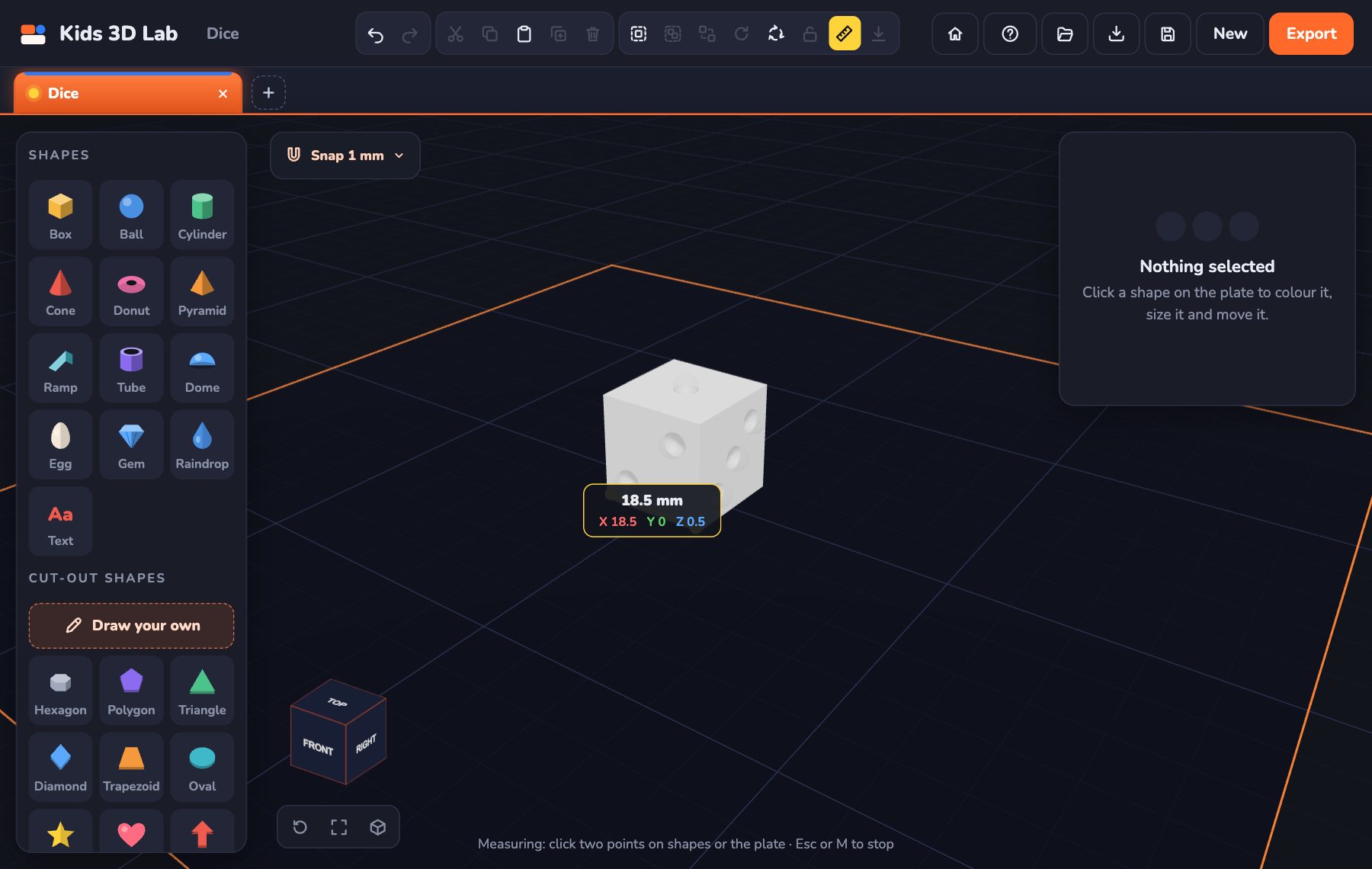
Every number in Kids 3D Lab is in millimetres. Learn how big a millimetre is, and how to make your model just the right size.
5 min read
Millimetres Made Easy: How Big Is Your Model?
Every number in Kids 3D Lab is in millimetres. Learn how big a millimetre is, and how to make your model just the right size.
5 min read