3D Drawing for Kids: Draw a Shape and Make It 3D (Free)
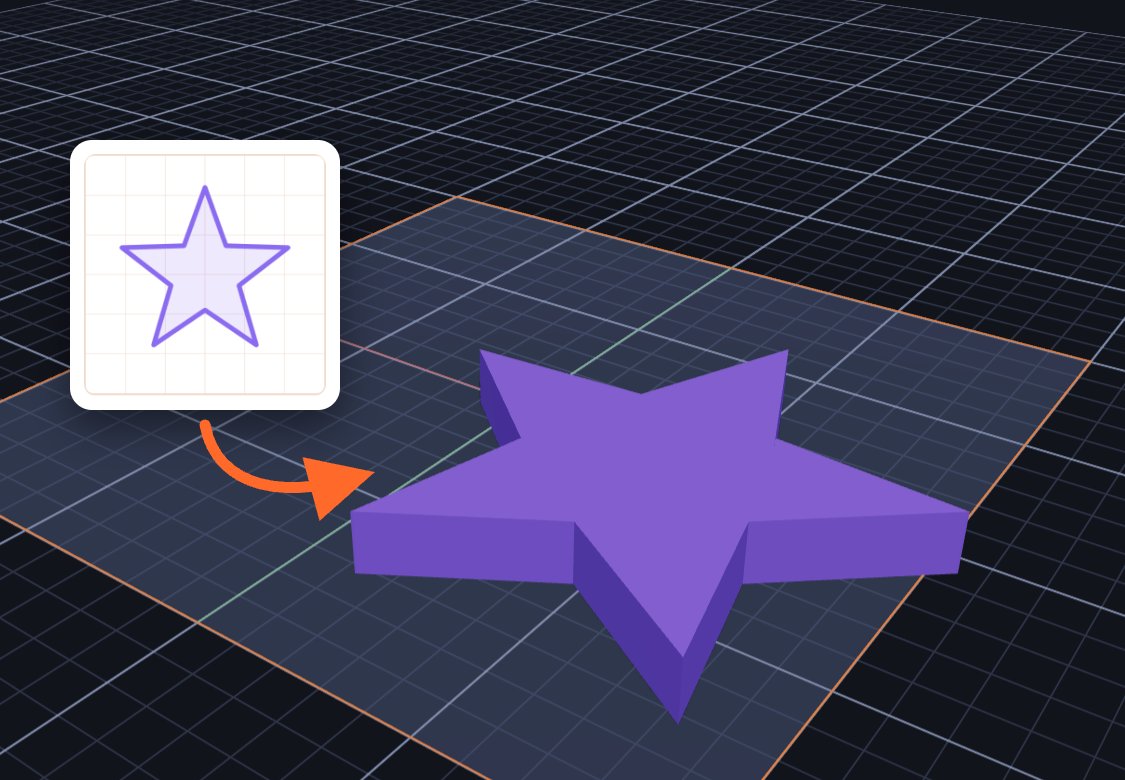
Can a drawing become a real thing you can hold? Yes! With 3D drawing, you draw a flat shape, and the computer pulls it up into a solid 3D shape. Then a 3D printer can make it for real.
In this post you'll learn three kinds of 3D drawing: drawing on a screen that pops up into 3D, drawing on paper so it looks 3D, and "painting" a 3D picture with shapes and colours. All of it is free, and you can start on a tablet, a phone or a computer.
What is 3D drawing?
A normal drawing is flat. It only has two sizes: how wide and how tall. We call that 2D.
A 3D shape has three sizes: how wide, how deep and how tall. You can walk round it and hold it. We call that 3D.
So 3D drawing means one of two things:
- Drawing that becomes 3D. You draw a flat shape, and the computer gives it thickness, like a cookie.
- Drawing that looks 3D. You draw on flat paper, but with a few tricks it looks like a real box or ball.
Let's try both!
Way 1: Draw it, and watch it pop up
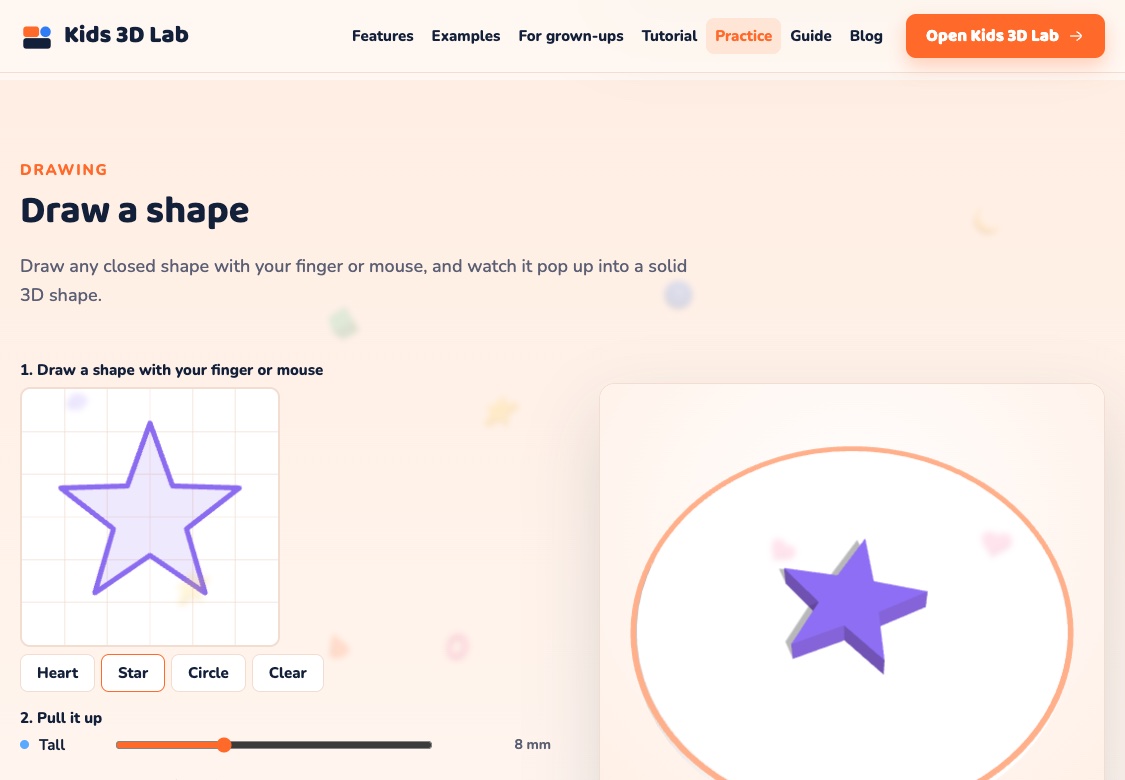
This is the fastest way to start. Open the Draw a shape game in the Practice corner. It's free and there's nothing to sign up for.
- Draw any closed shape on the grid with your finger or mouse. Make sure the end meets the start.
- Watch it pop up on the round plate as a solid 3D shape.
- Move the Tall slider to make it thicker or thinner.
- Not sure what to draw? Press Heart, Star or Circle.
Every square on the grid is a real size in millimetres, so your drawing is exactly as big as it would be if you printed it.
Way 2: The drawing board in the app
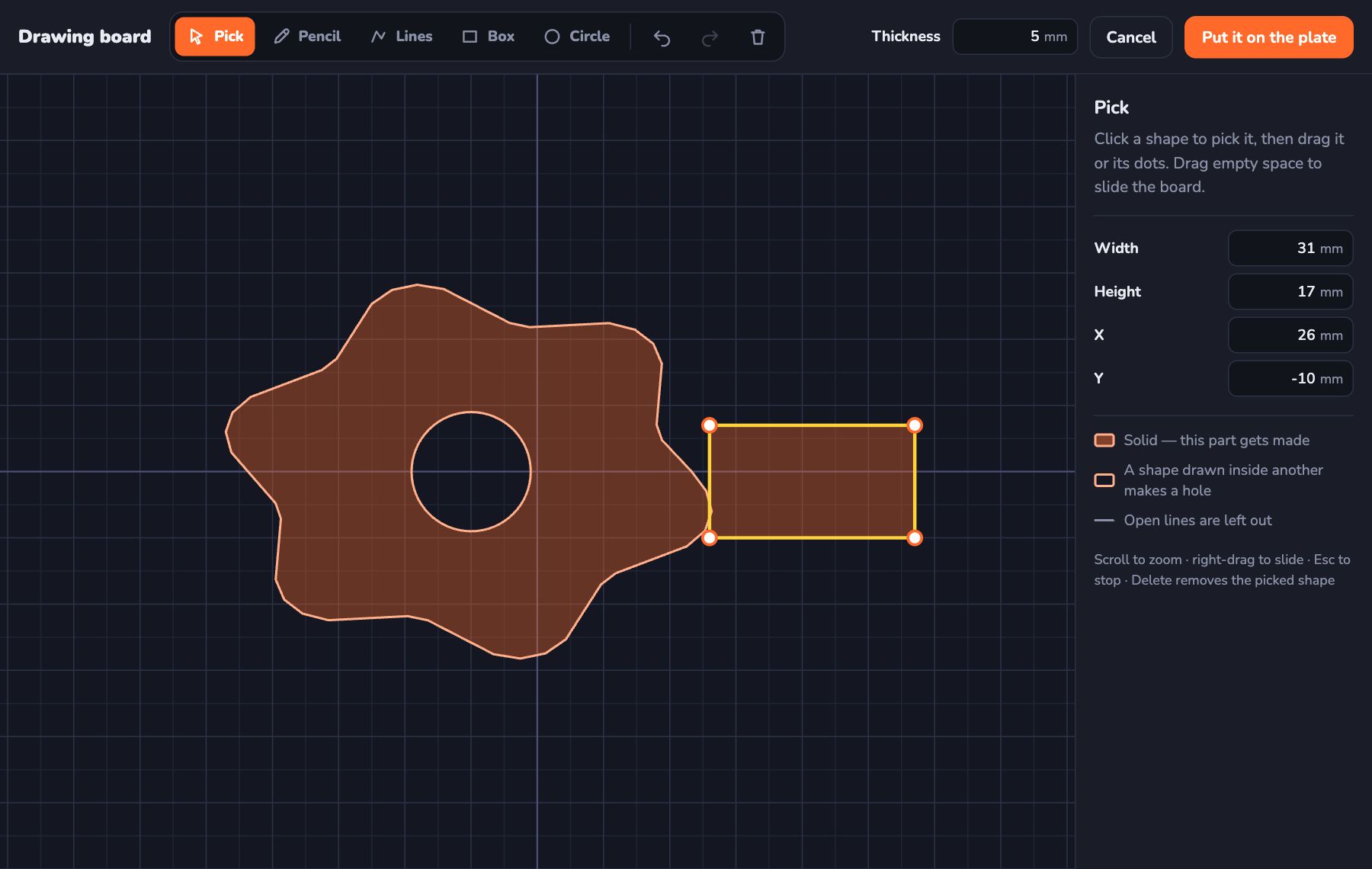
When you want more, open the drawing board in the Kids 3D Lab app. Click Draw your own in the Shapes list. On a phone, it's the Draw button in the shape row at the bottom. Each little square on the board is 1 millimetre.
The drawing board has five tools:
- Pencil: draw freely, like on paper.
- Lines: click for each corner, then click the first dot again to finish.
- Box: drag to draw a rectangle.
- Circle: drag out from the middle to draw a circle.
- Pick: choose a part of your drawing to move or delete it.
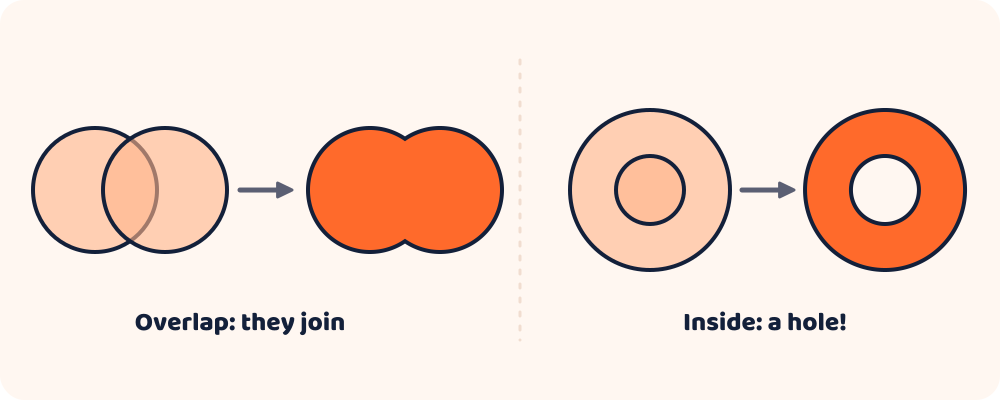
Two clever things happen while you draw:
- If two shapes overlap, they join into one.
- If you draw a shape inside another one, it becomes a hole. Draw a small circle inside a big one, and you get a donut!
At the top, type how thick it should be, like 5 mm, then click Put it on the plate. Now it's a real 3D shape. You can colour it, turn it, stack things on it, or put words on top. Changed your mind? Pick the shape and click Change the drawing to fix it.
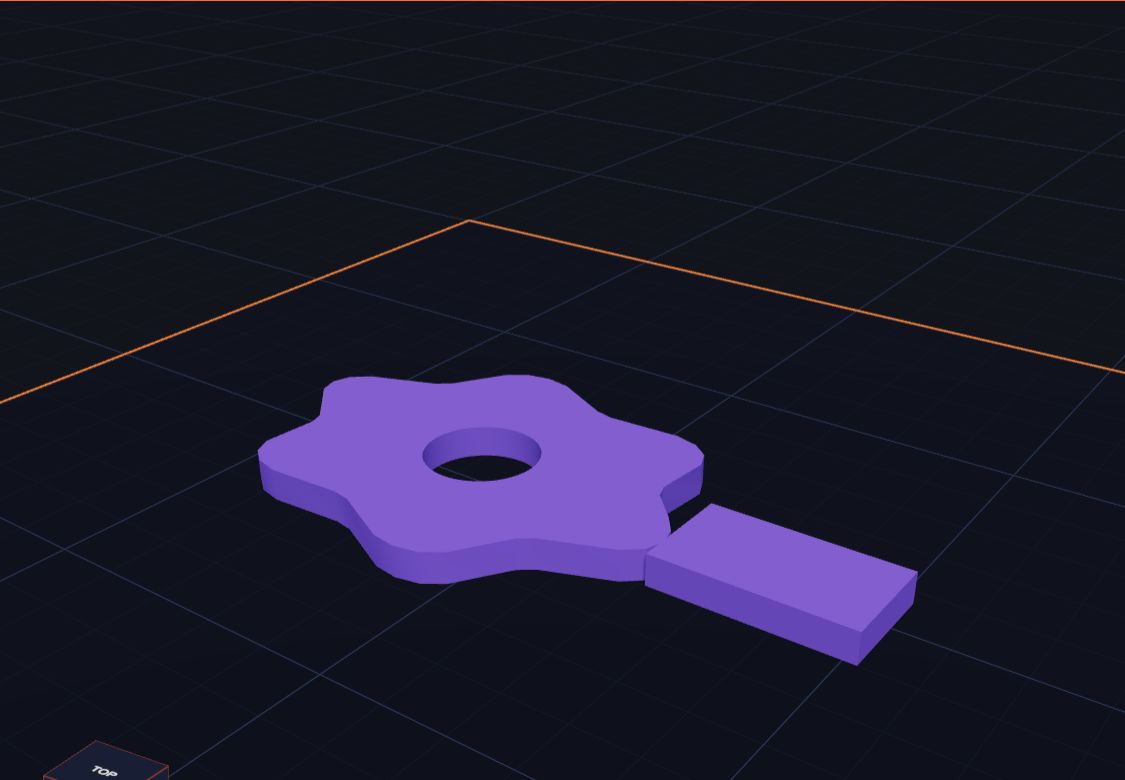
For every detail, read Draw Your Own Shape and Make It 3D.
Way 3: Draw a cube that looks 3D on paper
You can draw in 3D with just a pencil too! Here's the classic trick for a cube:
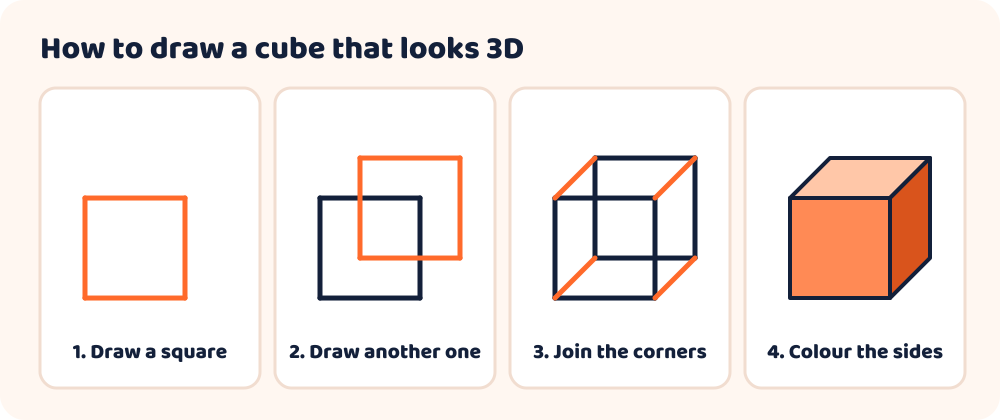
- Draw a square. This is the front.
- Draw another square the same size, a little up and to the right. This is the back.
- Join the corners with four straight lines.
- Colour the sides. Make the top light, the front medium and the side dark. That makes it look solid.
The same trick works for other shapes. Draw two circles and join them for a cylinder. Draw a triangle and a point for a pyramid. To learn the names of these shapes, read 3D Shapes for Kids.
"3D painting": colour a 3D picture with shapes
Some kids search for 3D painting. In Kids 3D Lab, you can make a 3D picture by putting coloured shapes together, then colour every part any way you like:
- Click a shape, then pick a colour from the favourites row.
- Press the rainbow circle for every colour there is.
- Try the Paint a robot game first to practise.
When your picture is done, use Save as a picture to make a bright poster of it, with a podium or a coloured background.
Ideas to draw in 3D
Here are some things that are great to draw and pop up:
- Your hand: trace round it and make a hand-shaped coaster.
- A cookie cutter: draw a shape, then make a thin wall around it.
- A name tag: draw a cloud or a star, then put your name on top.
- A leaf or a fish for a keychain (draw a small circle inside for the ring).
- A puzzle piece: draw a wobbly shape and see if a friend can guess what it is.
- Your pet's face: draw the outline, then add eyes with small circles.
Try it: the 3-drawing challenge
- In Draw a shape, draw a heart without pressing the Heart button.
- On the drawing board, draw a donut: a big circle and a small circle inside.
- On paper, draw a cube using the four steps above. Then draw a cylinder.
Questions kids ask
Is 3D drawing free?
Yes. The Draw a shape game and the drawing board in Kids 3D Lab are free. There are no ads and no account to make.
Can I draw in 3D on a tablet?
Yes! Draw with your finger on a tablet or phone, or with a mouse on a computer. It works in the web browser, so there's nothing to download.
What's the difference between 2D and 3D drawing?
A 2D drawing is flat, like a picture on paper. A 3D drawing is solid. It has width, depth and height, so you can turn it round and even print it.
Can I 3D print my drawing?
Yes. Every drawing on the plate can be exported for a 3D printer. Press Export STL and a grown-up can print it. Read Getting Your Model Ready to Print first.
What about 3D pens?
A 3D pen squeezes out hot plastic so you can draw in the air. It's fun, but the tip gets very hot, so it's for older kids with a grown-up nearby. Drawing on a screen is always safe. See Is a 3D Printer Safe for Kids?
For grown-ups
3D drawing is a gentle bridge from what children already love (drawing) to real design. Turning a flat outline into a solid object teaches the difference between 2D and 3D, and the millimetre grid adds real measuring without worksheets. The paper cube trick builds spatial thinking too, and it pairs well with a short screen session. For a younger child, start with the Draw a shape game, then move to the drawing board in the app. For more short activities, see Free 3D Games for Kids, and every button is explained in The Kids 3D Lab Guide.
Keep reading
 App skills
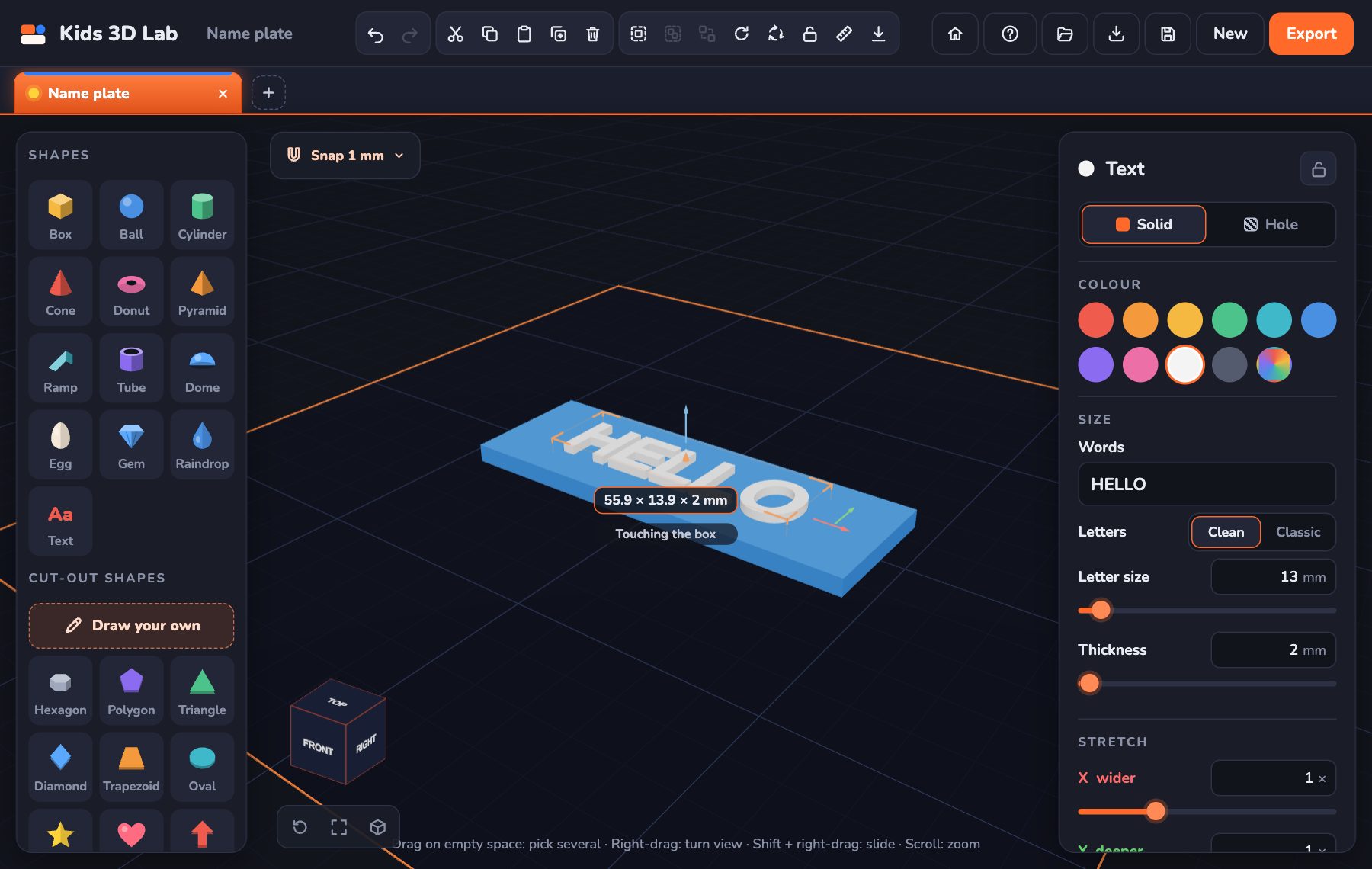
How to Make a 3D Model: An Easy First Project for Kids
How to make a 3D model in 10 minutes, step by step and for free — a name tag with your own name on it. Perfect for beginners, ages 5 and up, and 3D models for school projects.
7 min read
 App skills
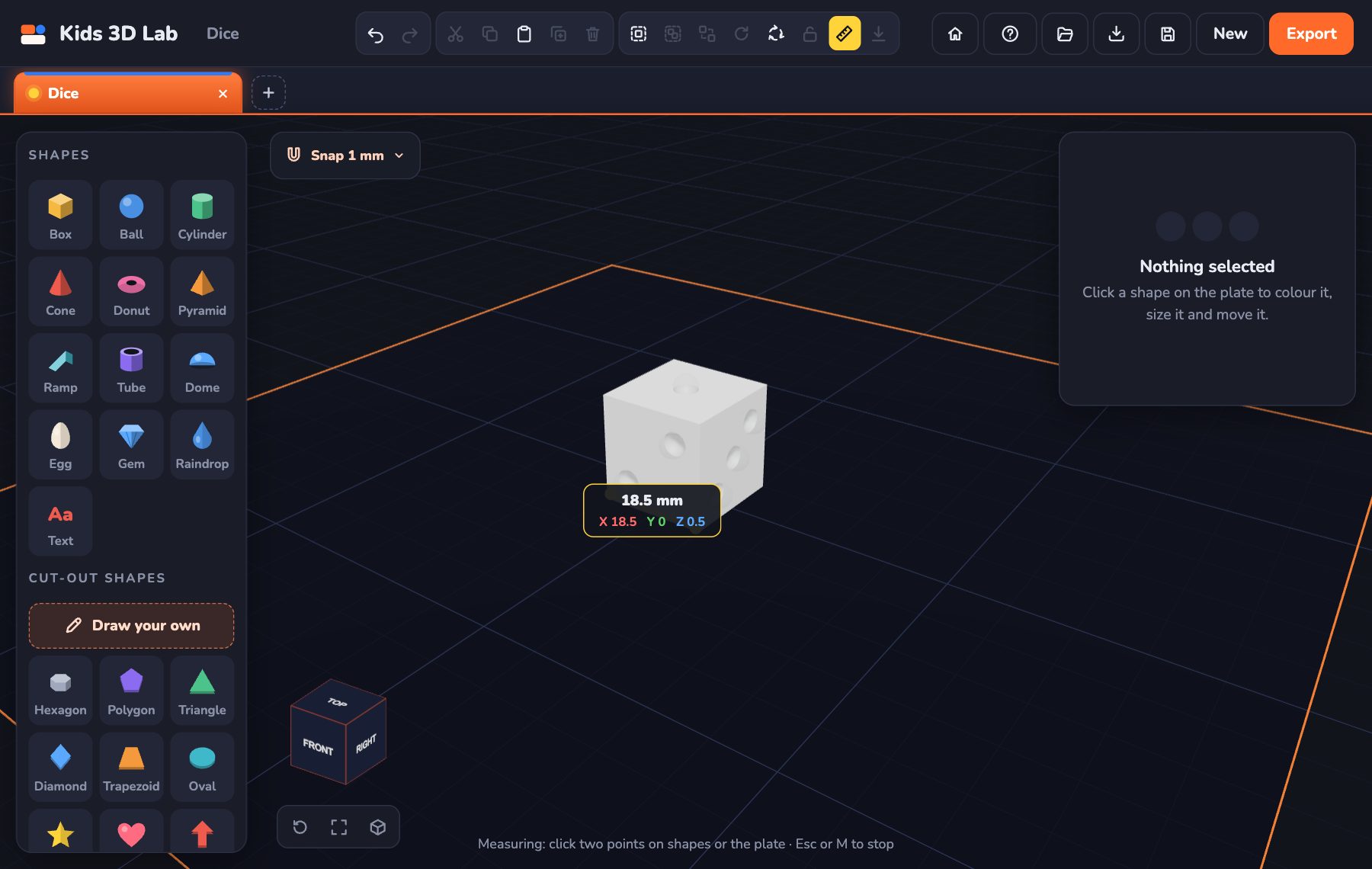
Millimetres Made Easy: How Big Is Your Model?
How big is 1 mm, 3 mm or 4 mm? Millimetre sizes with everyday examples, how to find 3 mm on a ruler, and how to make your model just the right size.
8 min read
 App skills
How Holes Work (and How to Make a Key Tag)
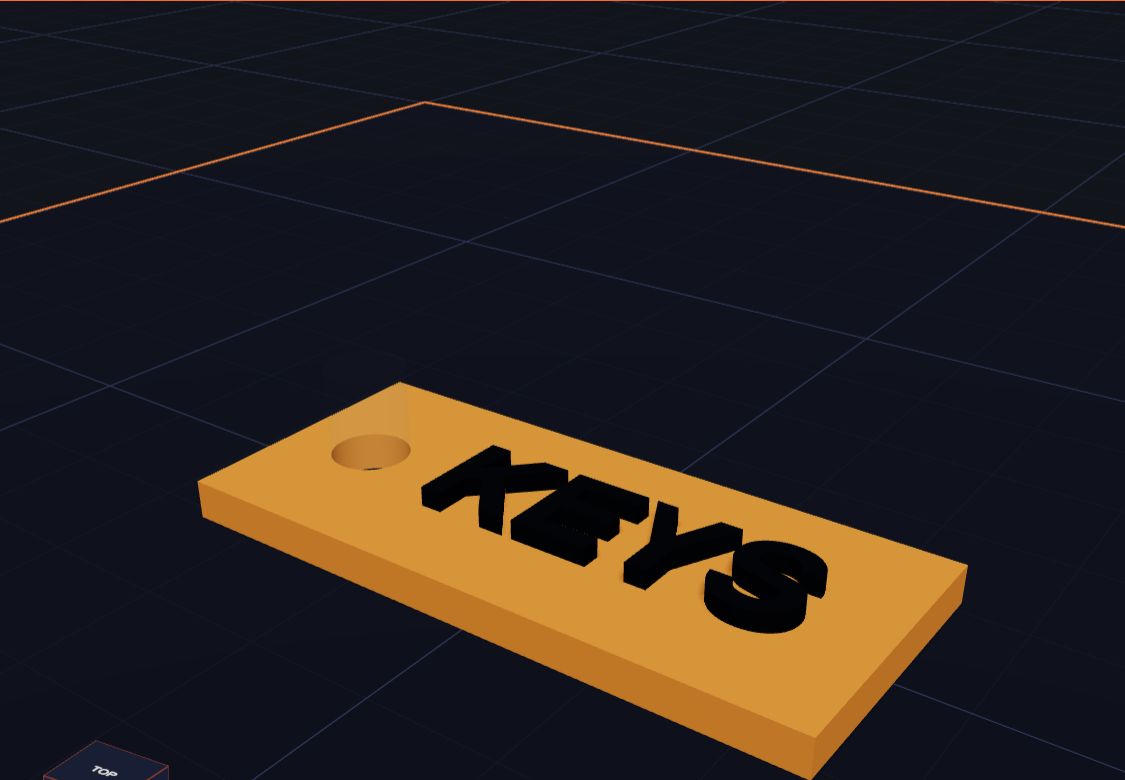
In Kids 3D Lab any shape can become a hole. Learn how holes cut into other shapes, and make a key tag with a hole for the ring.
6 min read