Free 3D Games for Kids: 17 Games That Teach 3D Design
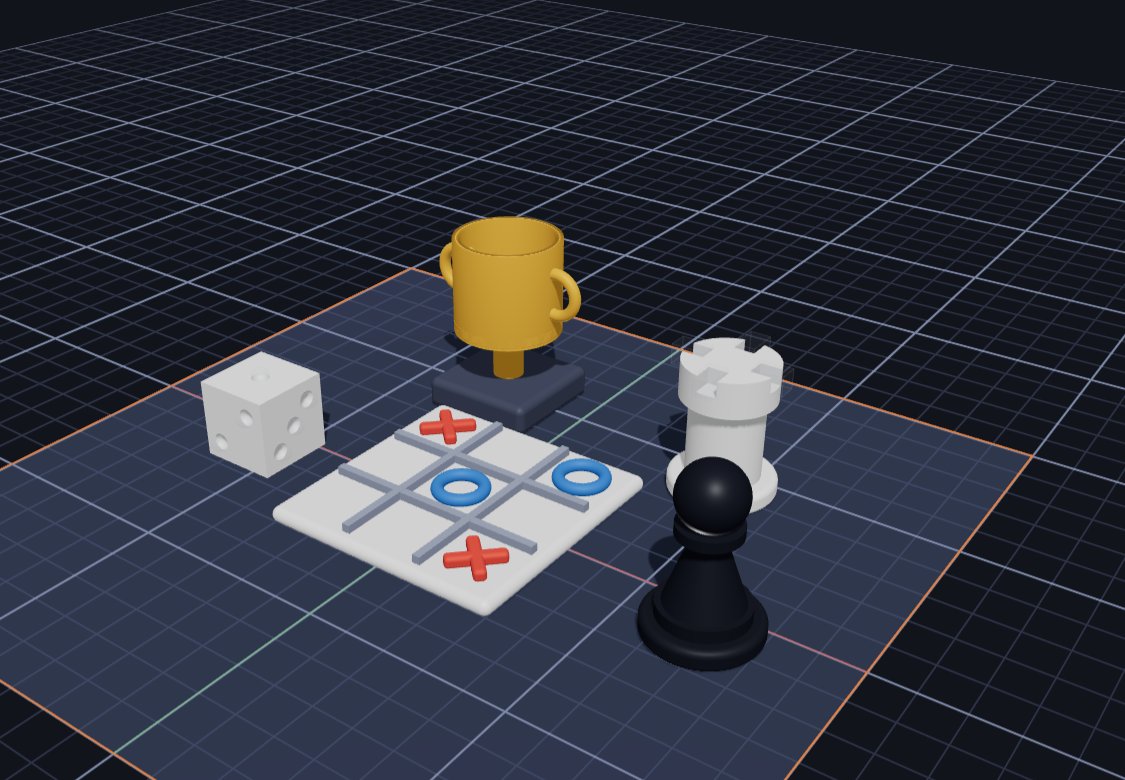
Do you like games? Do you like building things? Then you'll love these free 3D games for kids. Each one is a little puzzle with real 3D shapes. You move them, stack them, turn them and cut holes in them. And while you play, you learn the same tricks real designers use.
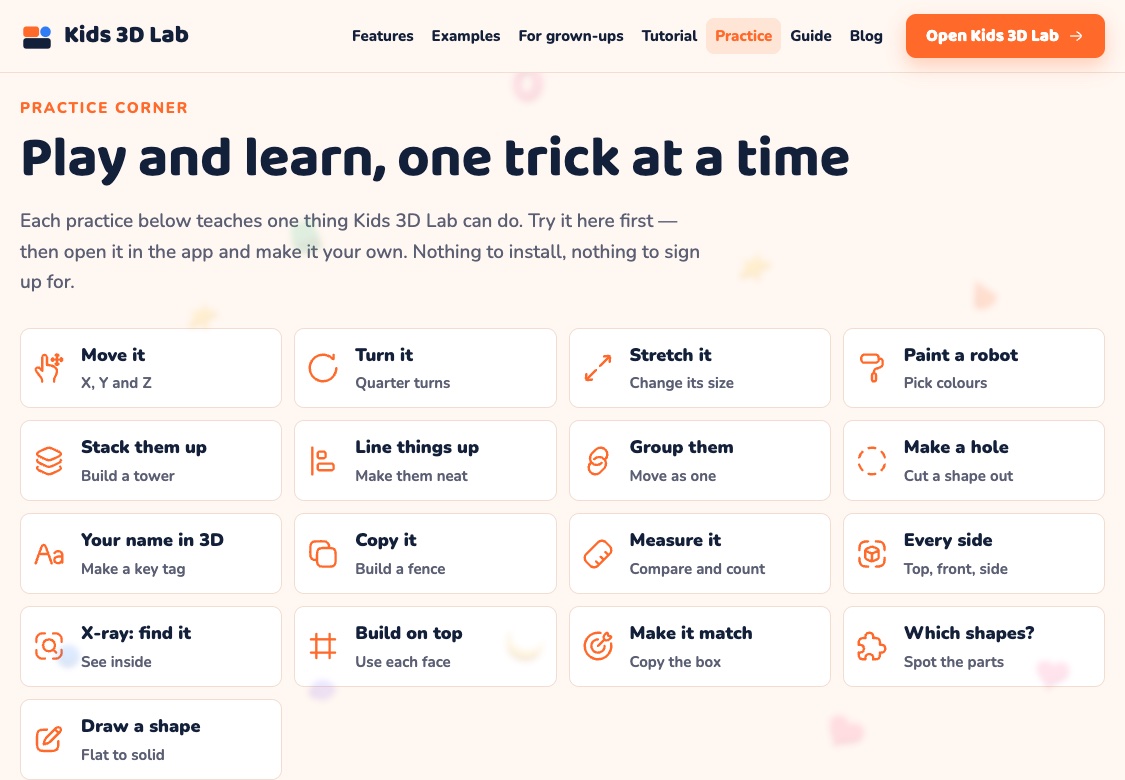
There are 17 games in the Kids 3D Lab Practice corner. They work on a computer, a tablet or a phone. You don't need to sign up or download anything, so you can start in one click.
What makes these 3D games different?
Lots of 3D games are just for watching or tapping. These games are a bit different:
- Every shape is a real 3D shape. You can spin it round and look at it from any side.
- Every game teaches one trick. Moving, turning, stacking, cutting, measuring and more.
- Every trick works in a real 3D design app. When you're ready, one button opens the same thing in Kids 3D Lab, and you can build your own design to 3D print.
- No scores to chase, no ads, no chat. Just you and the shapes.
When you get an answer right, the note under the game turns green. If it's not quite right, it turns red, and you can try again. Some games give you a new round after each right answer, with a little "Right" counter.
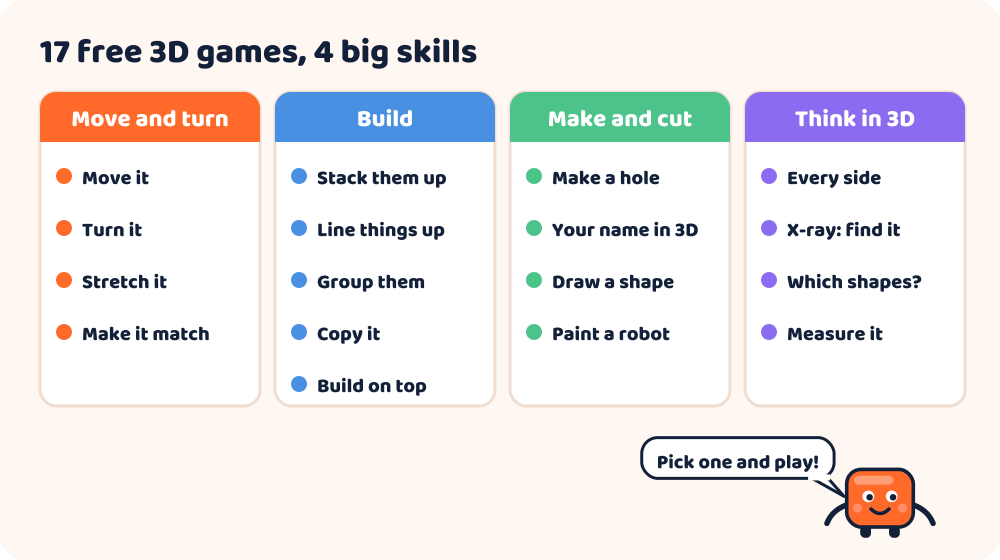
The 17 games, in four groups
Move and turn
These games teach you how shapes move in 3D. In 3D, a shape can go left and right, back and front, and up and down. Those are called X, Y and Z.
- Move it: slide a ball into a see-through ball using X, Y and Z.
- Turn it: tip, roll and spin a ramp until it matches.
- Stretch it: turn a ball into an egg, a pancake or a sausage.
- Make it match: make your box exactly the same size as the see-through one.
Want to know more about X, Y and Z? Read X, Y and Z for Kids.
Build
Building games are about putting shapes together, just like building blocks.
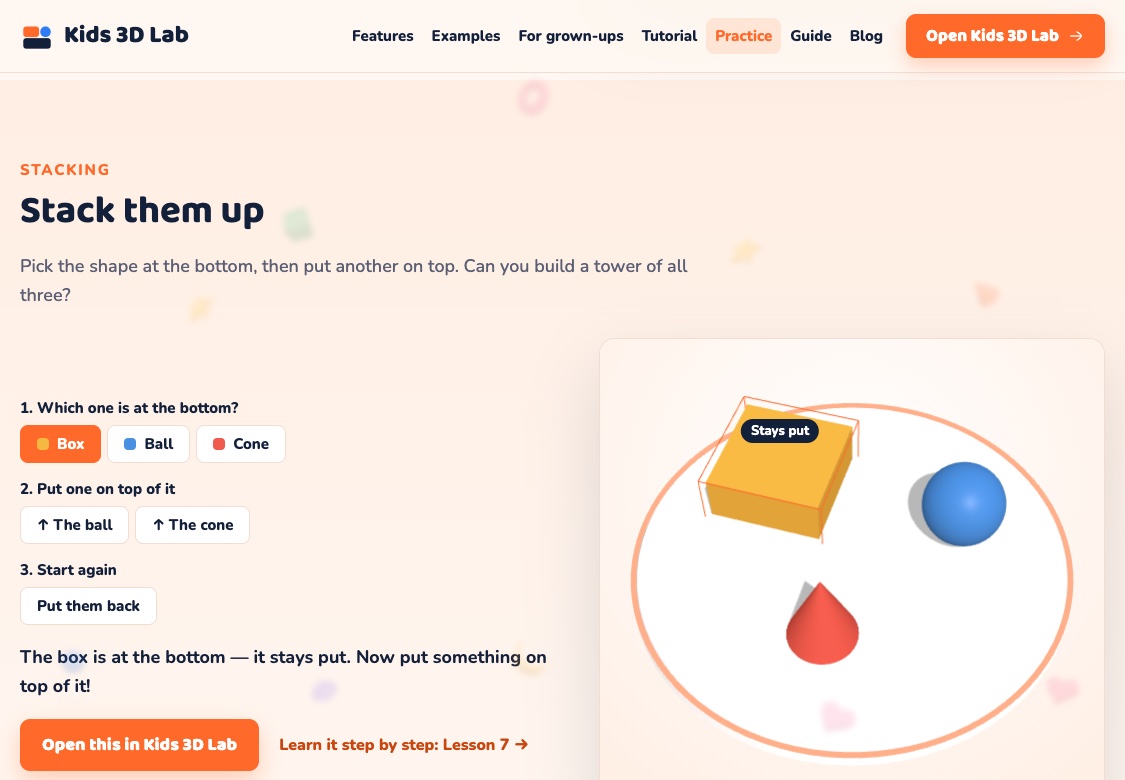
- Stack them up: pick the shape at the bottom and build a tower.
- Line things up: make shapes neat, all in a row.
- Group them: make the parts of a car move as one.
- Copy it: copy one fence post until the fence is finished.
- Build on top: put a hat on a head, and eyes on its face.
Make and cut
These games are about making new shapes. The big trick here is the hole. Any shape can become a hole, and a hole cuts away whatever it touches.
- Make a hole: turn a shape into a hole and watch it cut.
- Your name in 3D: type your name and see it on a 3D key tag.
- Draw a shape: draw any shape with your finger or mouse, and it pops up in 3D.
- Paint a robot: pick each part and give it a colour.
Think in 3D
The last group is a bit like a brain workout. You need to imagine the shape in your head.
- Look from every side: are you looking from the top, the front or the side?
- X-ray: find it: a marble is hiding inside a box. Turn on X-ray to find it.
- Which shapes?: look at a build and spot every shape it's made from.
- Measure it: count 10 mm blocks to find how long a pencil is.
Which game should I play first?
If you're new to 3D, start at the top and go in order:
- Move it. Learn X, Y and Z first. Everything else uses them.
- Stack them up. Build your first tower.
- Make a hole. This is the most magic trick in 3D design.
- Your name in 3D. Make something that's really yours.
- Which shapes? See if you can spot the shapes in a real build.
Each game has a Next practice link at the bottom, so you can keep going. Each one also links to its lesson in the Kids 3D Lab tutorial if you want to learn it step by step.
Try it: the 5-game challenge
Can you finish these five in one go?
- In Move it, get the ball inside the see-through ball.
- In Stack them up, build a tower of all three shapes.
- In Make it match, get three right in a row.
- In X-ray: find it, find the marble three times.
- In Draw a shape, draw a star, a heart and your own idea.
Then press Open this in Kids 3D Lab on your favourite game and make something new with that trick!
From game to real design
Here's the best part. The games are not just games. Every trick is a real button in the Kids 3D Lab design app:
| In the game | In the app |
|---|---|
| Move it | Drag a shape, or use the coloured arrows |
| Turn it | The Turn 90° button |
| Stack them up | On top and Under |
| Make a hole | The Hole button |
| X-ray: find it | The X-ray button |
| Build on top | The Workplane |
| Draw a shape | Draw your own |
So when you've played the games, you already know how to build. Try a snowman, a car or a castle. Then, if you have a 3D printer, you can print it and hold it in your hand.
Questions kids ask
Are these 3D games really free?
Yes. All 17 games are free. There are no ads, no coins to buy and no account to make.
Can I play 3D games on a tablet or phone?
Yes! The games work in the web browser on tablets, phones, Chromebooks and computers. On a tablet you just use your finger.
Do I need to download anything?
No. Open the Practice corner and press any card. Nothing gets installed.
What age are these games for?
They're made for kids aged 5 and up. Younger kids may like a grown-up to read the words with them. Older kids can race through them and then try the harder Pro mode in the app.
Are there 3D games for building houses?
Yes, in a way. The Build games teach the tricks you need, and then you can build a whole house in the app. Start with the House example on the start screen and change it.
For grown-ups
These games are short, focused activities. Each one takes one to five minutes and teaches one skill of 3D design: coordinates, rotation, scale, alignment, grouping, subtraction, viewing from different sides and measuring in millimetres. They make a good warm-up before a design session, a quick station in a classroom, or a calm bit of creative screen time at home. Nothing is saved between games and nothing is uploaded, so there's nothing to manage. For full lessons, see 3D Design Lesson Plans for Grades 3 to 5 and Kids 3D Lab for Parents and Teachers. Every button in the app is explained in The Kids 3D Lab Guide.
Keep reading
 App skills
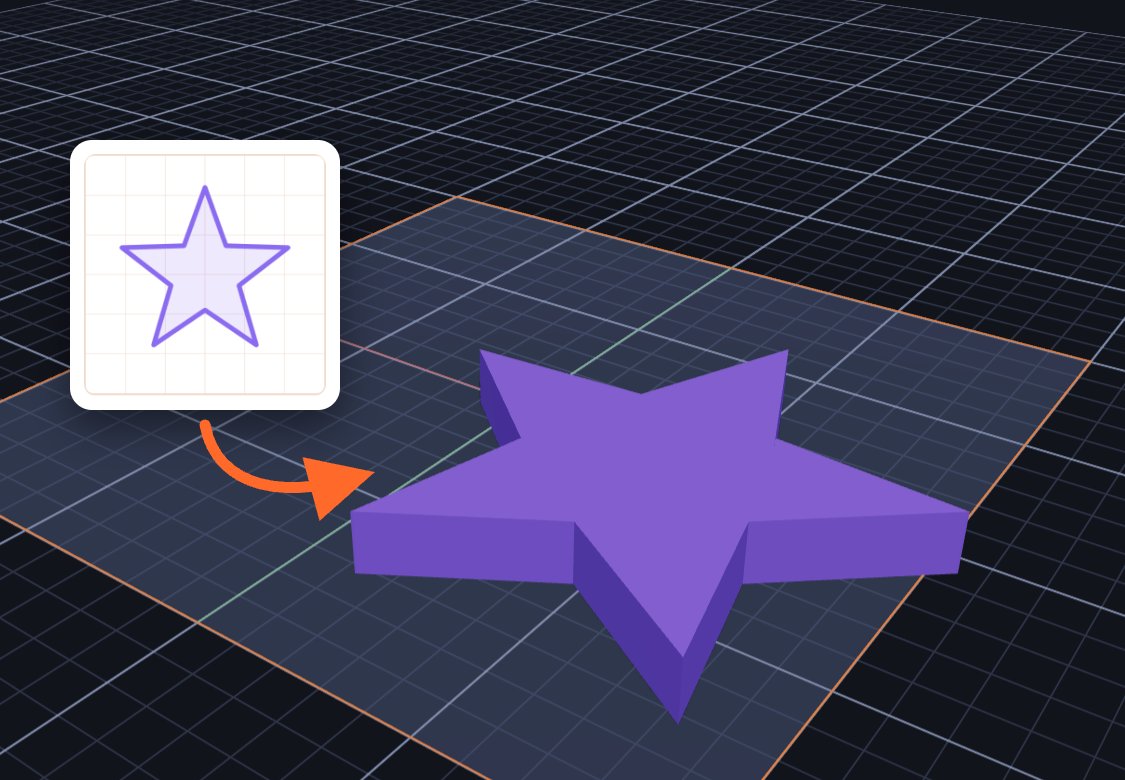
3D Drawing for Kids: Draw a Shape and Make It 3D (Free)
Free 3D drawing for kids, right in the browser with no sign-up. Draw any shape with your finger or mouse and watch it pop up in 3D, learn to draw a cube that looks 3D on paper, and print your drawing for real.
8 min read
 App skills
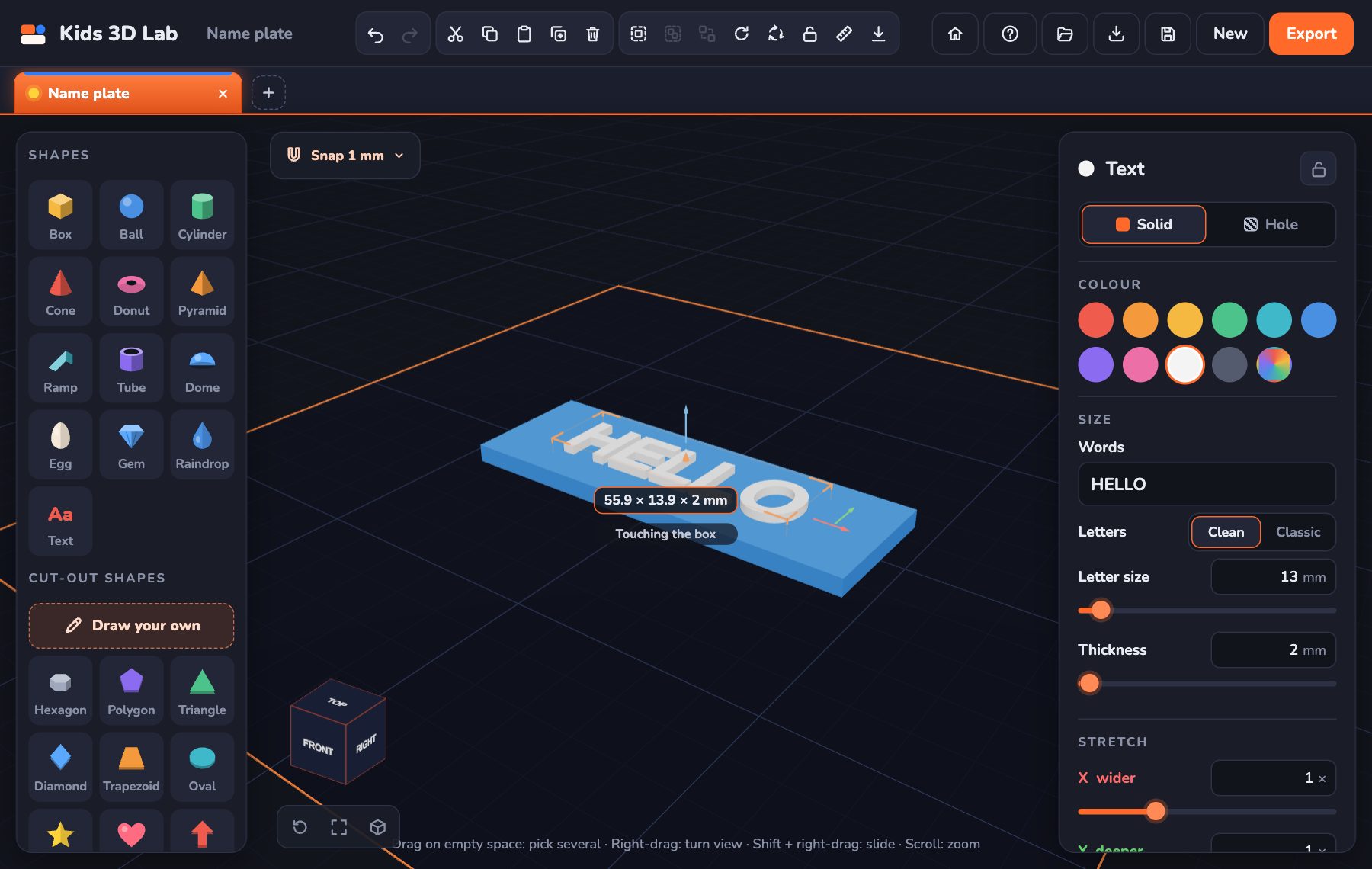
How to Make a 3D Model: An Easy First Project for Kids
How to make a 3D model in 10 minutes, step by step and for free — a name tag with your own name on it. Perfect for beginners, ages 5 and up, and 3D models for school projects.
7 min read
 App skills
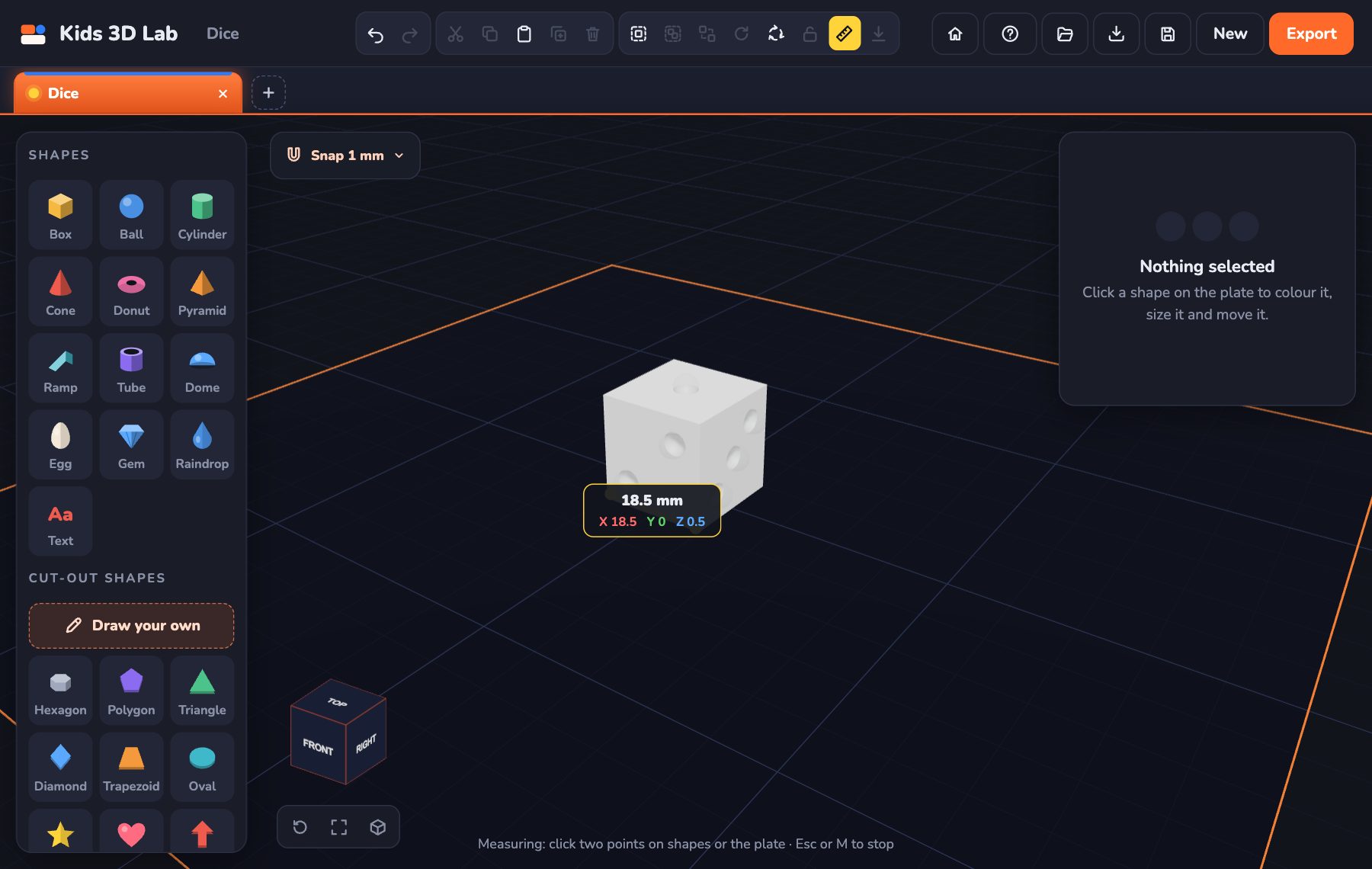
Millimetres Made Easy: How Big Is Your Model?
How big is 1 mm, 3 mm or 4 mm? Millimetre sizes with everyday examples, how to find 3 mm on a ruler, and how to make your model just the right size.
8 min read