Blog ›
20 Fun Things to Make in Kids 3D Lab
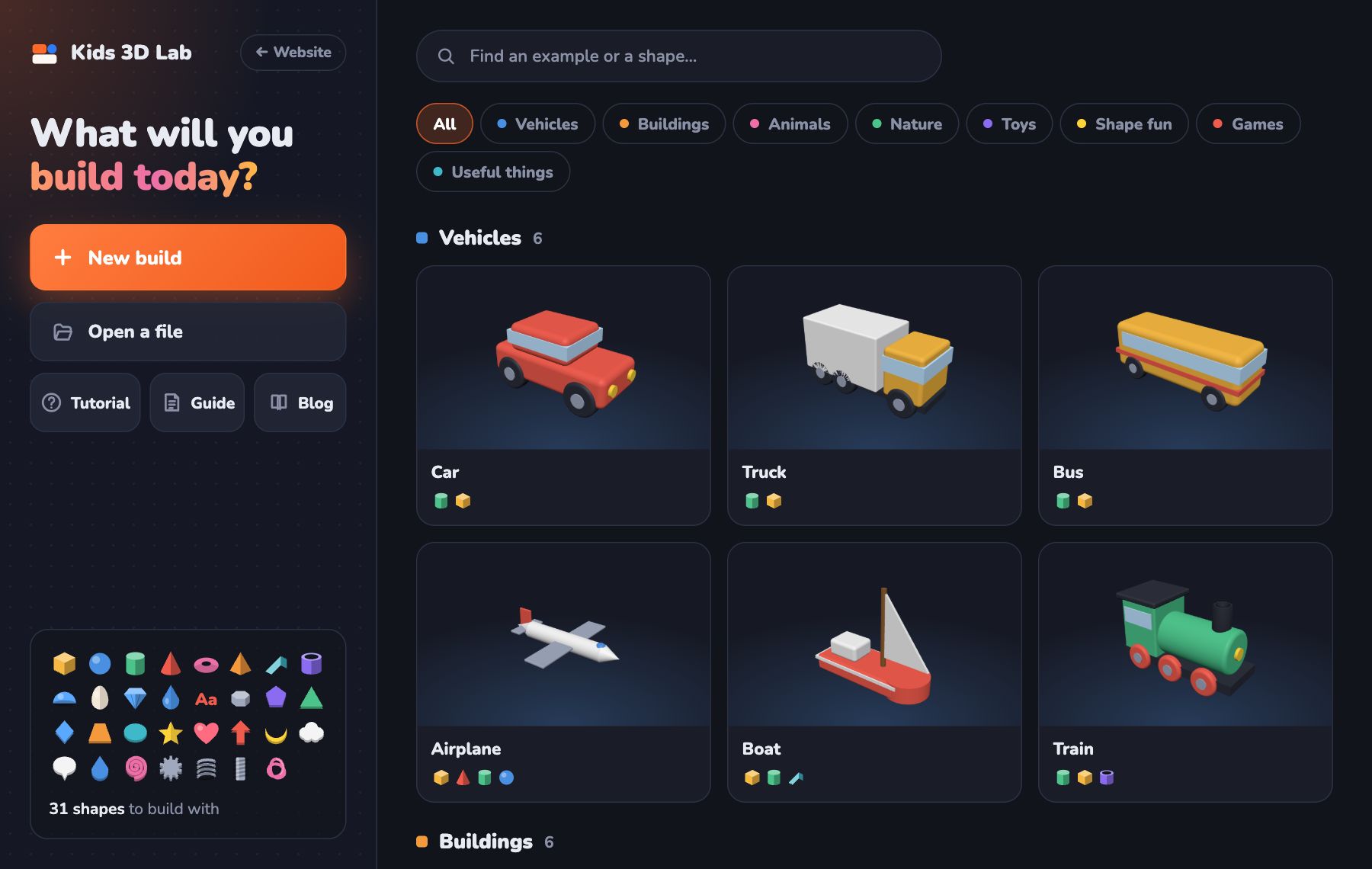
Not sure what to build? Here are 20 ideas, from super easy to a bit tricky. Many of them are on the Kids 3D Lab start page, so you can open them and see how they are made.
Easy (start here!)
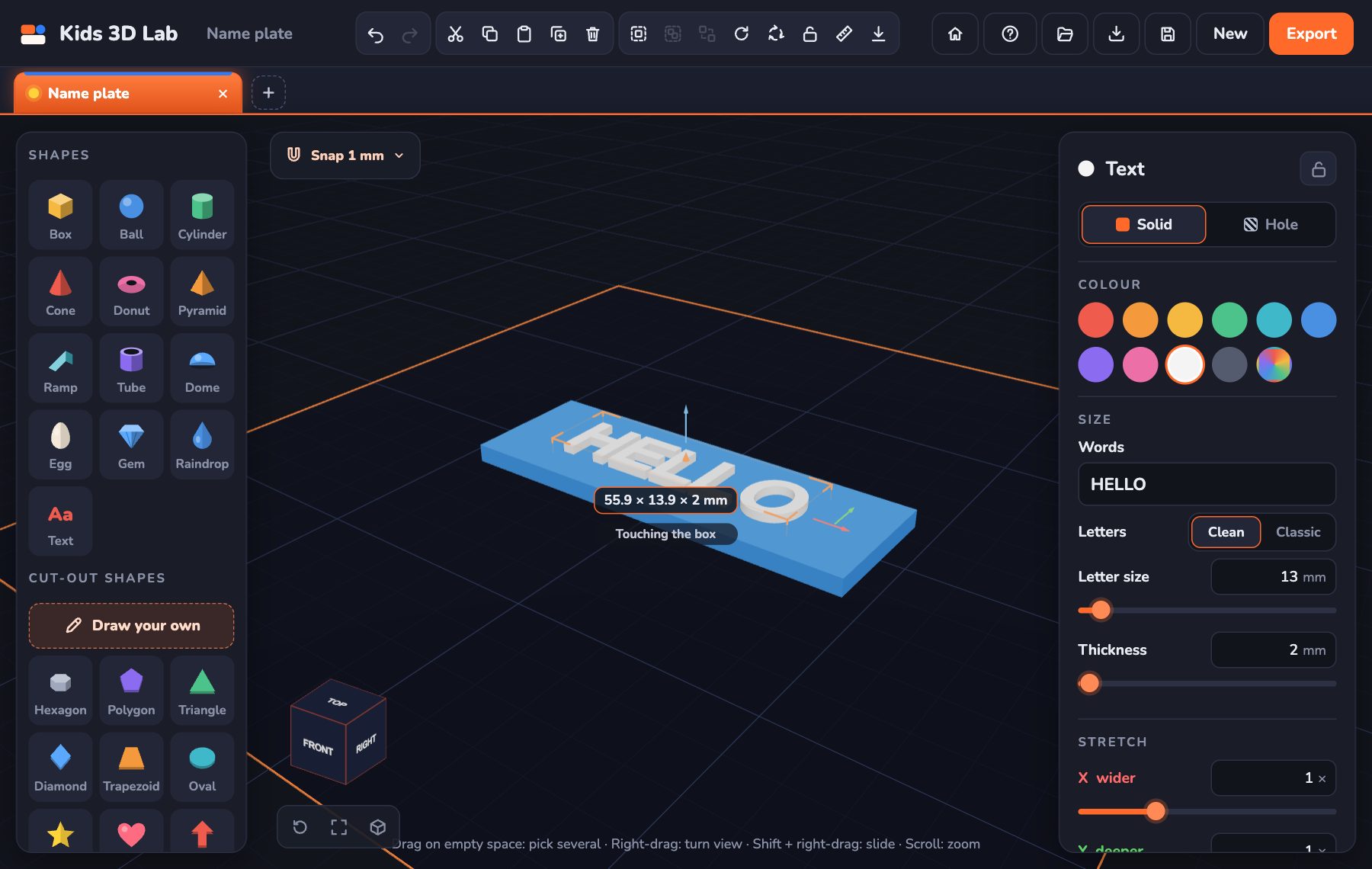
- Name tag: a flat box with your name on top.
- Key tag: a flat box with a round hole for the ring.
- Coaster: a flat cylinder with a star pressed into it.
- Medal: a gold disc, a star on top and a loop for the ribbon.
- Bookmark: a thin strip with a heart on the end.
- Ring: a thin donut with a little heart.
Medium
- Snowman: three balls, a cone nose and a hat.
- Pizza: a cylinder with its Sweep set to 300°, so one slice is missing.
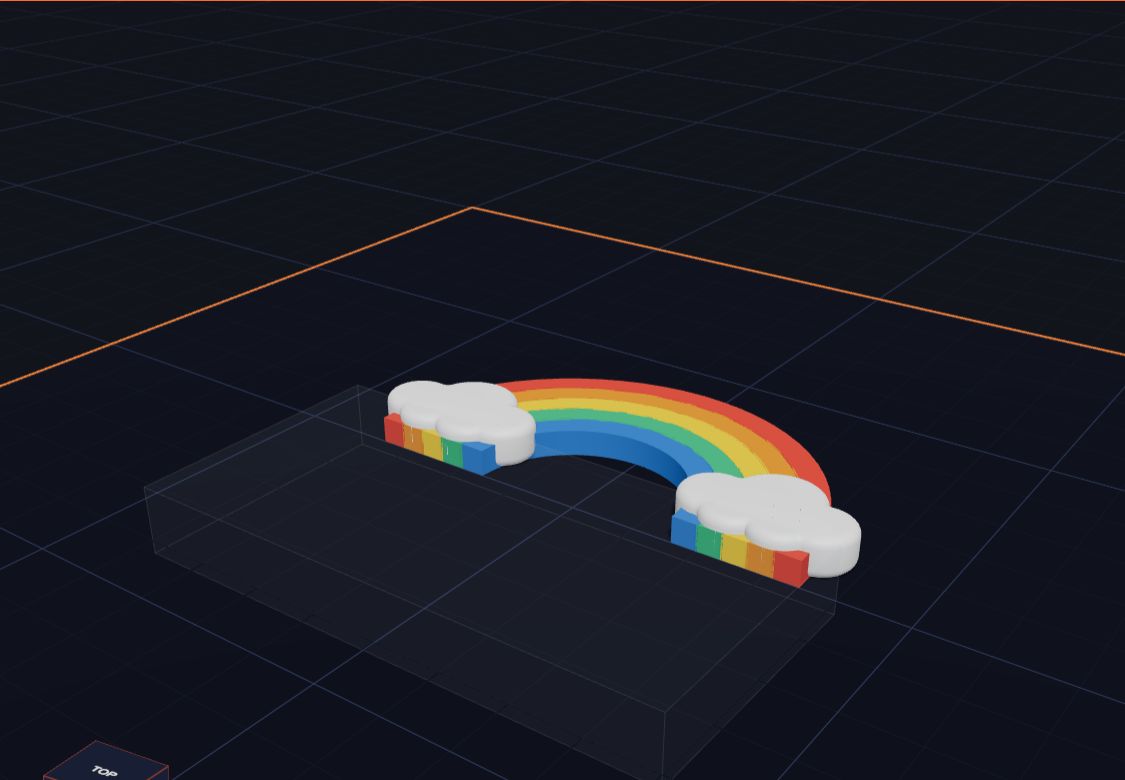
- Rainbow: five rings, cut in half with one big hole.
- Mushroom: a dome on a short stalk, with white dots.
- Pencil pot: a big box, hollowed out by a hole, with your name on the front.
- Dice: a cube with little ball holes for the dots.
- Magic wand: a rounded star on a stick.
A bit tricky
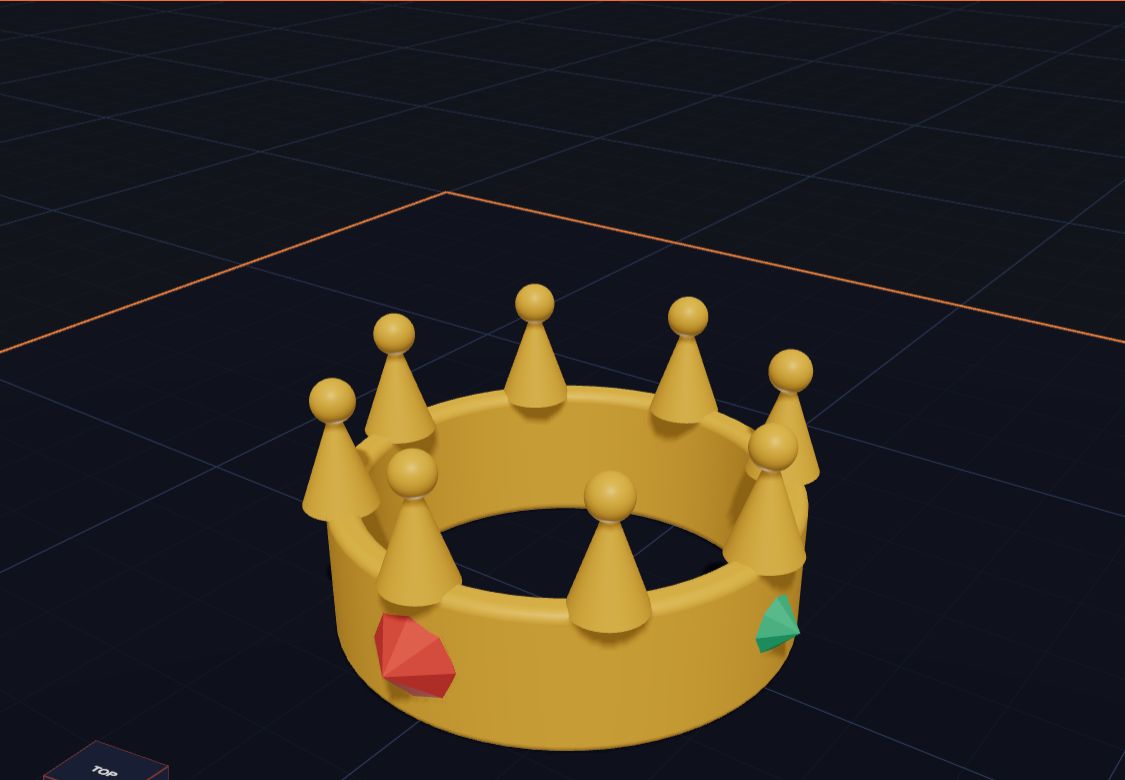
- Crown: a tube with eight points and gems.
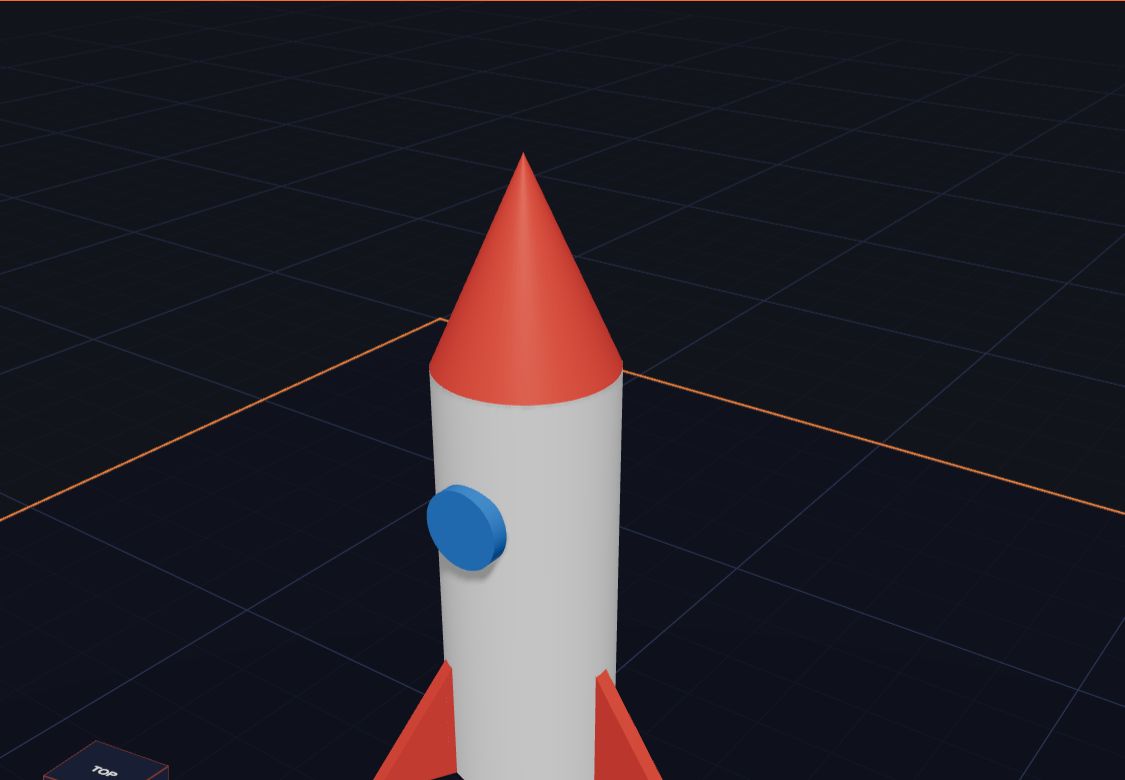
- Rocket: a cylinder body, a cone nose and three fins turned 120° apart.
- Robot: ten boxes stacked up like building blocks.
- House: a box, a pyramid roof and holes for the door and windows.
- Castle tower: a tall cylinder with notches cut in the top.
- Car: a body, a roof, and four wheels.
- Your own cookie cutter: draw any shape on the drawing board.
Make it yours
The best builds are the ones you change. Open an example, then:
- change the colours
- make it bigger or smaller
- add your name
- give it a hat, a tail or wheels!
How to pick your first project
Twenty ideas is a lot! Here is a simple way to choose:
- Is it your first time? Pick something flat, like the name tag or the coaster. Flat things are quick to build and quick to print.
- Do you want to practise holes? Try the key tag, the dice or the pencil pot.
- Do you like stacking? Try the snowman, the robot or the mushroom.
- Do you want a present for someone? A name tag, a medal or a bookmark with their name makes a great gift.
Build it in your own way
You don't have to copy an example exactly. Here are three ways to make any idea your own:
- Change the size. Make a tiny rocket for a keyring, or a big one for your shelf. Pick all the shapes and use Size all together so they grow as one.
- Change the shapes. Swap the rocket's round window for a Star or a Heart. Swap the robot's box head for an Egg.
- Mix two ideas. Put a crown on the snowman. Give the car a rocket booster. Put your name on the medal.
Common mistakes
- Starting too big. A huge castle takes a long time to build and print. Start small, then grow it.
- Forgetting to join the parts. Every part must touch another part. When you click Export, Kids 3D Lab tells you if anything is floating or if your model will print as separate pieces.
- Tiny details. Letters smaller than 8 mm and walls thinner than 2 mm are hard to print. Make them a bit bigger.
A weekly challenge
Want to keep building? Try one idea from this list every week. Each week, add one new trick:
- Week 1: a name tag (text and stacking).
- Week 2: a key tag (holes).
- Week 3: a snowman (turning and joining).
- Week 4: a crown (lots of copies, turned in a circle).
- Week 5: your own cookie cutter (the drawing board).
By week 5 you will know almost every tool in Kids 3D Lab!
Questions kids ask
Where do I find the examples?
Open Kids 3D Lab. The start page shows all 60 examples in 8 groups. Click a group, like Toys or Nature, or type a name in the search box.
Can I change an example?
Yes! When you open an example, it is yours. Click any shape and change its size, colour or place. Your original is safe, because each example opens in a new tab.
What should I make for a gift?
Name tags, key tags, bookmarks and coasters are all quick to make and useful. Add the person's name with the Text shape.
For grown-ups
The examples are designed to be taken apart. Encourage children to click each shape and ask, "What is this part made of?" This builds the habit of breaking a big object into simple shapes, which is the heart of design. The little shape icons under each example show exactly which shapes it uses. For structured lessons, see Kids 3D Lab for Parents and Teachers.
Share what you made
When you finish a build, click Save to keep a .kids3d file. You can send that file to a friend, and they can open it in Kids 3D Lab and change it too. Building together is even more fun!
Keep reading
 Kids 3D Lab for Parents and Teachers
How Kids 3D Lab helps children aged 5 to 11 learn 3D design, measuring and problem solving — with lesson ideas for home and the classroom.
5 min read
Kids 3D Lab for Parents and Teachers
How Kids 3D Lab helps children aged 5 to 11 learn 3D design, measuring and problem solving — with lesson ideas for home and the classroom.
5 min read
 What Is 3D Printing?
A 3D printer makes real things you can hold, one thin layer at a time. Here is how it works, in simple words.
5 min read
What Is 3D Printing?
A 3D printer makes real things you can hold, one thin layer at a time. Here is how it works, in simple words.
5 min read
 Make Your First 3D Model in 10 Minutes
A step-by-step guide to your very first 3D model — a name tag with your own name on it.
5 min read
Make Your First 3D Model in 10 Minutes
A step-by-step guide to your very first 3D model — a name tag with your own name on it.
5 min read