Blog ›
What Is 3D Printing?
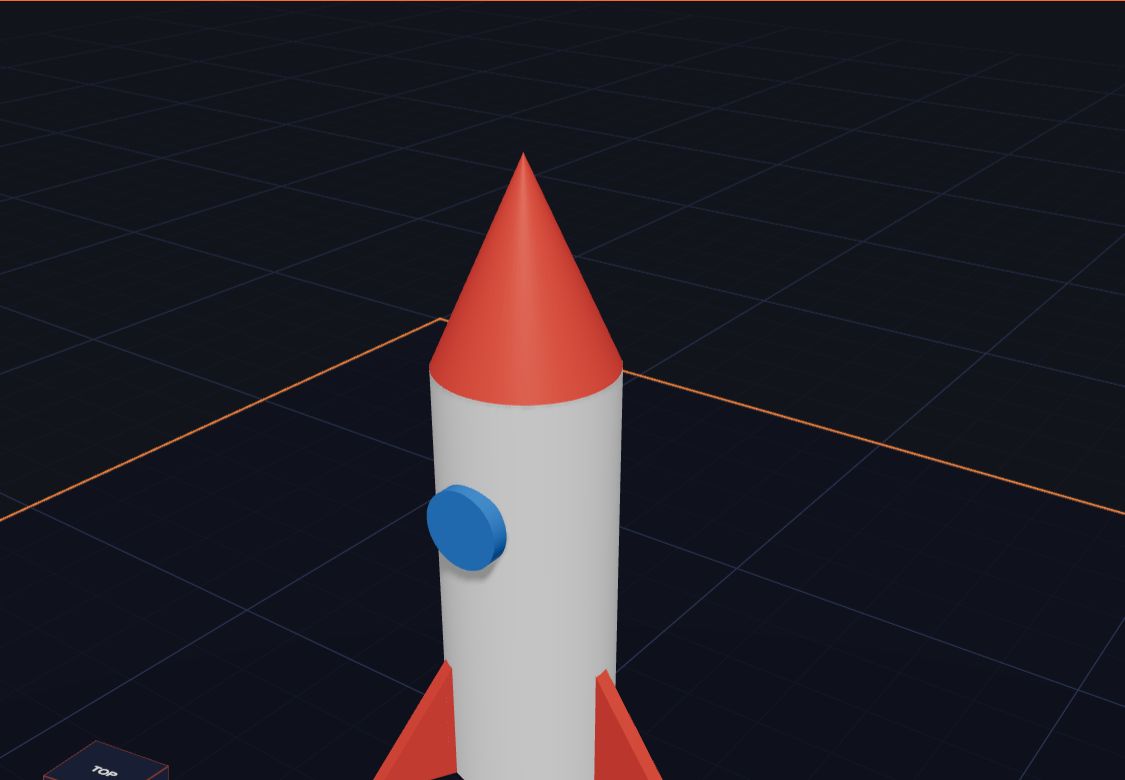
Have you ever wished you could make your own toy, just the way you want it? A 3D printer can do that. It turns a picture on a computer into a real thing you can pick up and hold.
Printing, but in 3D
A normal printer puts ink on flat paper. That is 2D: it has width and height, but it is flat.
A 3D printer adds one more thing: depth. That means it can make things that are tall, round and chunky, like a cup, a car or a dinosaur.
How does it work?
Most home 3D printers use a long string of plastic called filament. It comes on a big roll, like thread on a spool.
- The printer pulls the plastic into a hot nozzle.
- The plastic melts, a bit like the glue in a glue gun.
- The nozzle moves around and draws the shape with melted plastic.
- It draws one thin layer, then moves up and draws the next layer on top.
- Layer after layer, your thing grows from the bottom up!
A small toy can have hundreds of layers. That is why printing can take an hour or more.
Where do the designs come from?
Before you print, you need a 3D model. That is the plan the printer follows. You can make your own model with a 3D design app like Kids 3D Lab.
In Kids 3D Lab you build with simple shapes: boxes, balls, cylinders, stars and more. You stack them, join them and even cut holes in them. When you are happy, you save a file called an STL and send it to the printer.
What can you make?
Almost anything small! Kids make:
- name tags and key rings
- little animals and robots
- cookie cutters and pencil pots
- game pieces, like dice and chess pieces
- gifts for family and friends
Ready to try?
The best way to learn is to build something. Open Kids 3D Lab, pick a shape, and start playing. You do not need to install anything, and it is free.
What is a 3D printer made of?
Most home 3D printers have the same main parts. Here they are, with easy names:
- The spool. A big roll of plastic string, called filament. It comes in lots of colours.
- The nozzle. A tiny metal tip that gets very hot, about 200 °C. It melts the plastic.
- The build plate. The flat bed where your model is made. It is often warm, so the plastic sticks while it prints.
- The motors. They move the nozzle left, right, forward and back, and move the plate or the nozzle up and down.
- The screen or the app. This is where a grown-up starts the print.
From a picture to a real thing
Here is the whole journey of a 3D print, step by step:
- You design it. You build your model in Kids 3D Lab from shapes.
- You save a file. Kids 3D Lab saves an STL file. It describes the outside of your model.
- A slicer cuts it into layers. A slicer is an app, like Cura, PrusaSlicer or Bambu Studio. It cuts your model into hundreds of thin slices, and works out the path the nozzle should follow for each one.
- The printer prints. Layer by layer, the printer draws each slice with melted plastic.
- You take it off the plate. Wait for it to cool. Then it's yours!
How long does it take?
It depends on how big your model is. A key tag might take 20 minutes. A small toy might take an hour. A big model can take all day! Small models print faster and use less plastic, so start small.
Common mistakes new makers make
- Making it too big. A model that fills the whole plate can take many hours. Try 40 to 60 mm first.
- Parts floating in the air. The printer can't print in the air. Every part must sit on the plate or on another part.
- Walls that are too thin. Very thin parts can break. Make walls at least 2 mm thick.
Kids 3D Lab helps with all three. When you click Export, a box called Ready to print? checks your model and tells you if something is wrong.
Questions kids ask
Is 3D printing safe for kids?
Designing is totally safe. The printer itself has a hot nozzle and moving parts, so a grown-up should be nearby while it works. Never touch the nozzle, and wait for the model to cool.
What else can 3D printers make?
Lots of things! People print toys, tools, spare parts, jewellery, even parts for robots and rockets. Doctors use 3D printing to make models of bones. Some builders are testing printers that can print whole houses!
Do I need my own printer?
No. Many schools and libraries have one. You can design at home in Kids 3D Lab and ask a grown-up to print it there.
For grown-ups
3D printing is a great way to connect screen time with real, hands-on making. Children see their ideas become objects they can hold, share and use. If you are choosing a first printer, look for one that is easy to set up, prints PLA plastic, and has a closed or well-guarded print area. Read Getting Your Model Ready to Print for printing tips, and Kids 3D Lab for Parents and Teachers for lesson ideas.
Keep reading
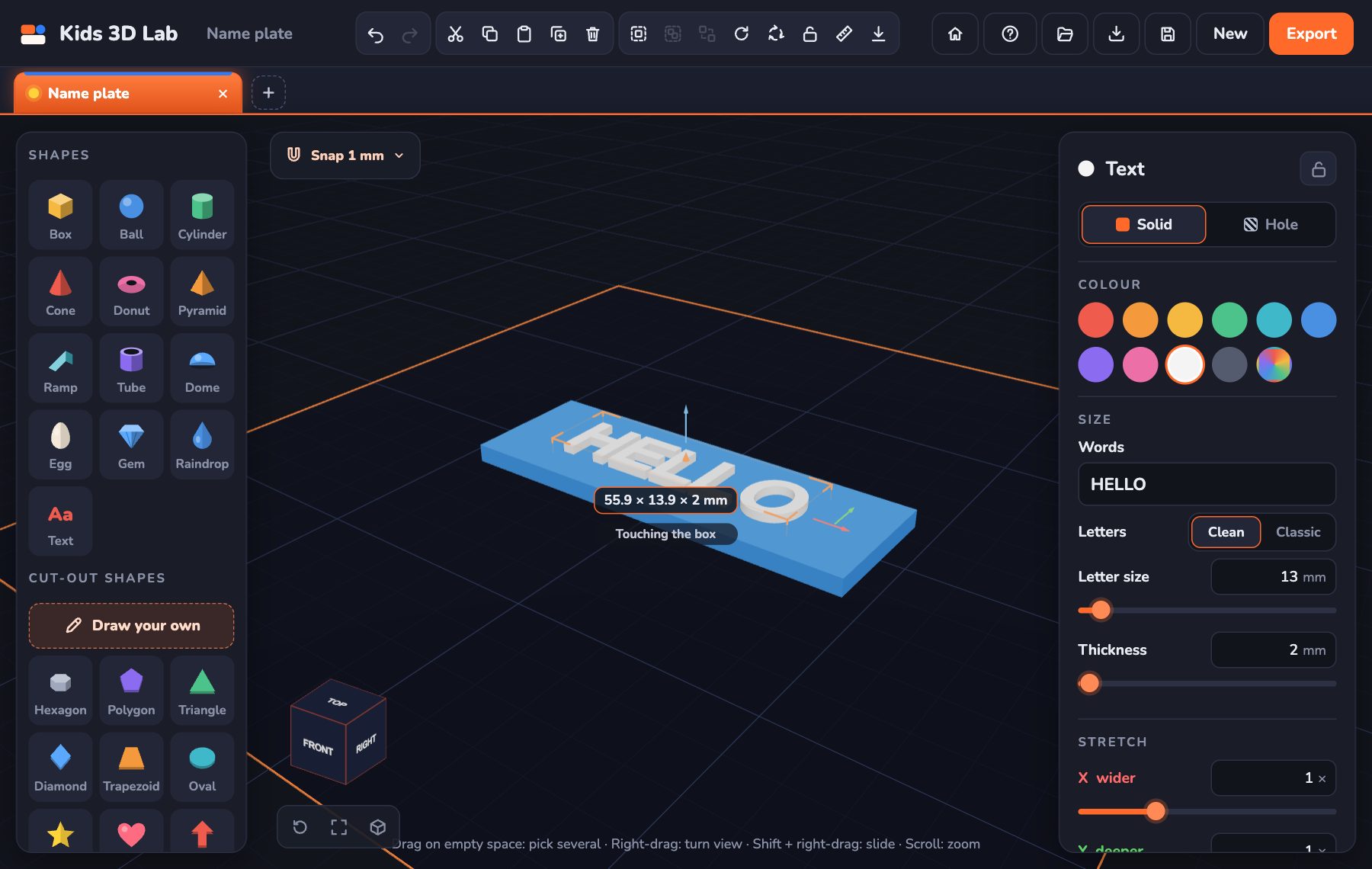 Make Your First 3D Model in 10 Minutes
A step-by-step guide to your very first 3D model — a name tag with your own name on it.
5 min read
Make Your First 3D Model in 10 Minutes
A step-by-step guide to your very first 3D model — a name tag with your own name on it.
5 min read
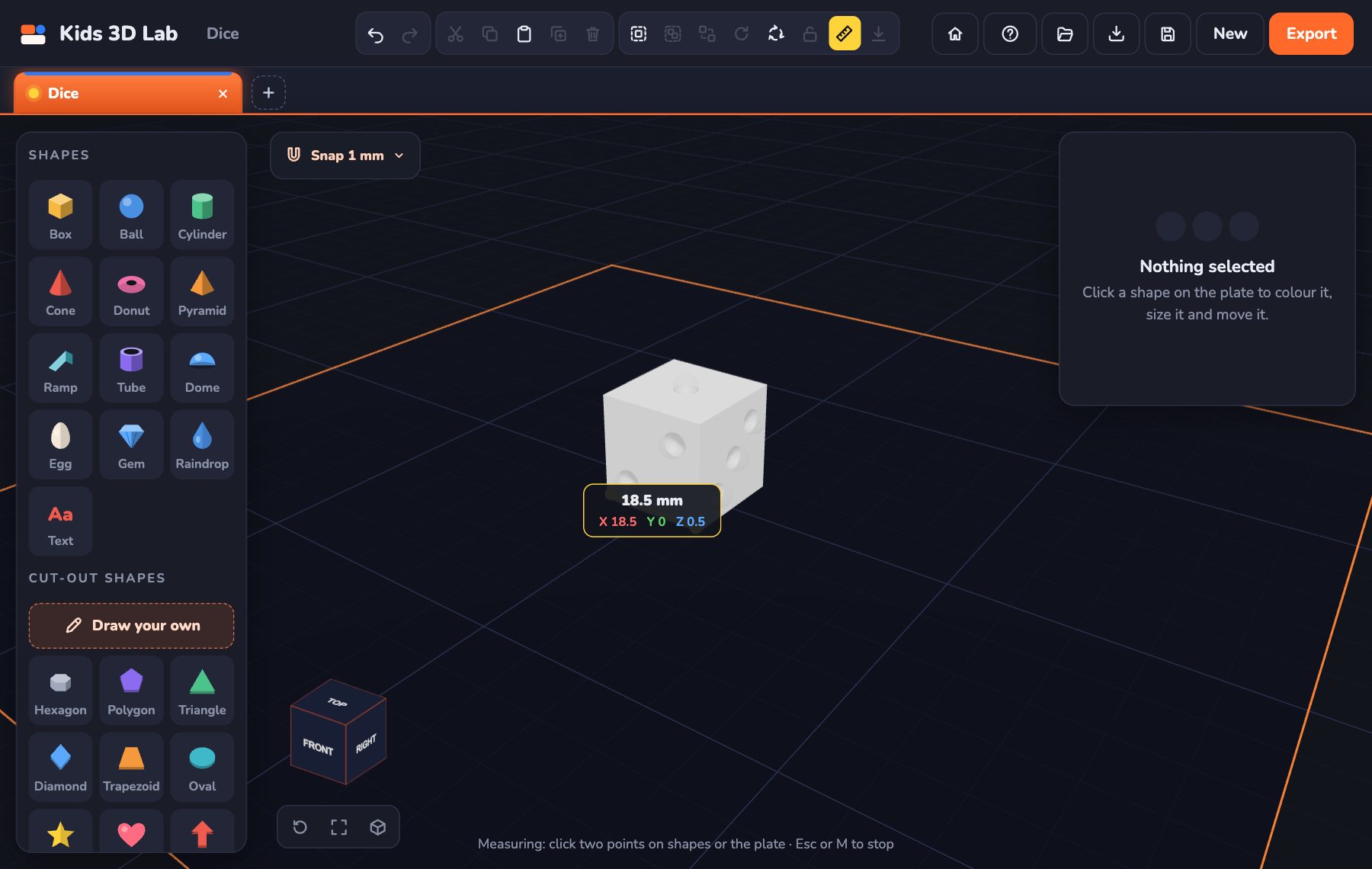 Millimetres Made Easy: How Big Is Your Model?
Every number in Kids 3D Lab is in millimetres. Learn how big a millimetre is, and how to make your model just the right size.
5 min read
Millimetres Made Easy: How Big Is Your Model?
Every number in Kids 3D Lab is in millimetres. Learn how big a millimetre is, and how to make your model just the right size.
5 min read
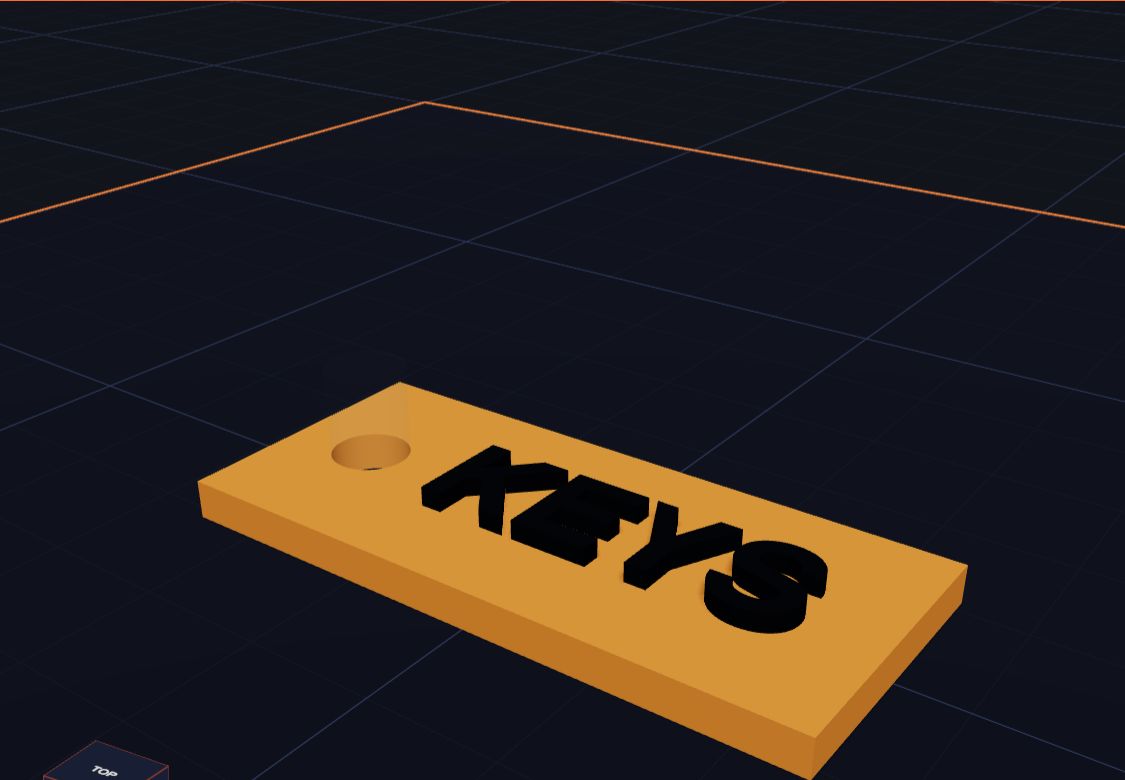 How Holes Work (and How to Make a Key Tag)
In Kids 3D Lab any shape can become a hole. Learn how holes cut into other shapes, and make a key tag with a hole for the ring.
5 min read
How Holes Work (and How to Make a Key Tag)
In Kids 3D Lab any shape can become a hole. Learn how holes cut into other shapes, and make a key tag with a hole for the ring.
5 min read